Turn Any Sketch Into a
Photorealistic Render.
Upload a hand-drawn sketch or rough plan. Gendo's AI does the rest.
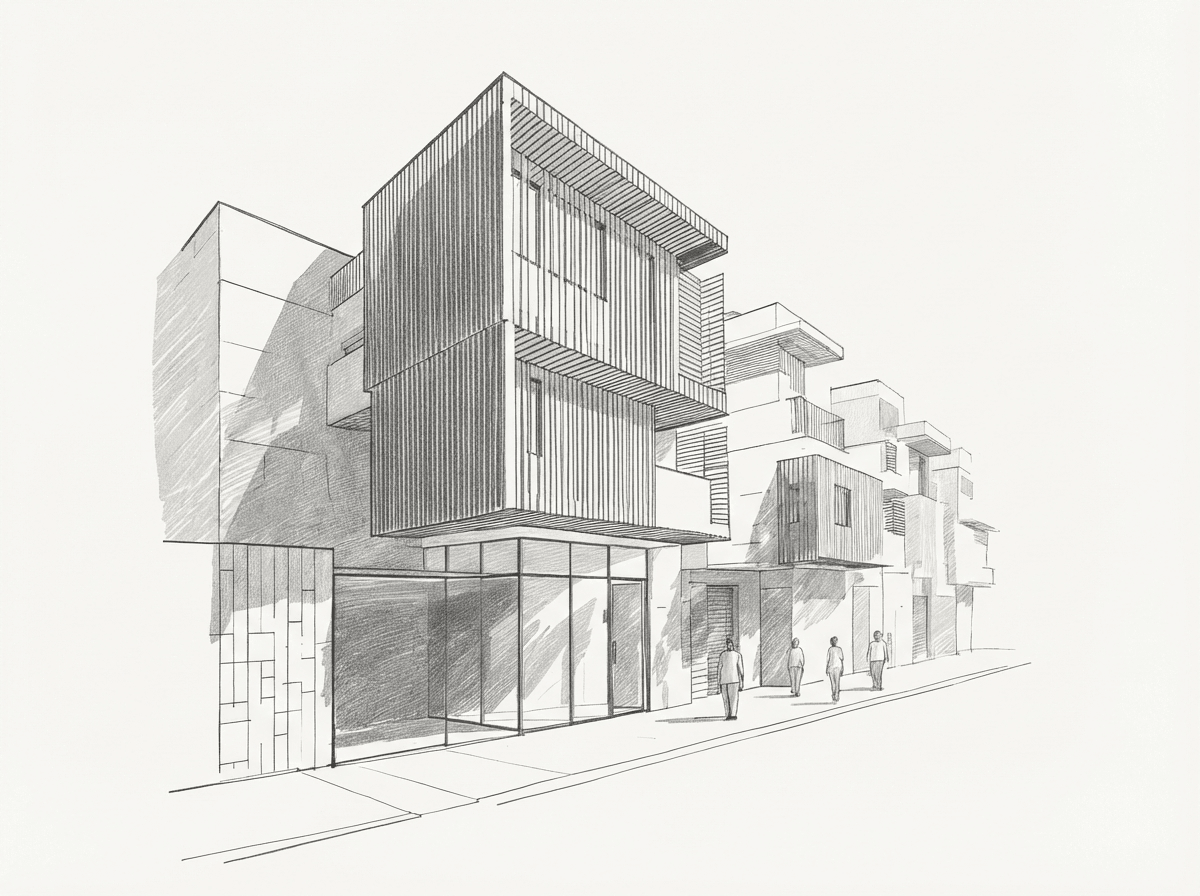 Sketch
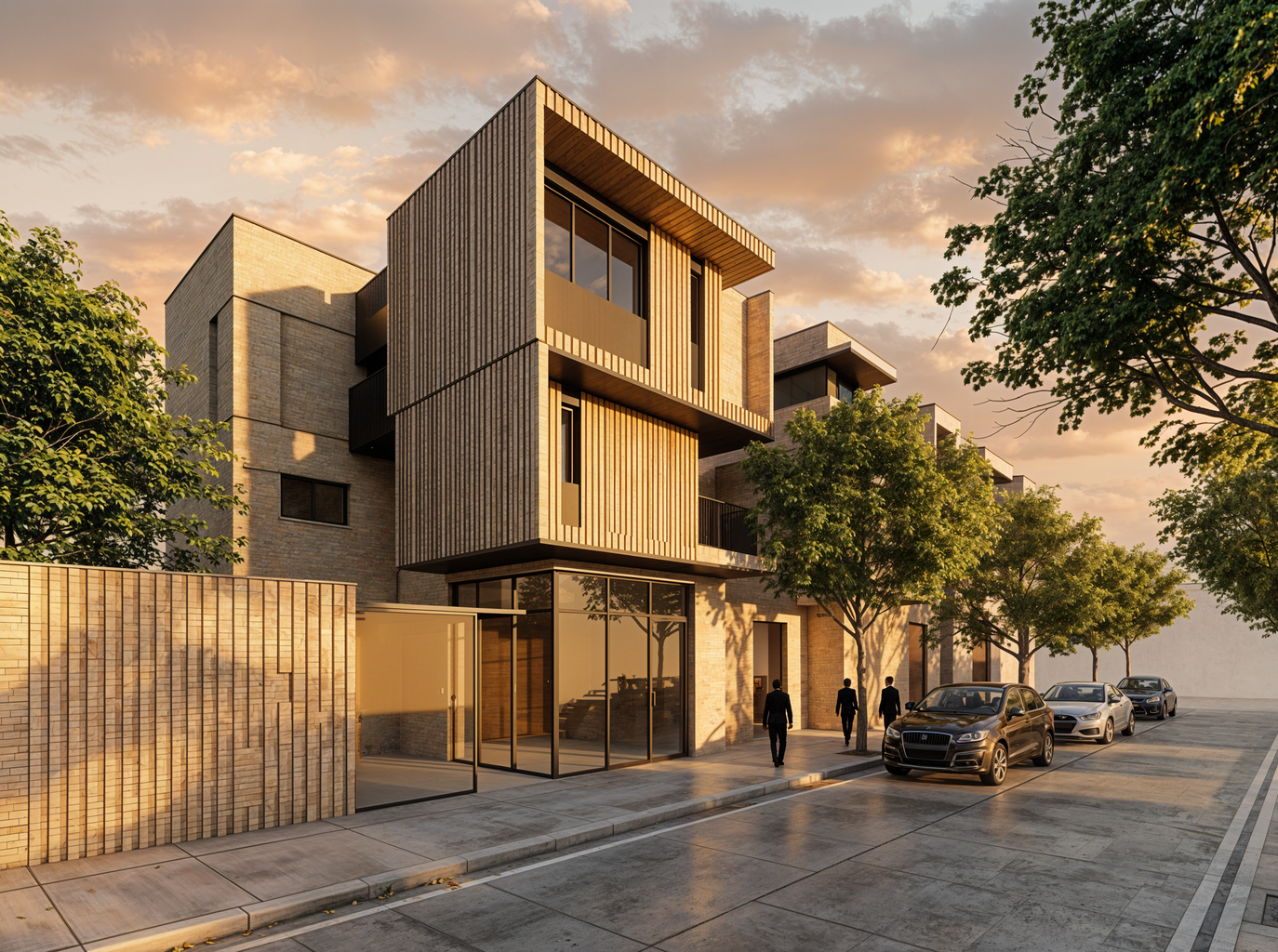 Gendo Render
Flexibility
Works with any sketch
Use cases
Built for every creative workflow
Interior Designers
Turn quick room sketches into photorealistic interior visualisations. Test materials, lighting, and furniture layouts before committing to a direction.
Try it freeWhy Gendo beats the alternatives
Generic AI image tools were not built for spatial design. Gendo is.
| Feature | Adobe Firefly | Canva | Gendo |
|---|---|---|---|
| Sketch-to-render (spatial) | |||
| Architecture-specific AI | |||
| Preserves geometry | |||
| Material control | |||
| Team collaboration | |||
| Free tier | |||
| Commercial-use licensing | |||
| Professional render quality |
Frequently asked questions
Sketch to image AI tools allow designers, architects, and homeowners to transform hand-drawn sketches into photorealistic renders using artificial intelligence. Unlike generic AI image generators, Gendo's sketch to image AI is purpose-built for spatial design — preserving room proportions, architectural geometry, and structural accuracy. Whether you're working from a pencil sketch, a digital line drawing, or a rough massing model, AI-powered sketch-to-render workflows reduce visualisation time from hours to seconds, enabling faster design iteration and more confident client communication.
Your sketch, rendered.
Upload any sketch and see it transformed in seconds. Free to start.
Rendering guides by software
How Gendo fits alongside the modelling software your studio already uses.
SketchUp rendering
Plugins, Lumion or Twinmotion, or AI from a screenshot.
Read the SketchUp guideRevit rendering
Move past the flat BIM look without leaving your model.
Read the Revit guideRhino rendering
Render Rhino and Grasshopper iterations side by side.
Read the Rhino guideArchicad rendering
CineRender, AI Visualizer, plugins and screenshot AI.
Read the Archicad guideAutoCAD rendering
What AutoCAD AI does, and how to render your drawings.
Read the AutoCAD guide