If you can imagine it,
Gendo can render it.
The AI-powered design canvas that transforms how architects visualize, iterate, and present. From first sketch to final sign-off.
Workflow
From first sketch to final presentation
Two ways to work
Purpose-built tools.
Chat-driven iteration.
Gendo gives you dedicated architectural tools for precision work, and a conversational AI assistant for everything in between.
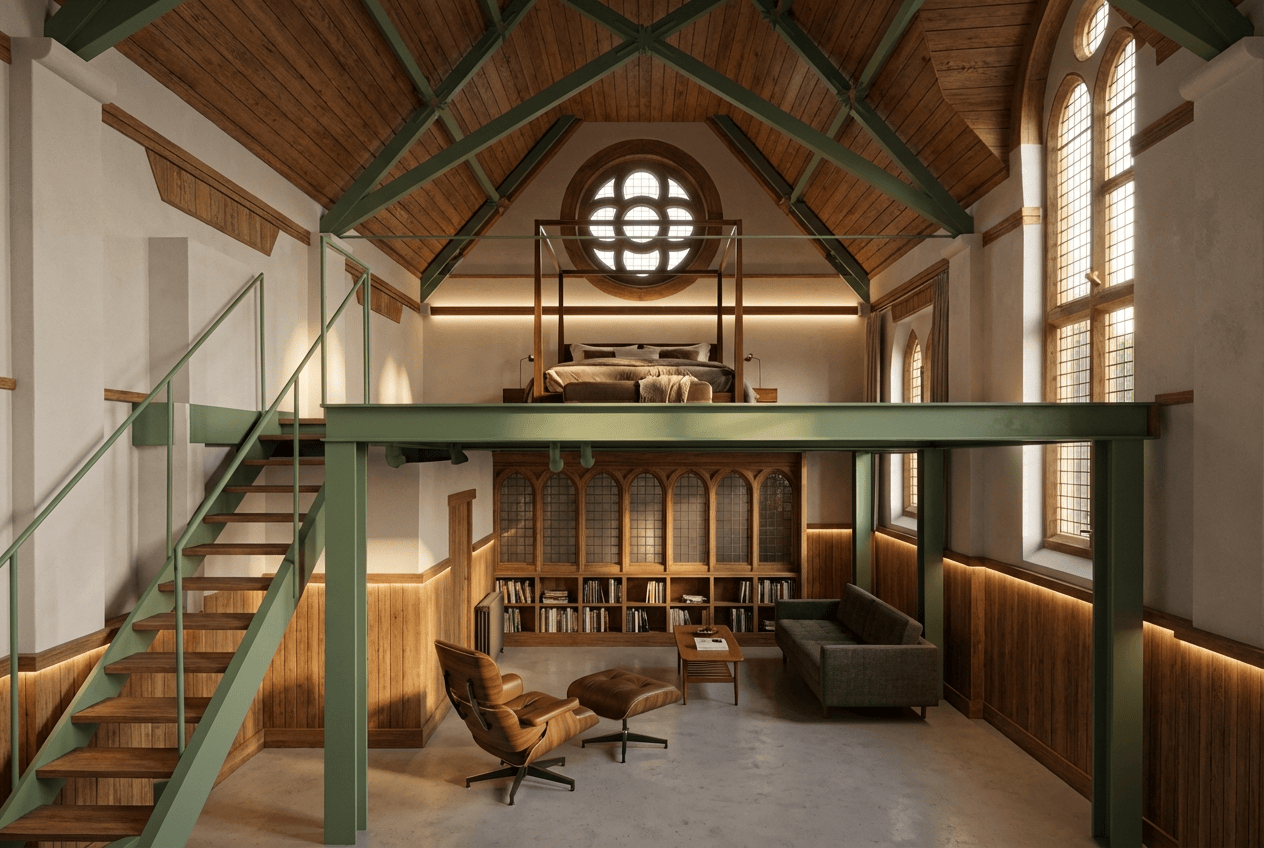
Bespoke Architecture Tools
Purpose-built for architectural workflows. Render from sketches, swap materials with region selection, populate scenes with people, run parallel rendering of variations, and use AI upscaling to take any render to 4× resolution — all with tools designed around how architects actually work.
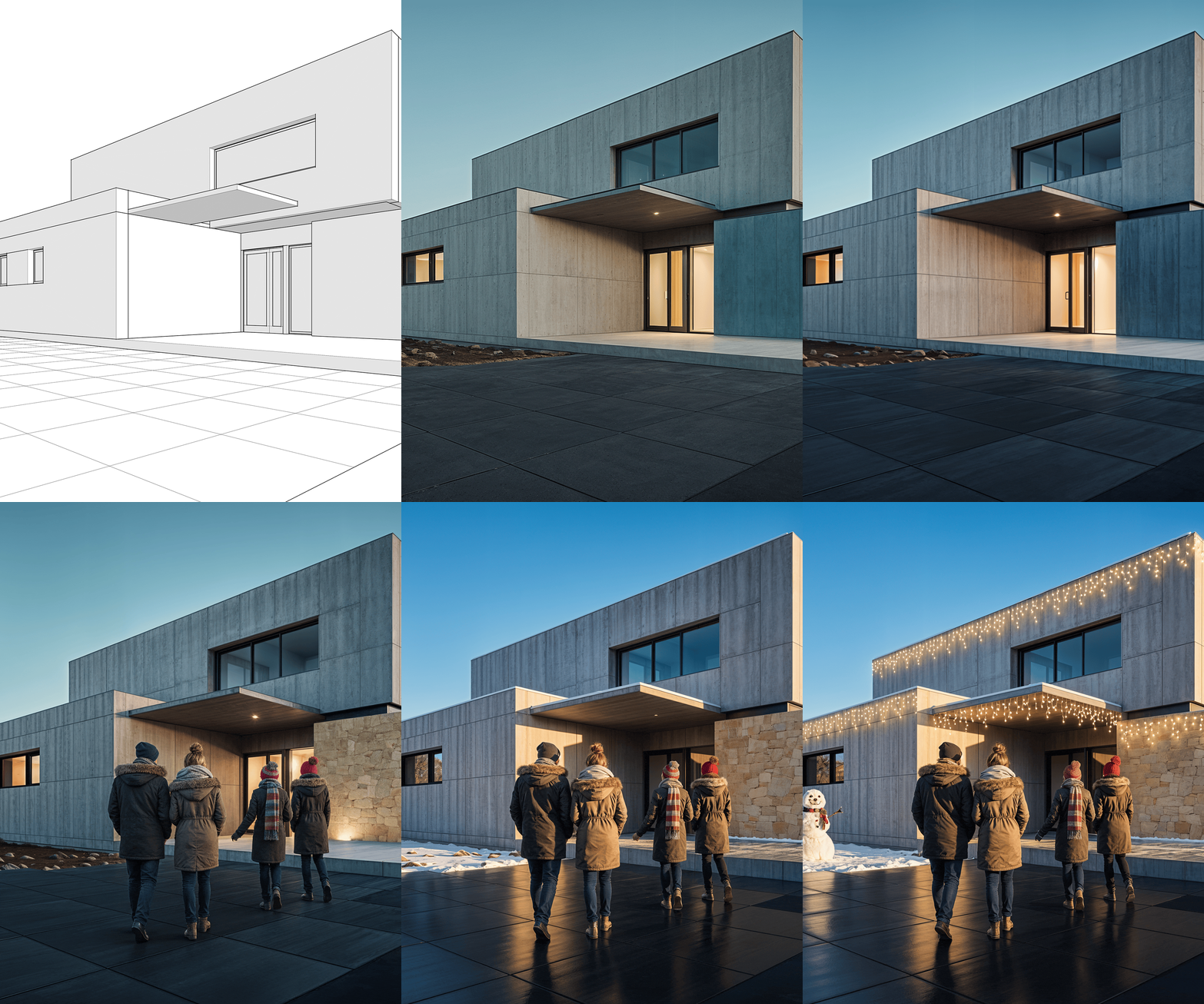
Chat-Based Editing
Describe the change. Gendo edits the scene. Swap seasons, adjust lighting, add landscaping, or change the time of day — all through natural language. Your geometry stays fixed. Your design intent stays intact.
Real prompts. Real results.
See real workflows
Browse workflow examples by feature. Every prompt below works inside Gendo today. Hover to see before → after.
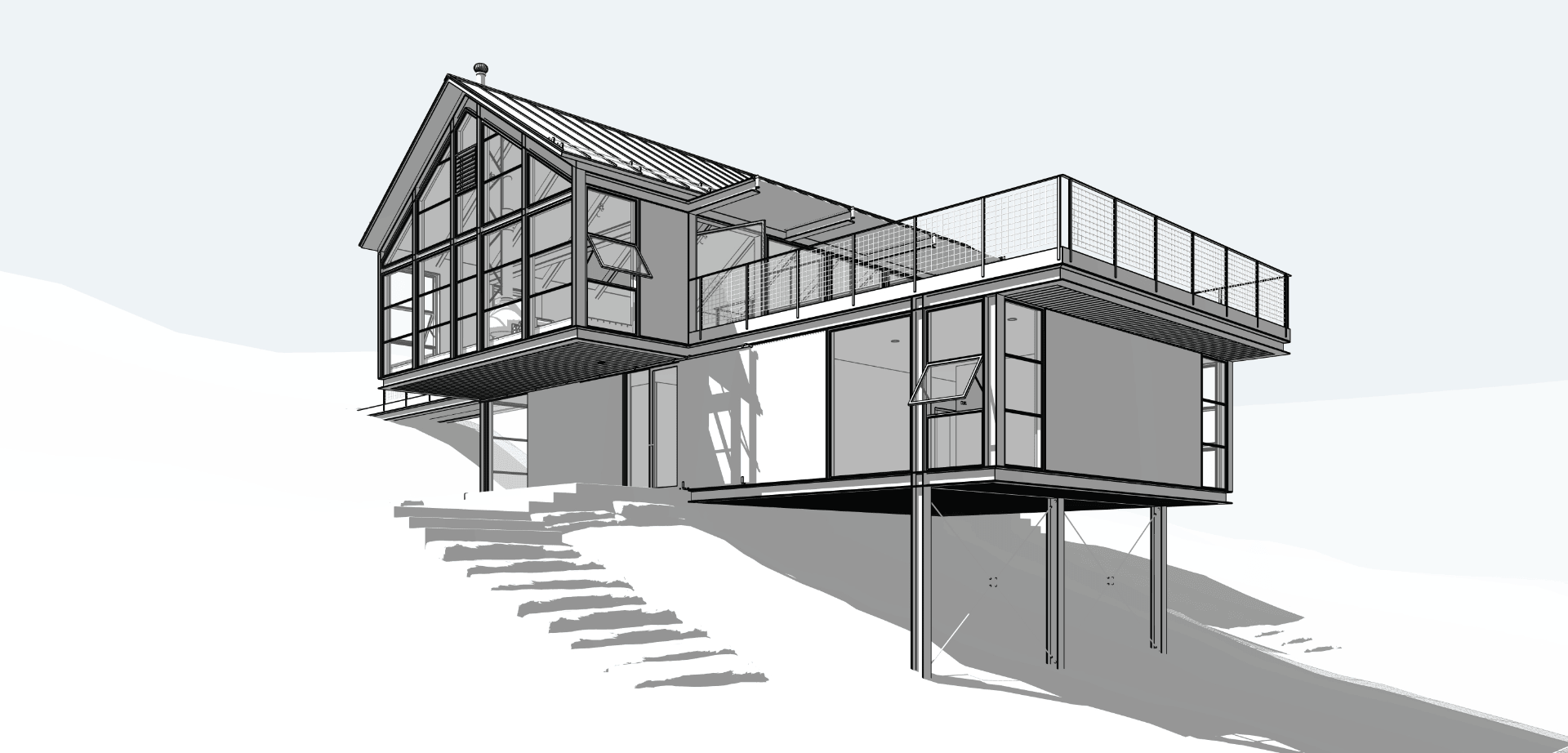
"Render this SketchUp export as a photorealistic architectural visualization with warm residential materials, natural daylight, and soft interior styling."
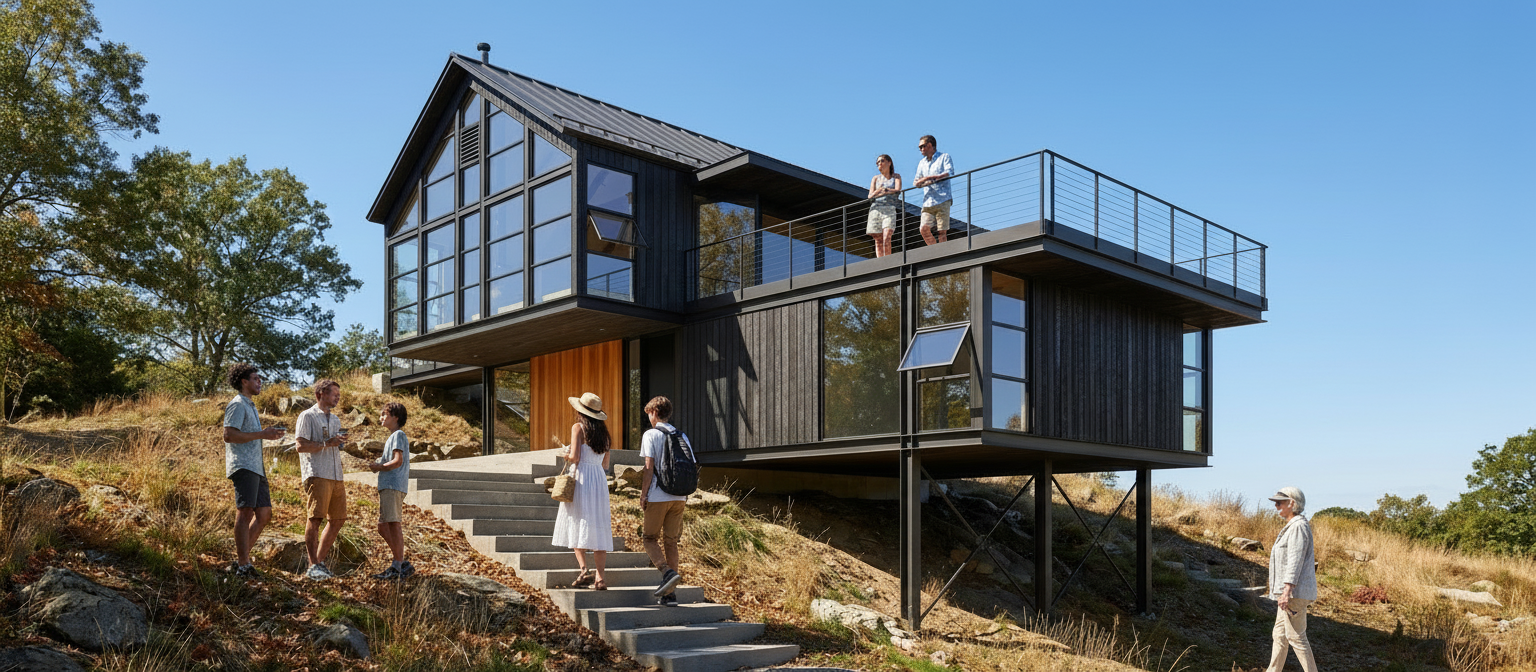
"Add people for scale"
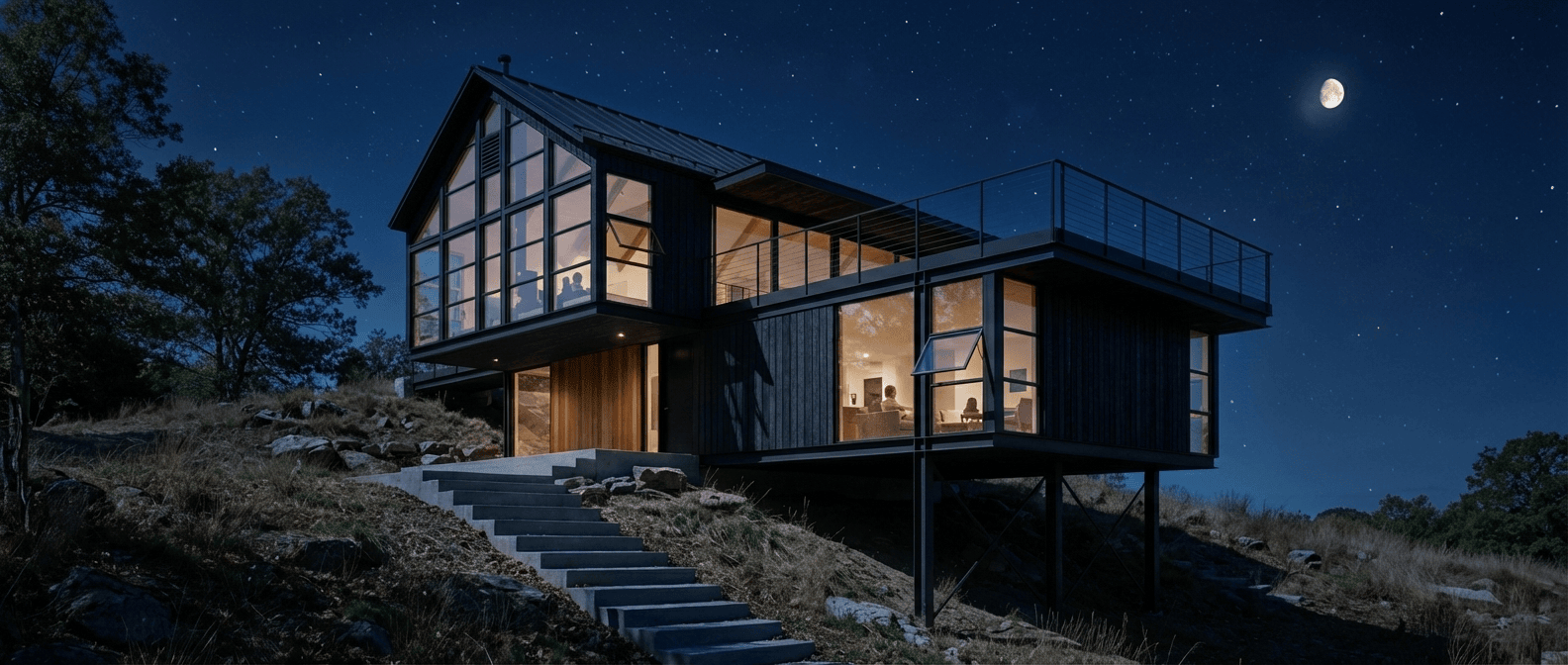
"Keep the geometry fixed and make it nighttime with dim lights in the house."
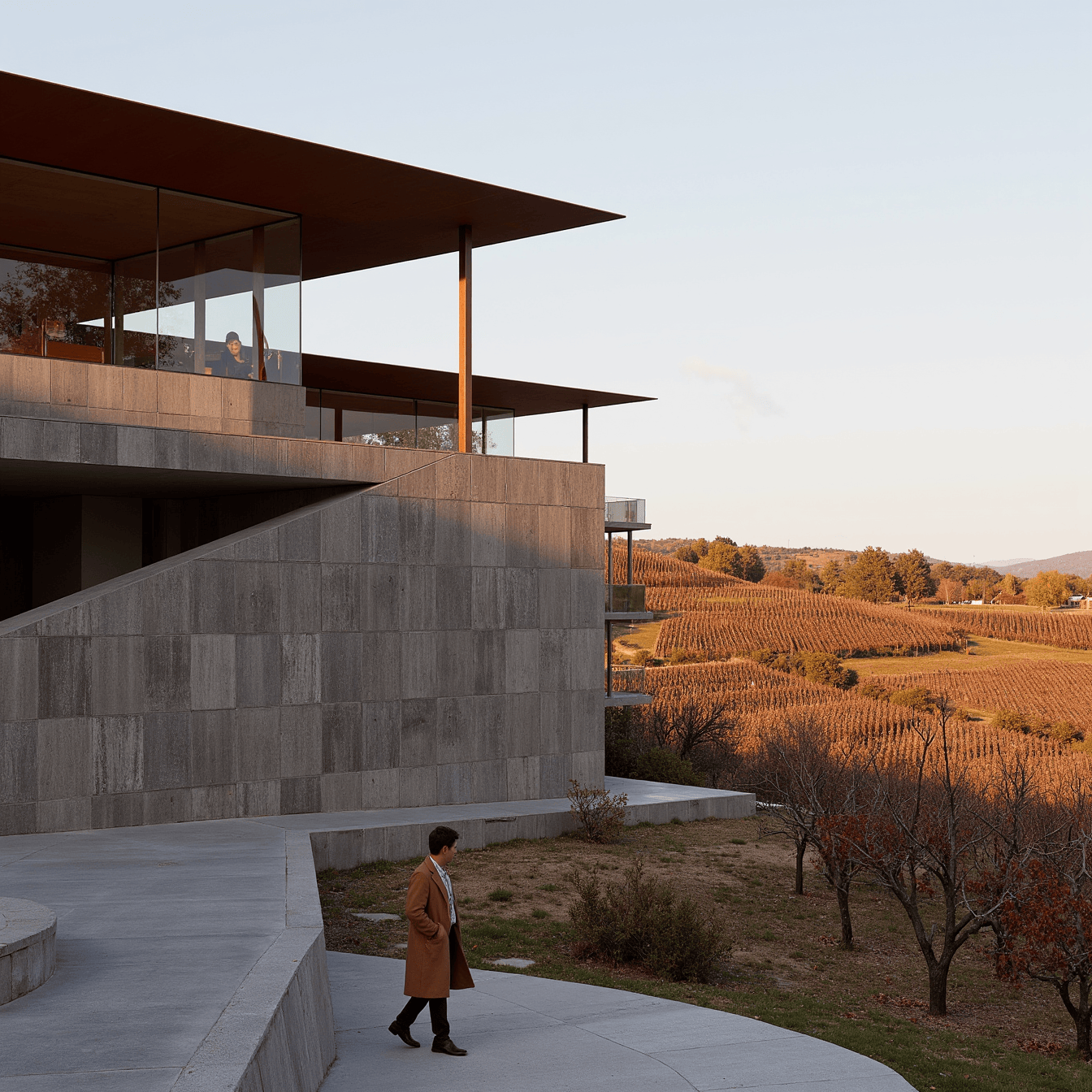
"Convert this textured model into a photorealistic render"
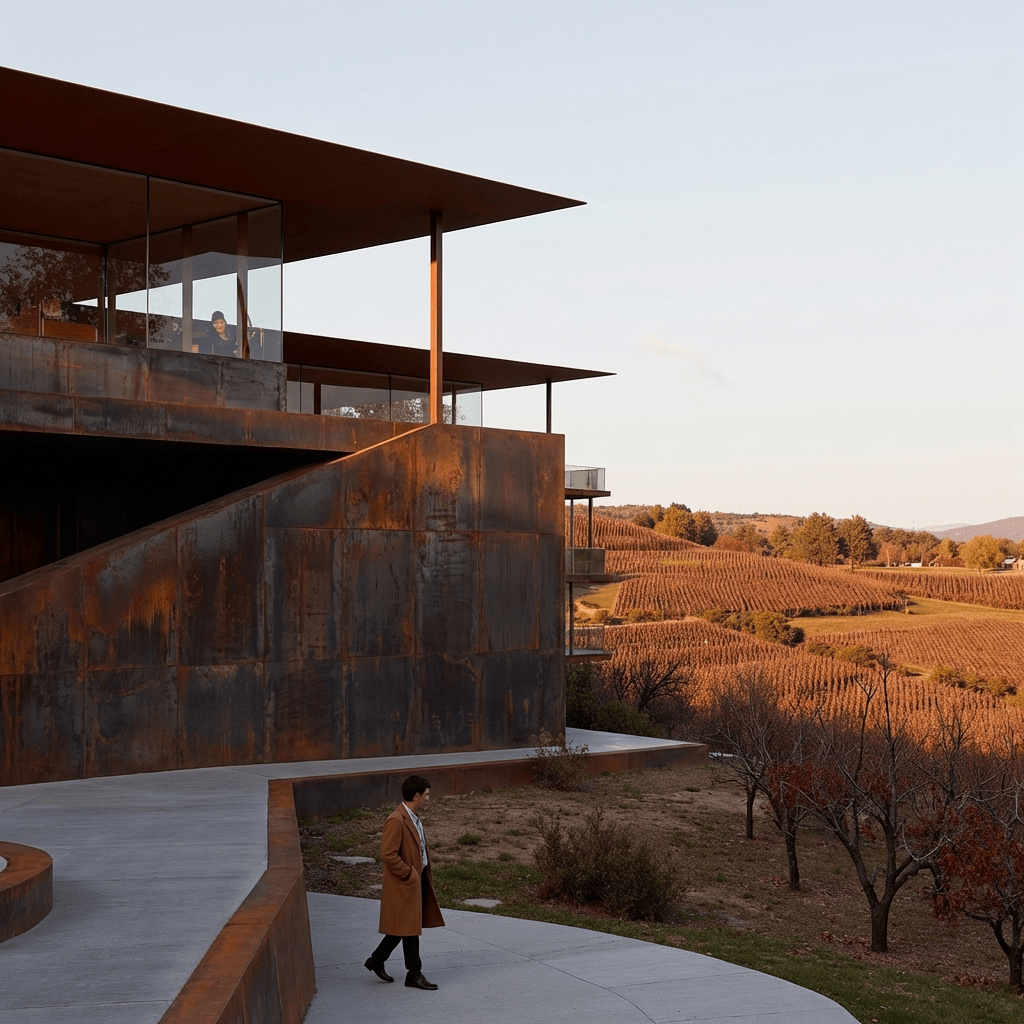
"Change the material to corten steel"
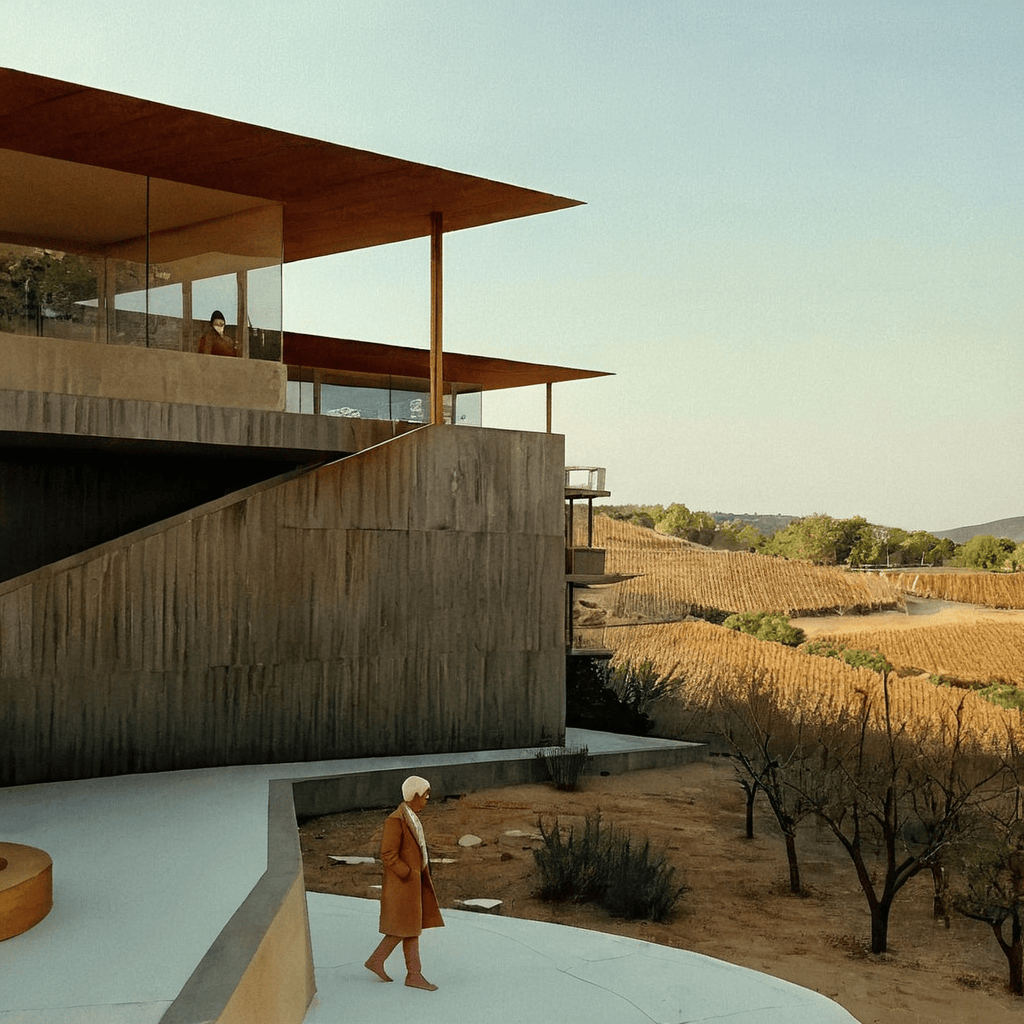
"Style this as watercolour"
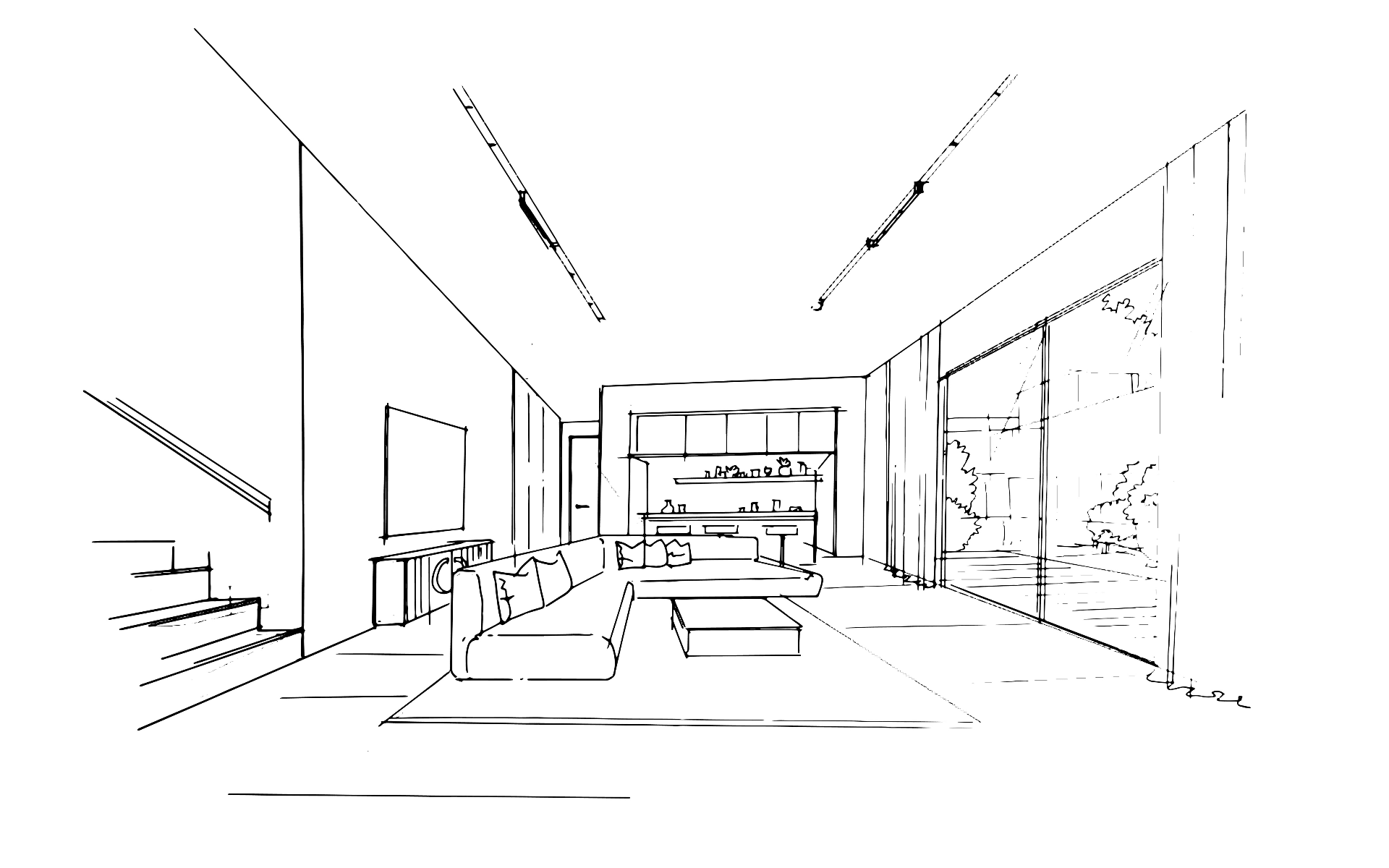
"Render this interior sketch as a warm residential living space"
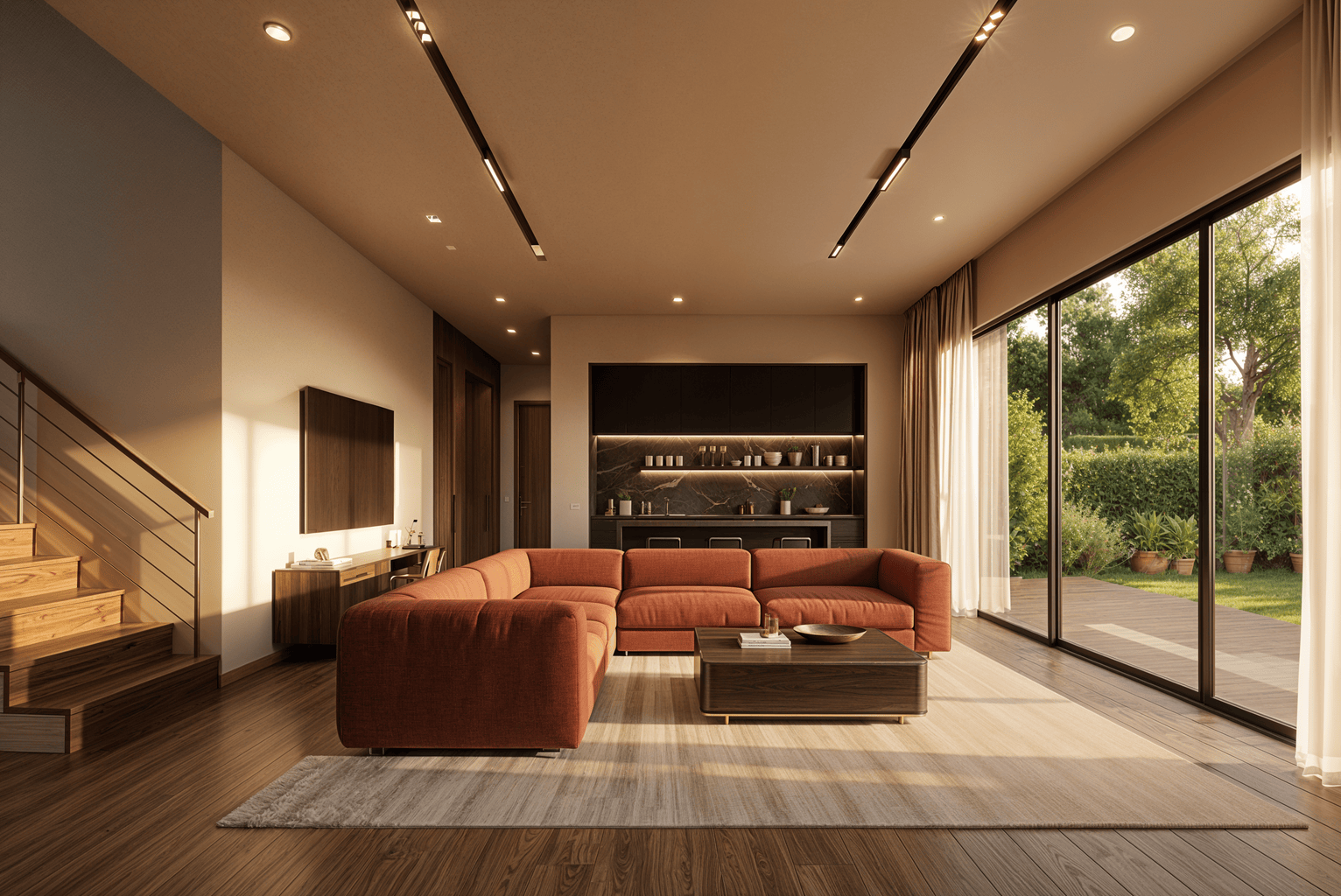
"Enhance realism — sharpen materials, add natural light falloff"
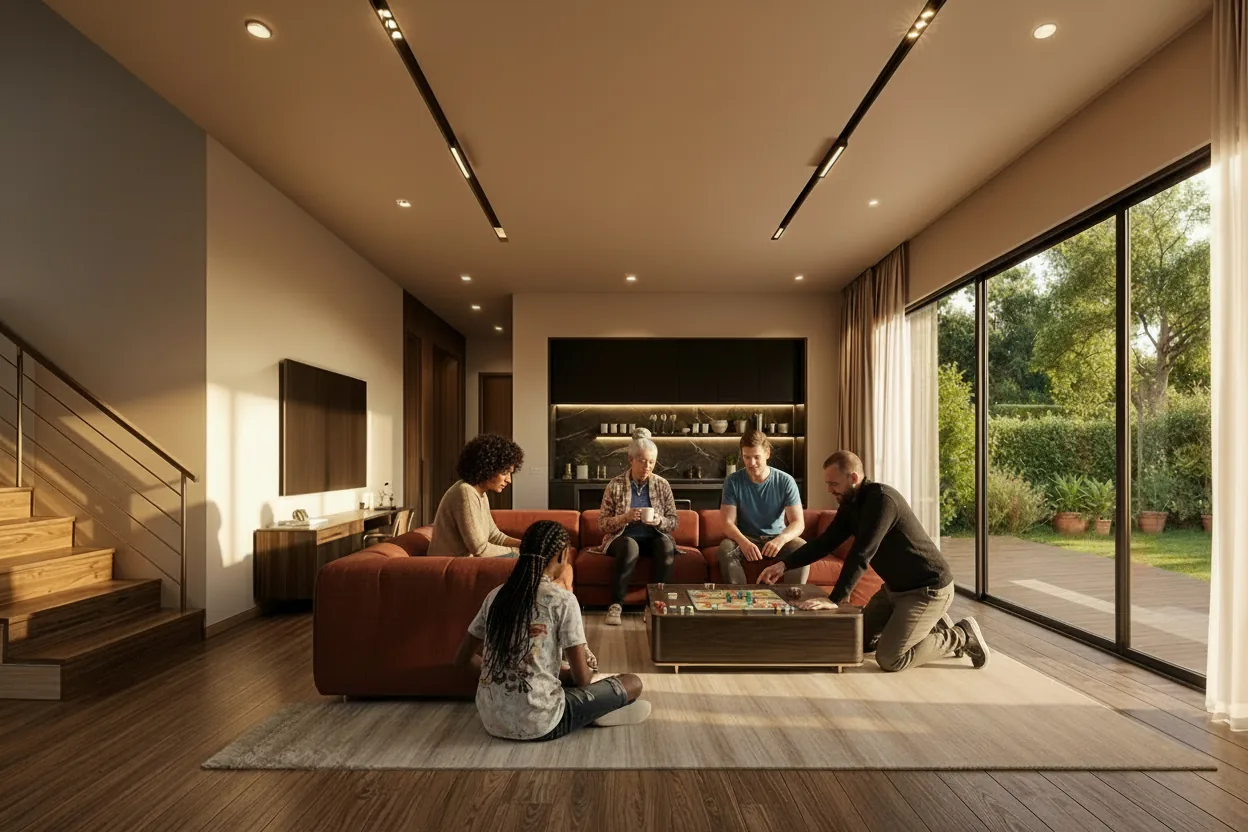
"Add a family relaxing in the living room"
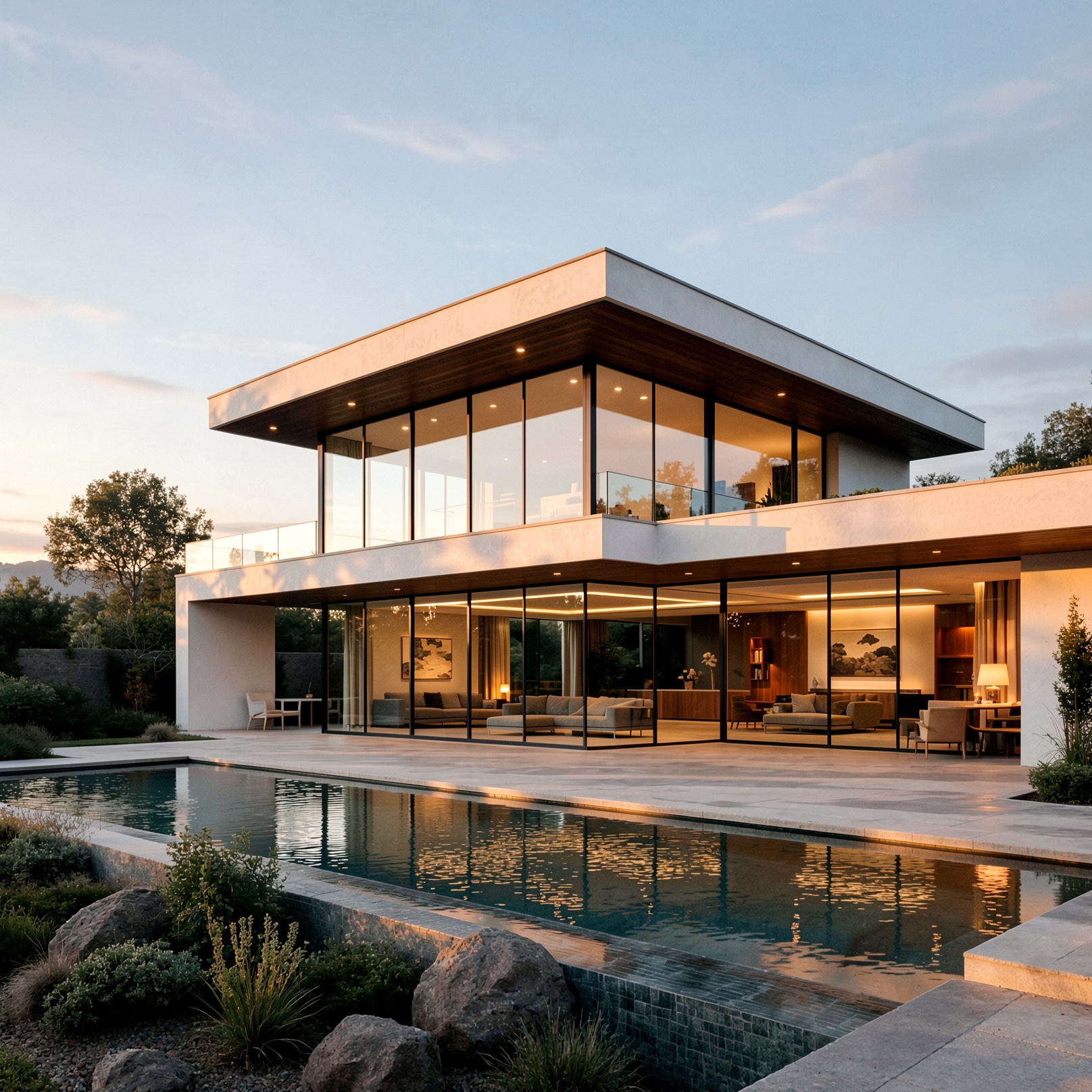
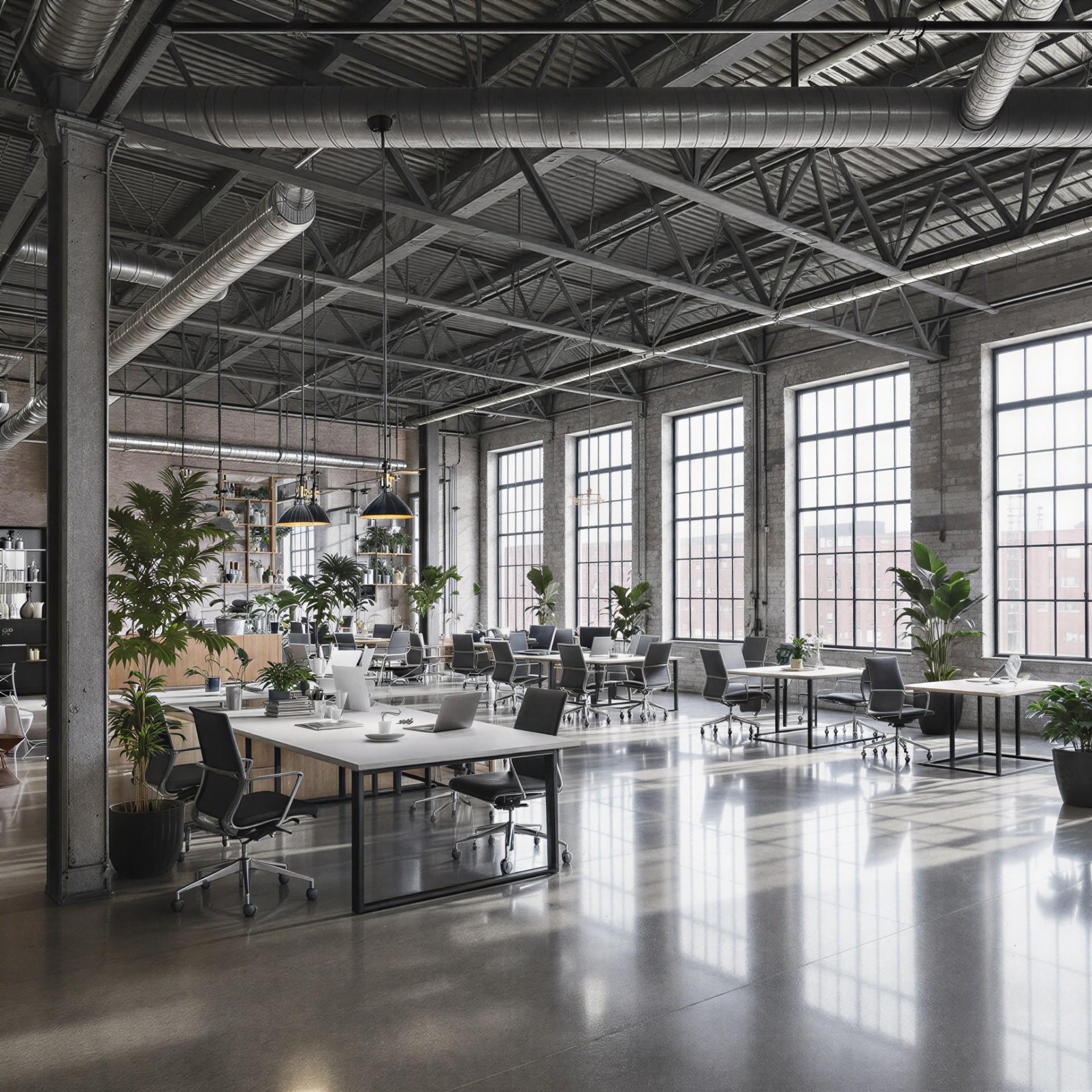
"A modern luxury house with floor-to-ceiling glass, an infinity pool, and seamless indoor-outdoor living, bathed in cinematic golden-hour light, ultra-realistic and architecturally stunning."
"A thoughtfully designed landscape with sculpted planting beds, mature trees, natural stone pathways, and a tranquil water feature, illuminated by soft golden-hour light, rendered in an ultra-realistic landscape architecture style with rich textures and a serene atmosphere."
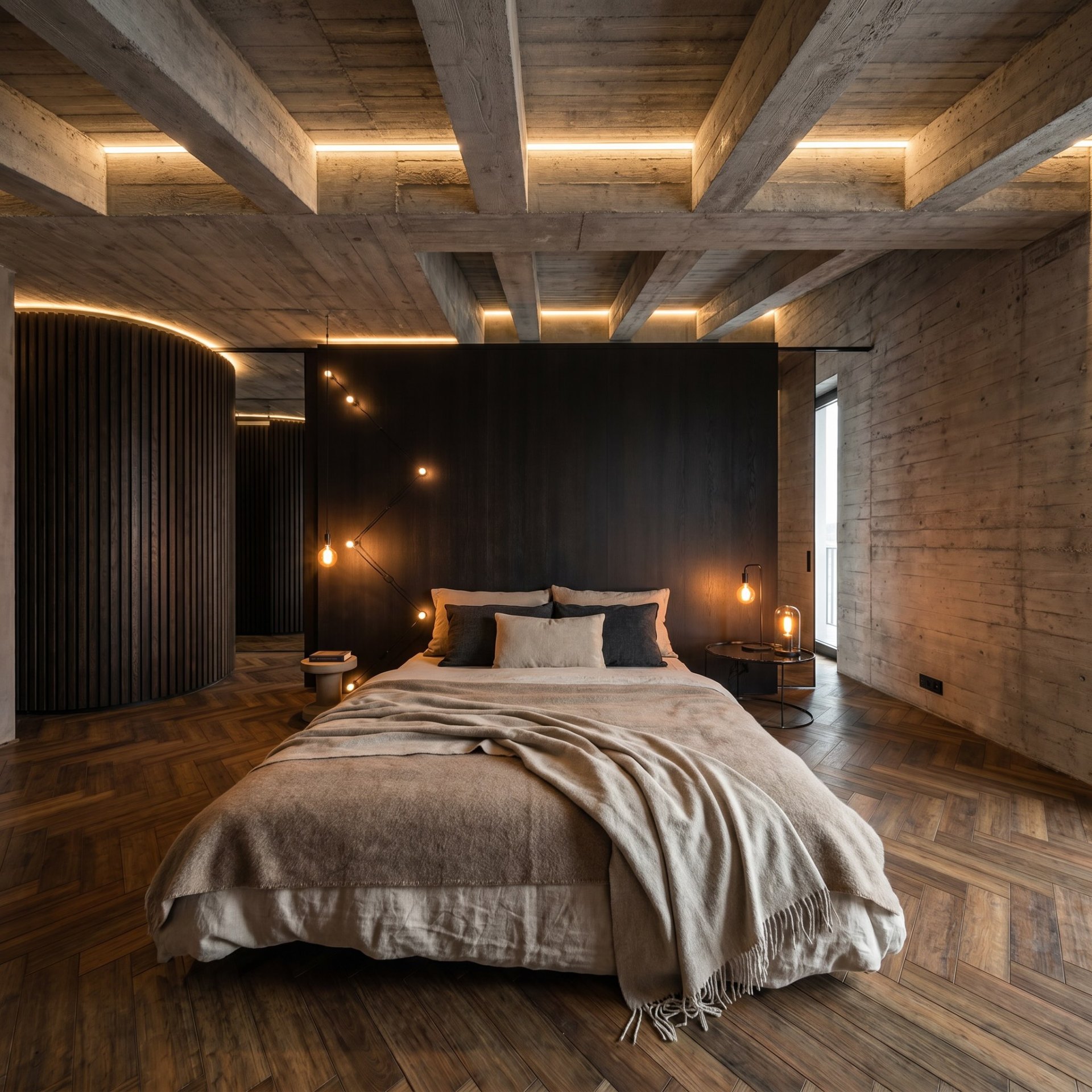
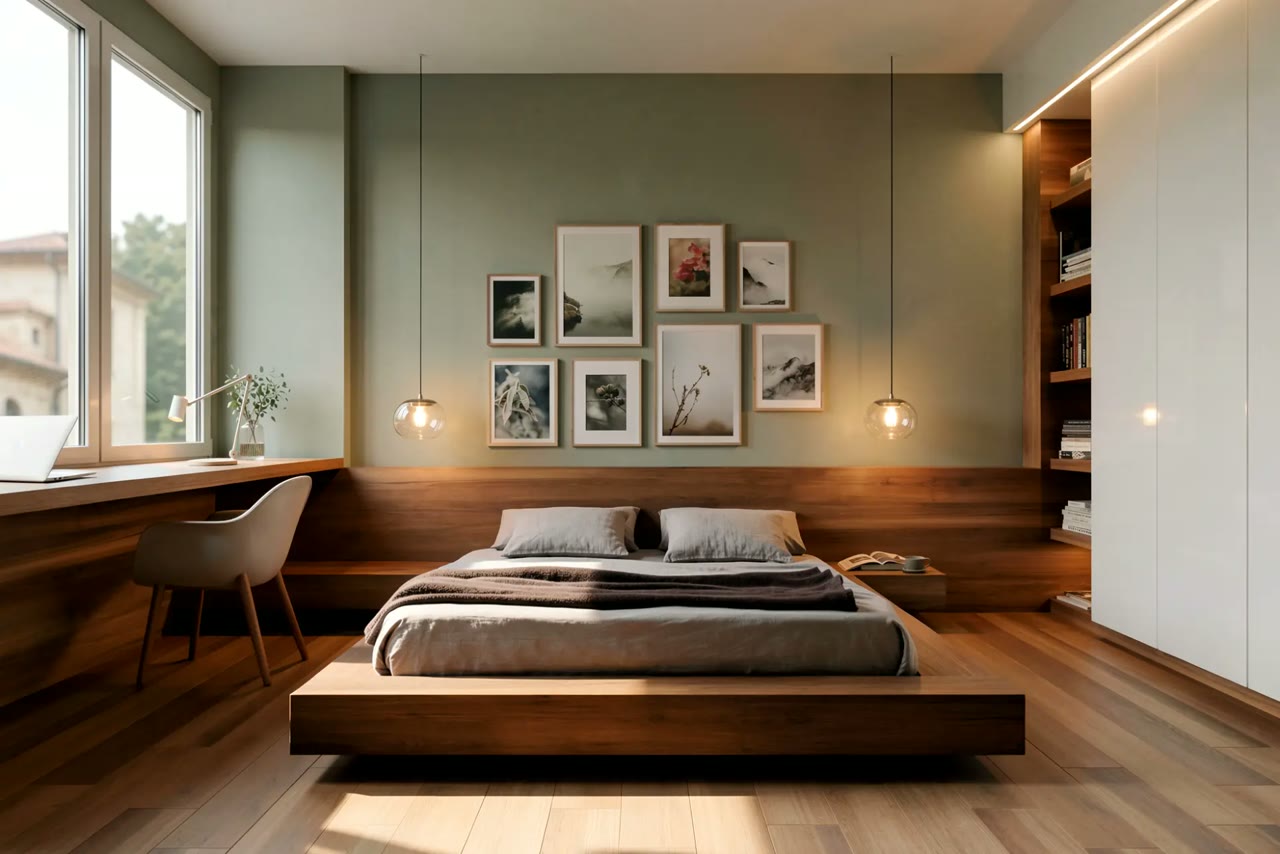
"A moody industrial bedroom with exposed concrete walls and ceilings, dark timber paneling, warm ambient lighting, and rich herringbone wood flooring, creating a sophisticated and intimate atmosphere, rendered in an ultra-realistic interior visualization style with refined materials, architectural detailing, and luxury hospitality aesthetics."
"Walk forward through the scene at eye-level for a handheld walkthrough."
"Orbit the camera around the building to reveal the full form."
"Generate an AI-directed cinematic 4-shot sequence from a single render."
Proof in practice
Studios shipping better work, faster
See how architecture teams use Gendo to win pitches, accelerate approvals, and deliver higher-quality visuals.

Dan Thompson
Origin Design Studio
"Gendo has completely changed how we present to clients. What took days now takes hours."
Read story
Bianca Peplar
Cascadia Architects
"We explore more options in a single session than we used to in a week."
Read story
Wayne Greenland
Habitat Studio Architects
"The speed lets us iterate with clients in real time — decisions happen in the room."
Read storyFor Studio and Enterprise plans, workspace data and generated content are never used for training, marketing, or any other purpose.
Studio and Enterprise plans include a commercial use licence with full ownership.
Capabilities
Every tool an architect needs.
Nothing you don't.
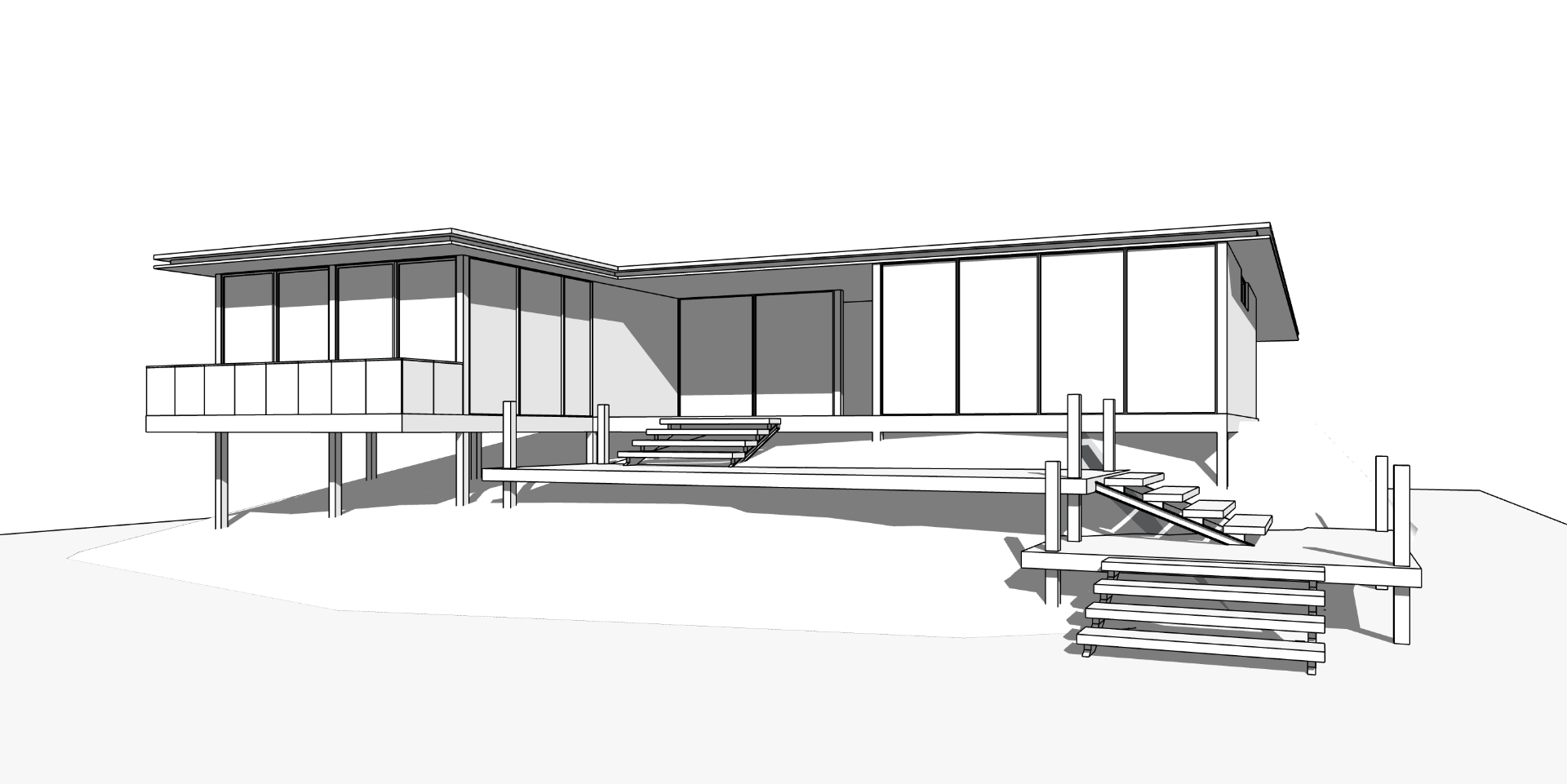
 BeforeHover to reveal
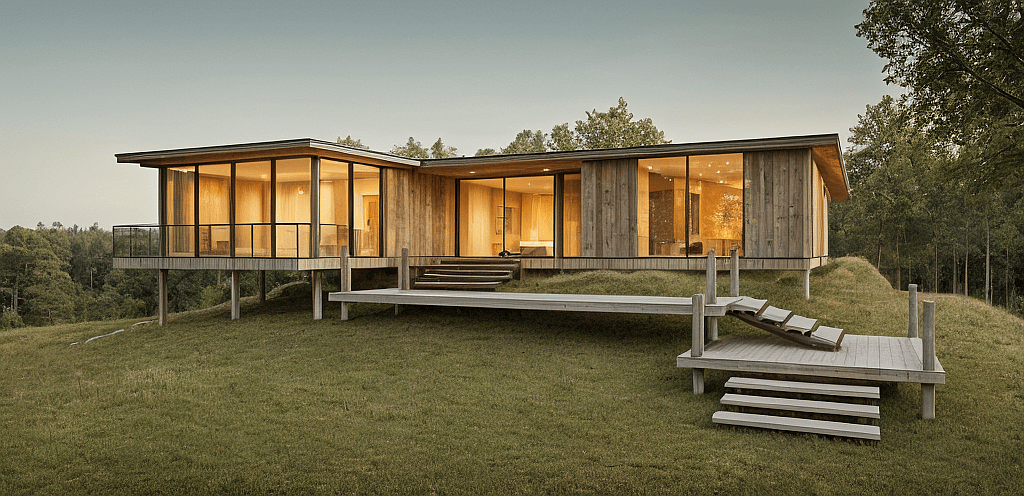
Source File Rendering
From SketchUp, Rhino, or Revit to photoreal.
Upload exports from any major 3D or CAD tool and transform them into polished renders. No plugins, no re-modelling.
 BeforeHover to reveal
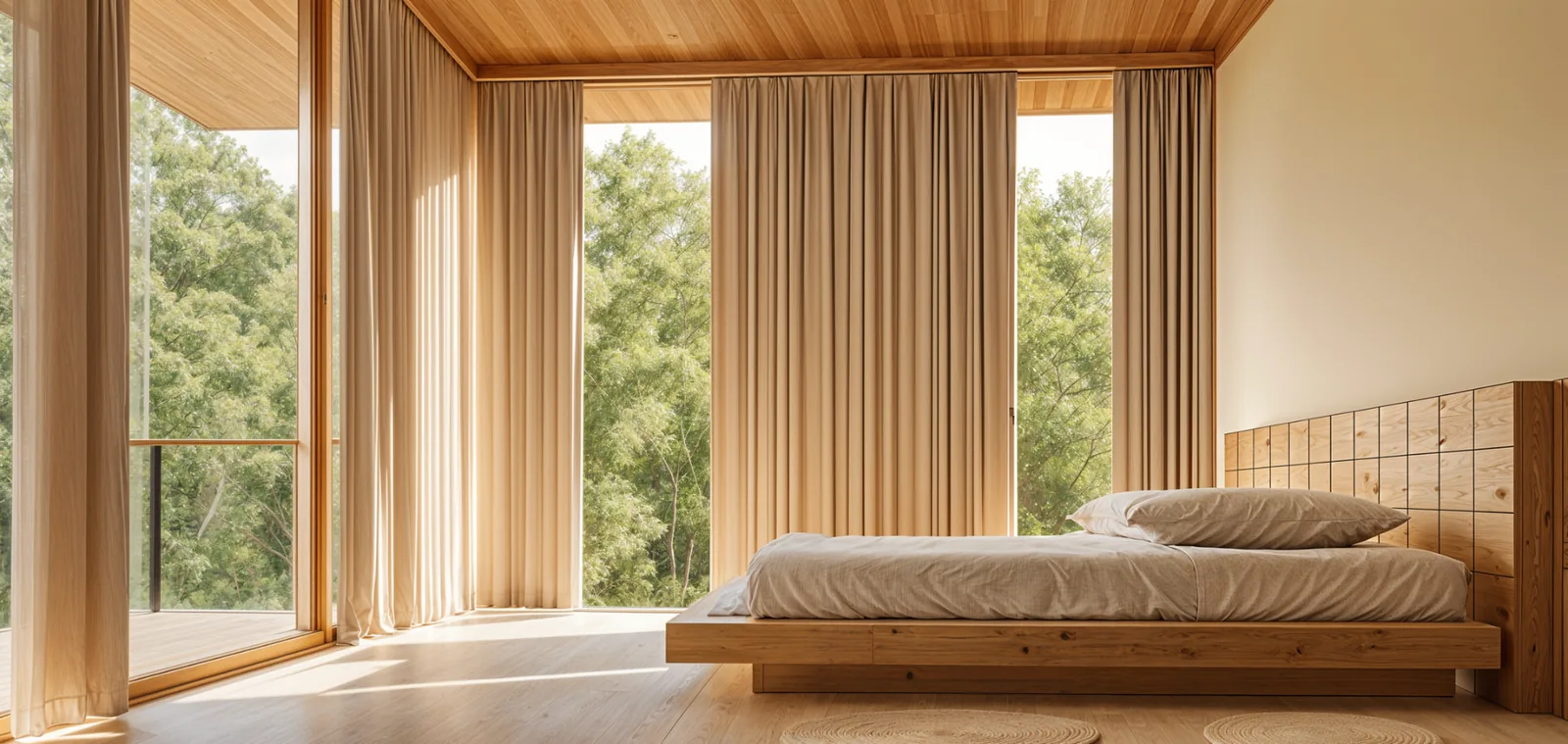
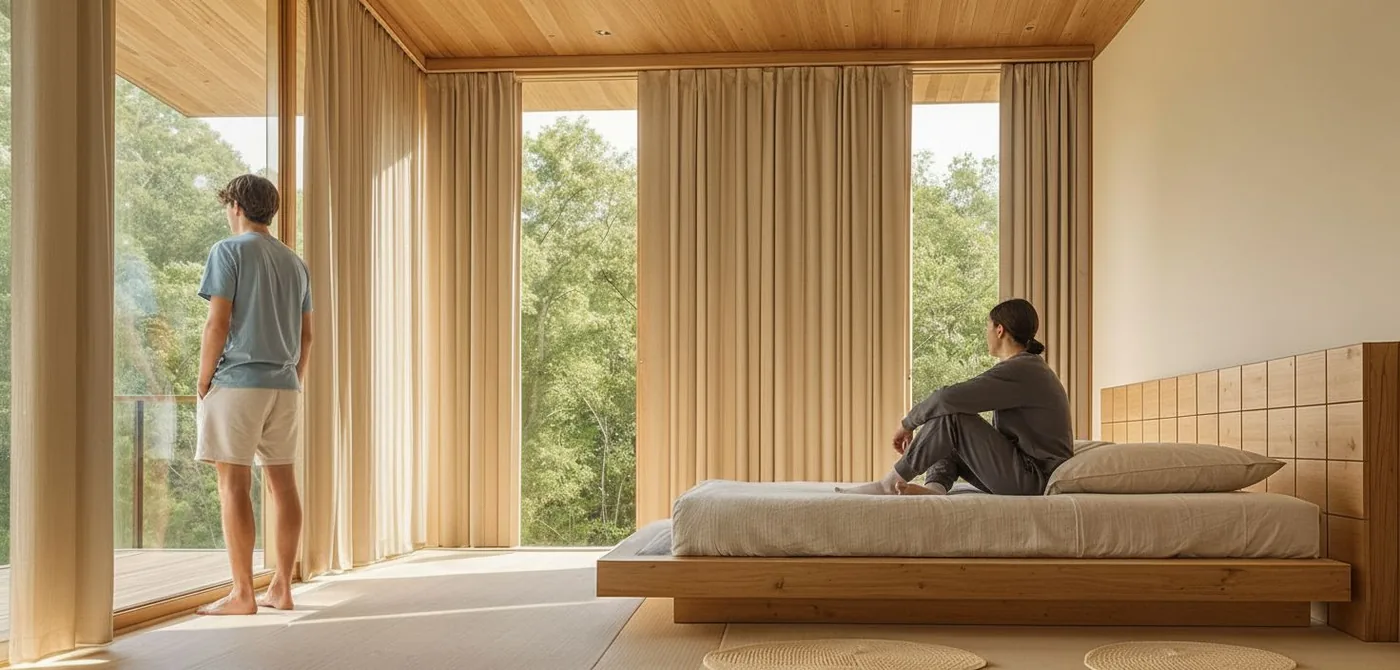
Scene Editing + Entourage
Add life to your scenes — people, context, atmosphere.
Populate scenes with people, furniture, landscaping, and urban context. Watch figures appear naturally in your renders through simple prompts.
BeforeHover to reveal
Sketch to Scene
From hand sketch to fully populated render.
Start with a rough interior sketch, render it into a photorealistic scene, then bring it to life with people — all without leaving the canvas.
 BeforeHover to reveal
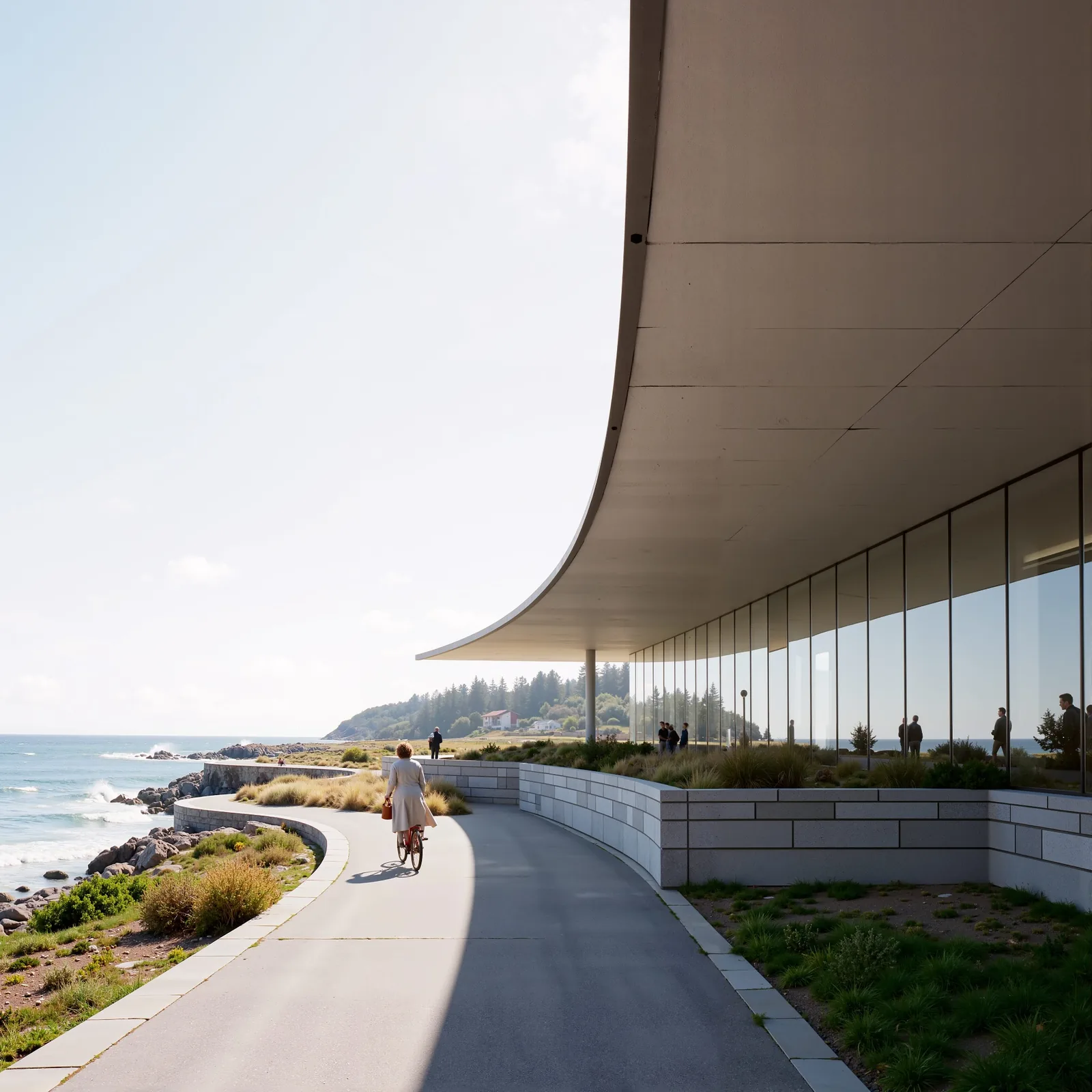
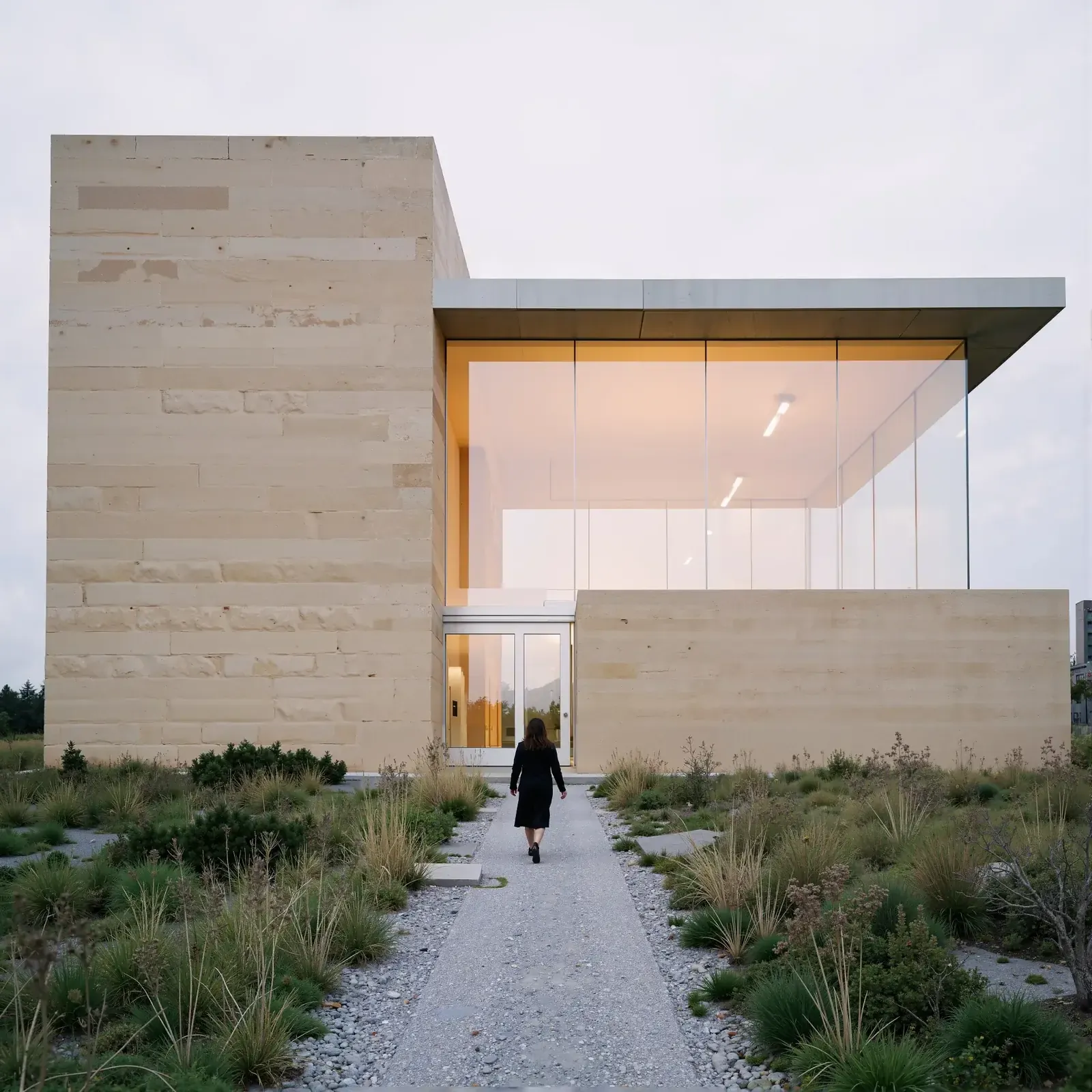
Text to Image
Describe it. See it. Refine it.
Generate architectural visualisations from text descriptions alone. Ideal for early-stage ideation when no model exists yet.
Video
Generate and refine animated design variations.
Bring stills to life. Produce short, controlled animations of your renders to test movement, atmosphere, and presentation directions — then refine them on the same canvas as the rest of your design.
Cinematic Edit
AI-directed sequences from a single scene.
Generate multi-shot cinematic sequences from your renders — for client presentations, competition submissions, and design reviews.
 BeforeHover to reveal
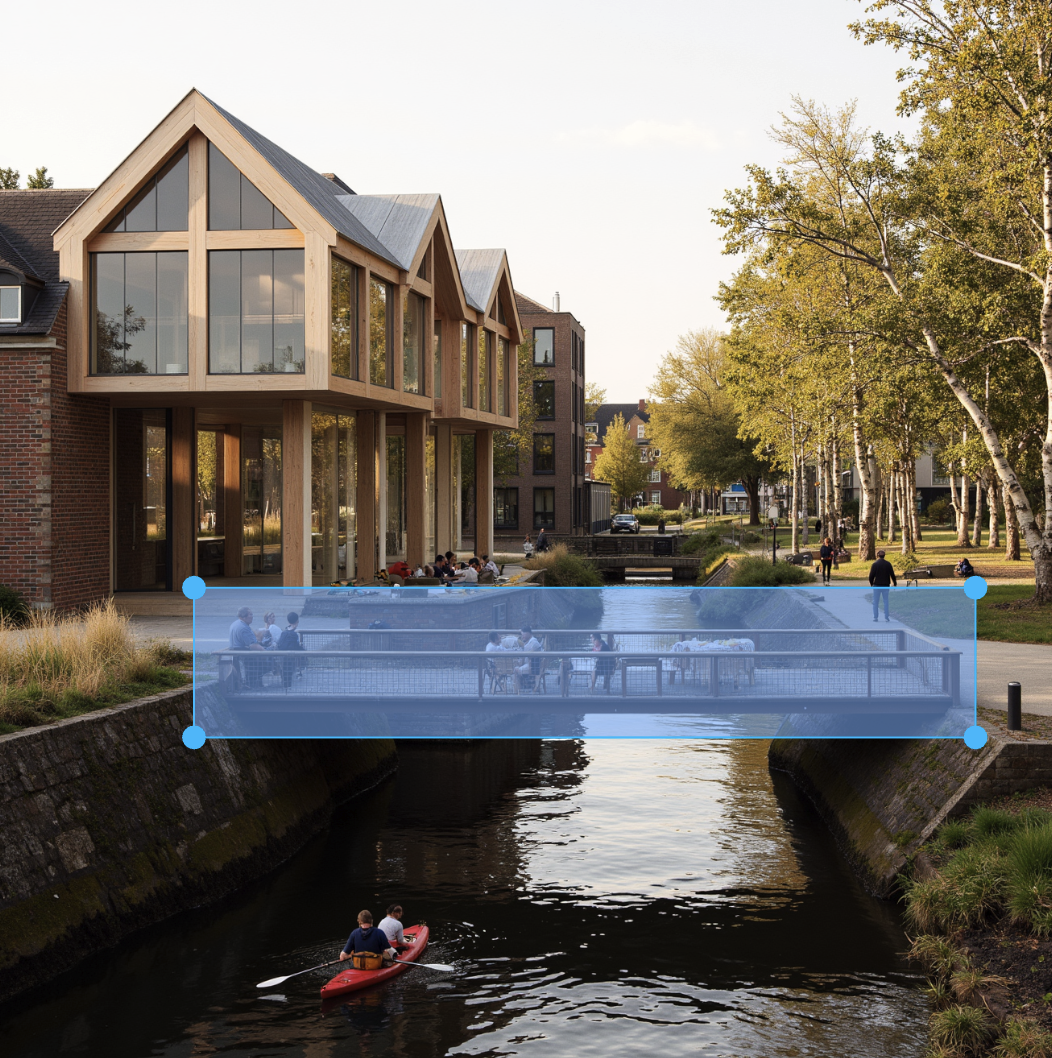
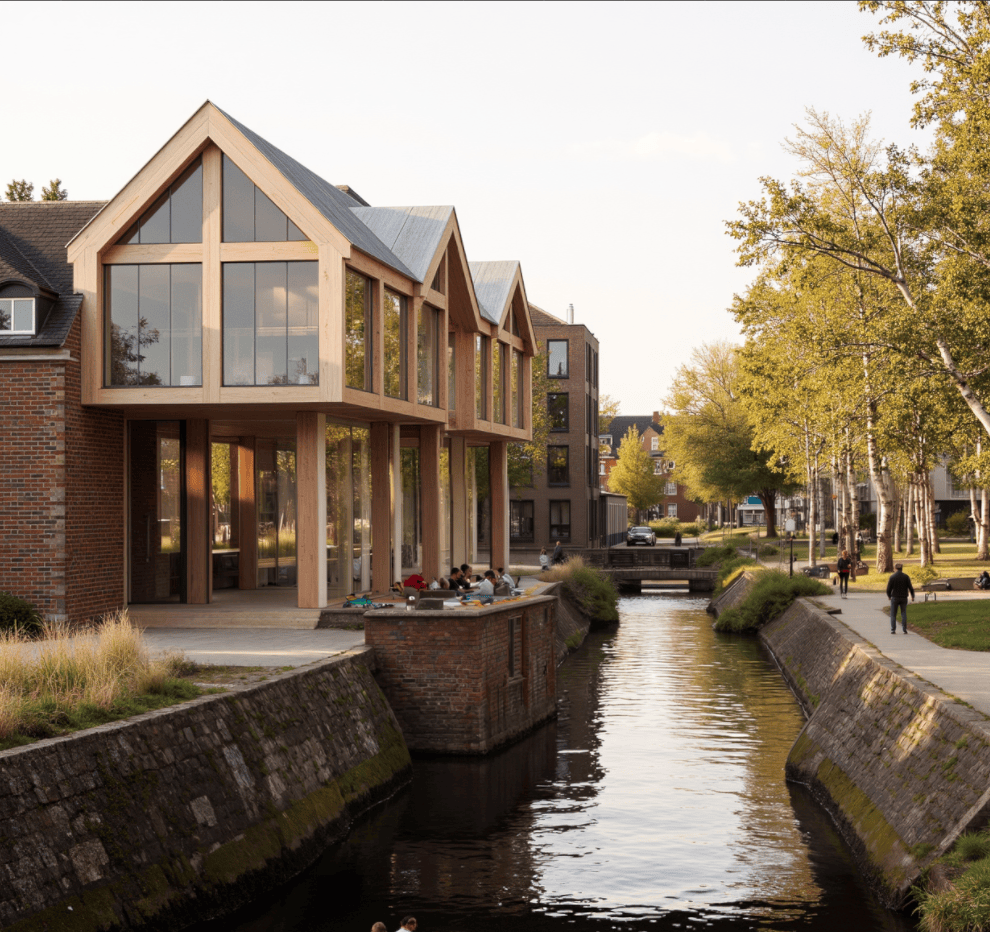
Edit: Surgical Control
Targeted changes with professional-grade precision.
Adjust, refine, or remove specific elements in your render without disrupting the rest of your composition. No more starting over for small changes.
 BeforeHover to reveal
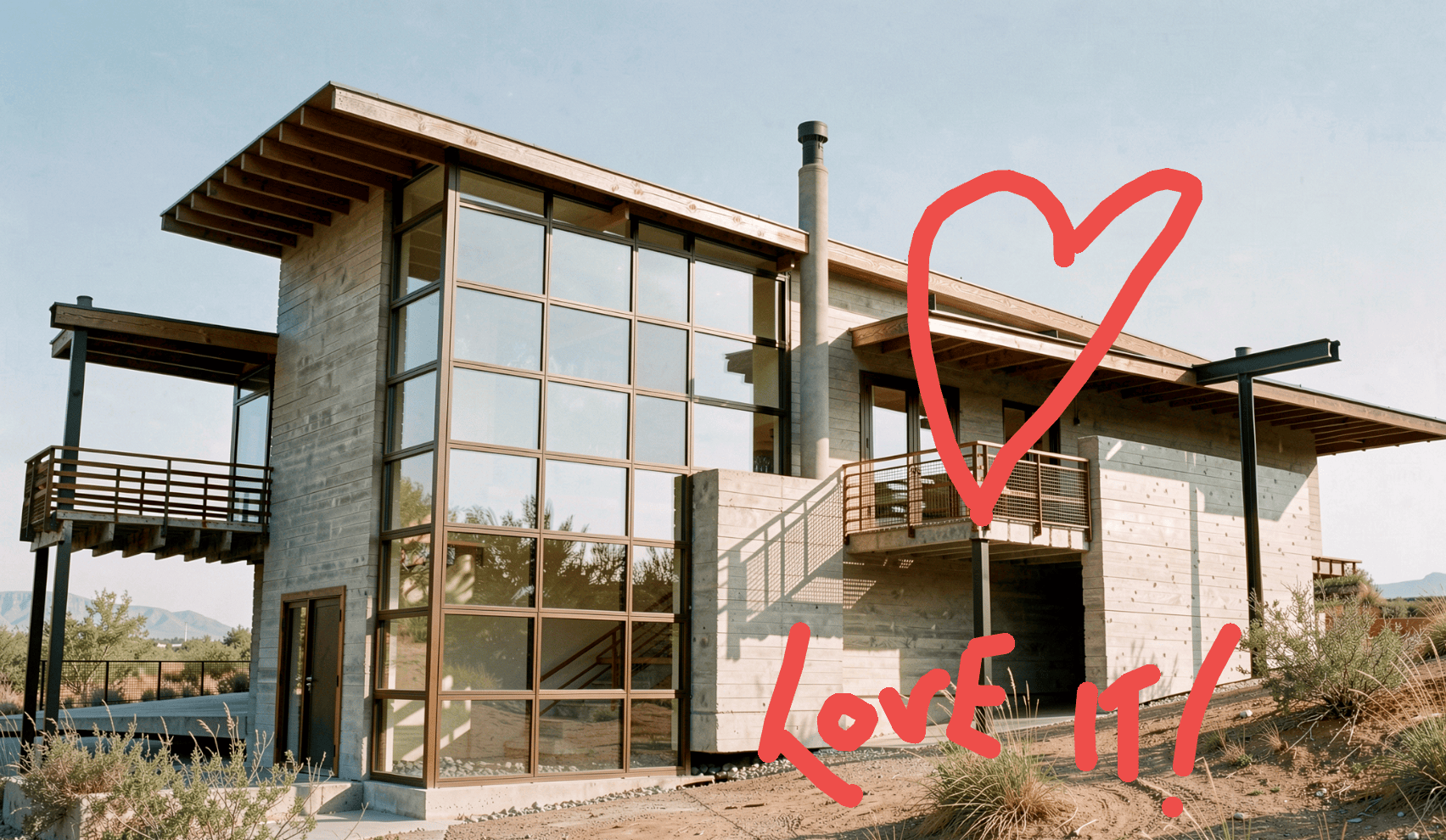
Pencil: Annotate & Markup
Sketch, annotate, and direct on the canvas.
Add drawings, quick annotations and markup directly onto your canvas — for personal notes or to communicate design intent to collaborators. In an upcoming update, these drawings will become usable input images.
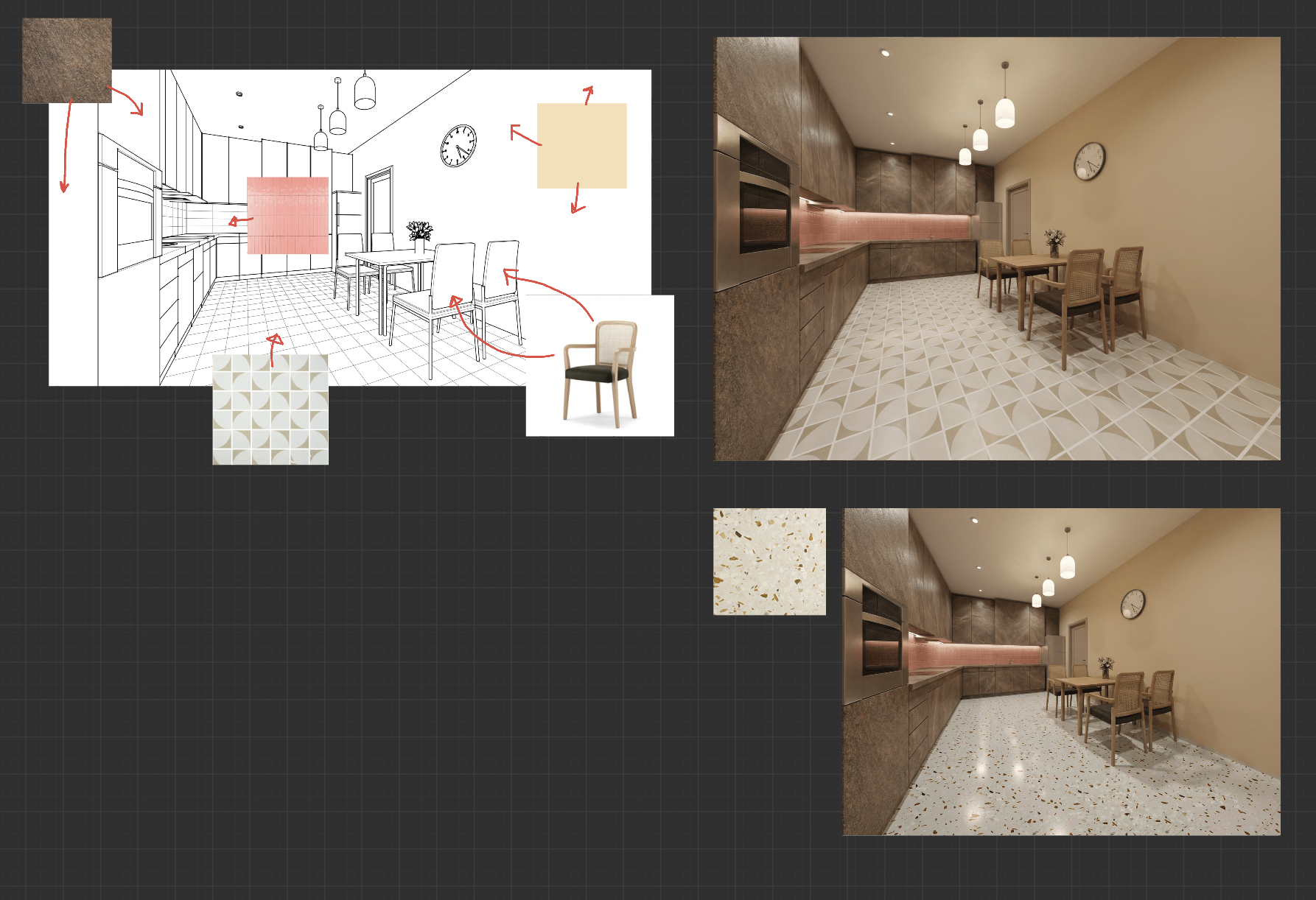
 BeforeHover to reveal
Custom Catalogue
Your studio's shared materials library.
Specify from your own approved materials, private to your team. Included in Studio Scale.
Learn moreSwipe to explore →