Gendo × Material Bank
From interior render to real material
sample in 24 hours
Interior design runs on specification. Gendo and Material Bank bring visualisation and specification into one workflow — render your scheme with real manufacturer finishes, then order the physical samples to your studio for the next morning.
The problem
Design decisions shouldn't live in disconnected tools.
Disconnected palettes
Designers rebuild material libraries across moodboards, render tools, and spec sheets — losing fidelity at every handoff.
Renders that misrepresent reality
Generic textures dilute design intent. Clients approve images that the built result can never match.
Sampling that slows everything down
Specifying physical samples is fragmented across portals, reps, and shipping windows. Decisions stall for weeks.
The workflow
One connected workflow from concept to specification.
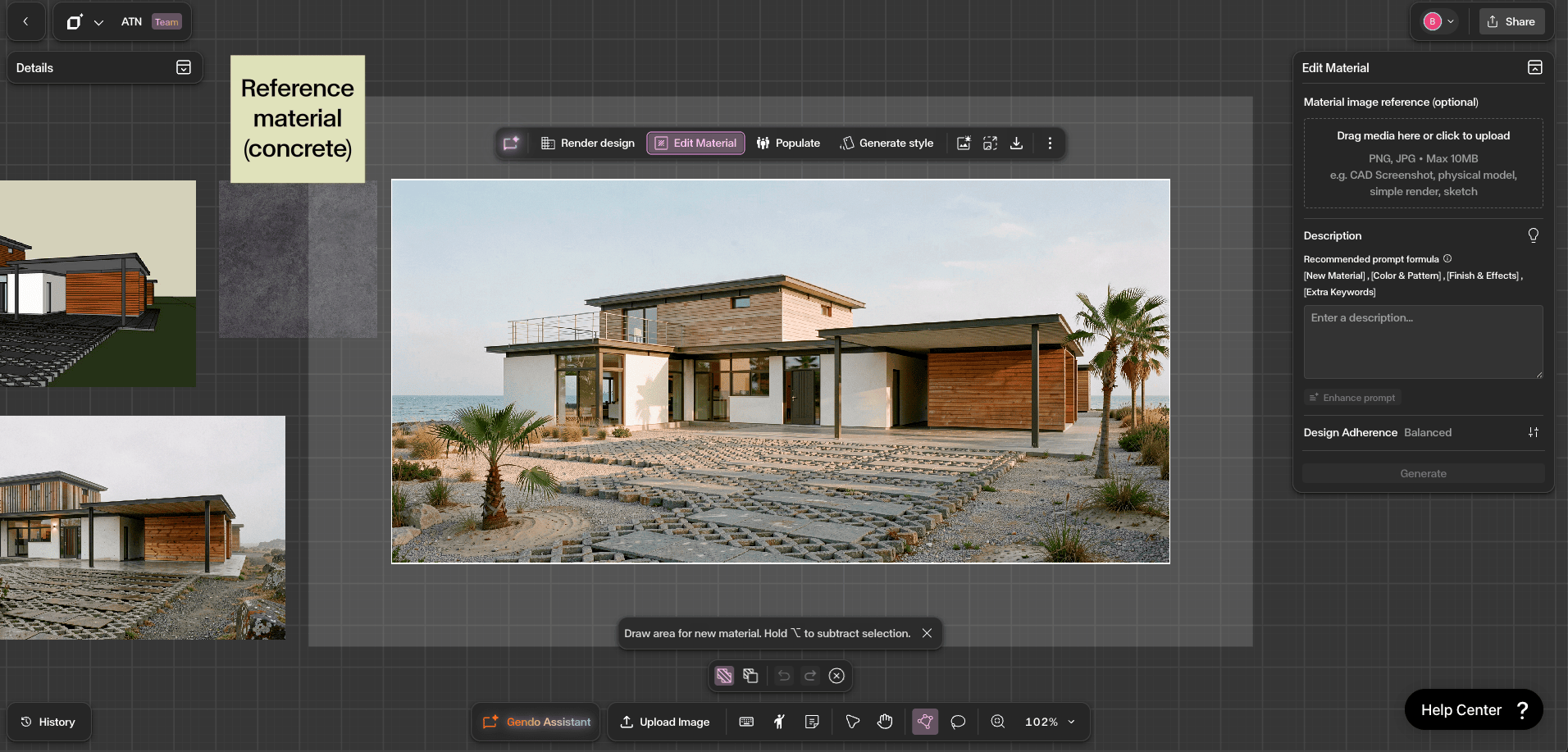
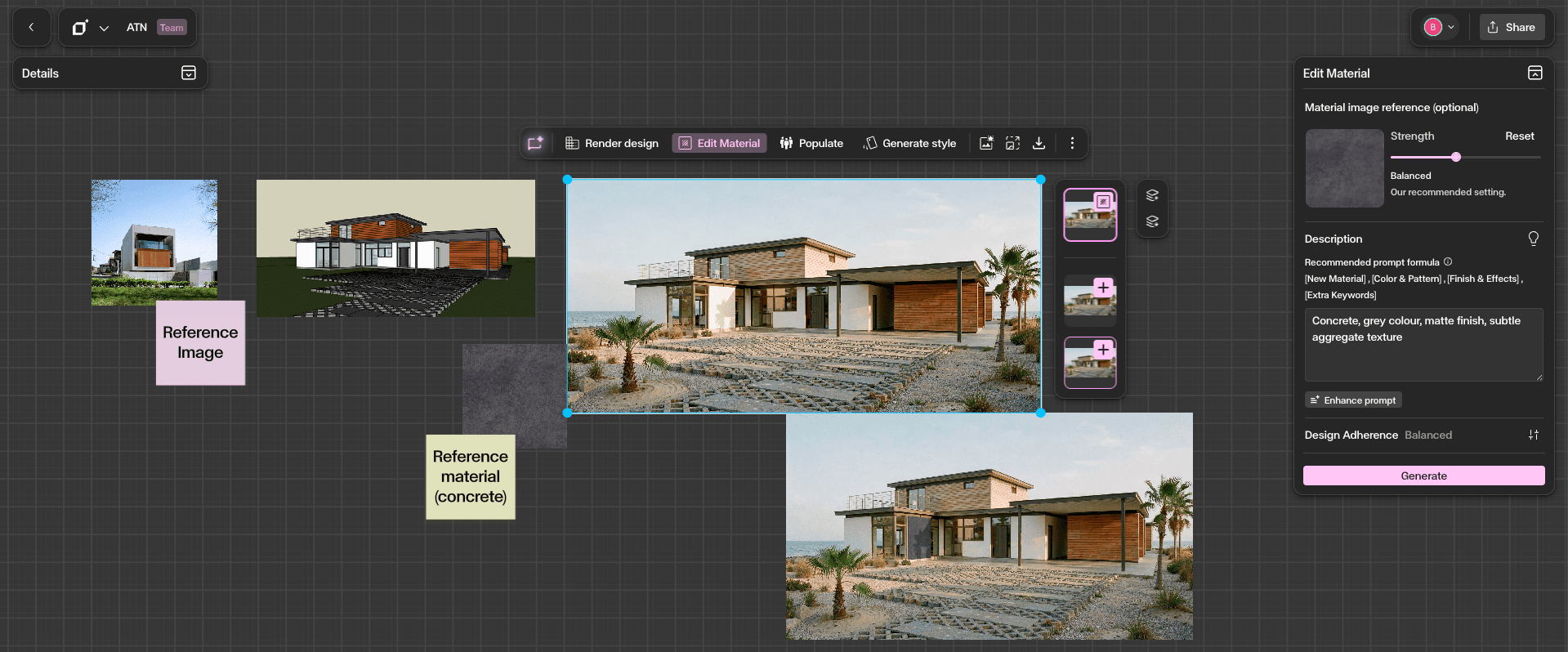
Upload your interior scheme
Bring a SketchUp, Revit or Rhino export, a viewport capture, or a hand sketch into the Gendo canvas.
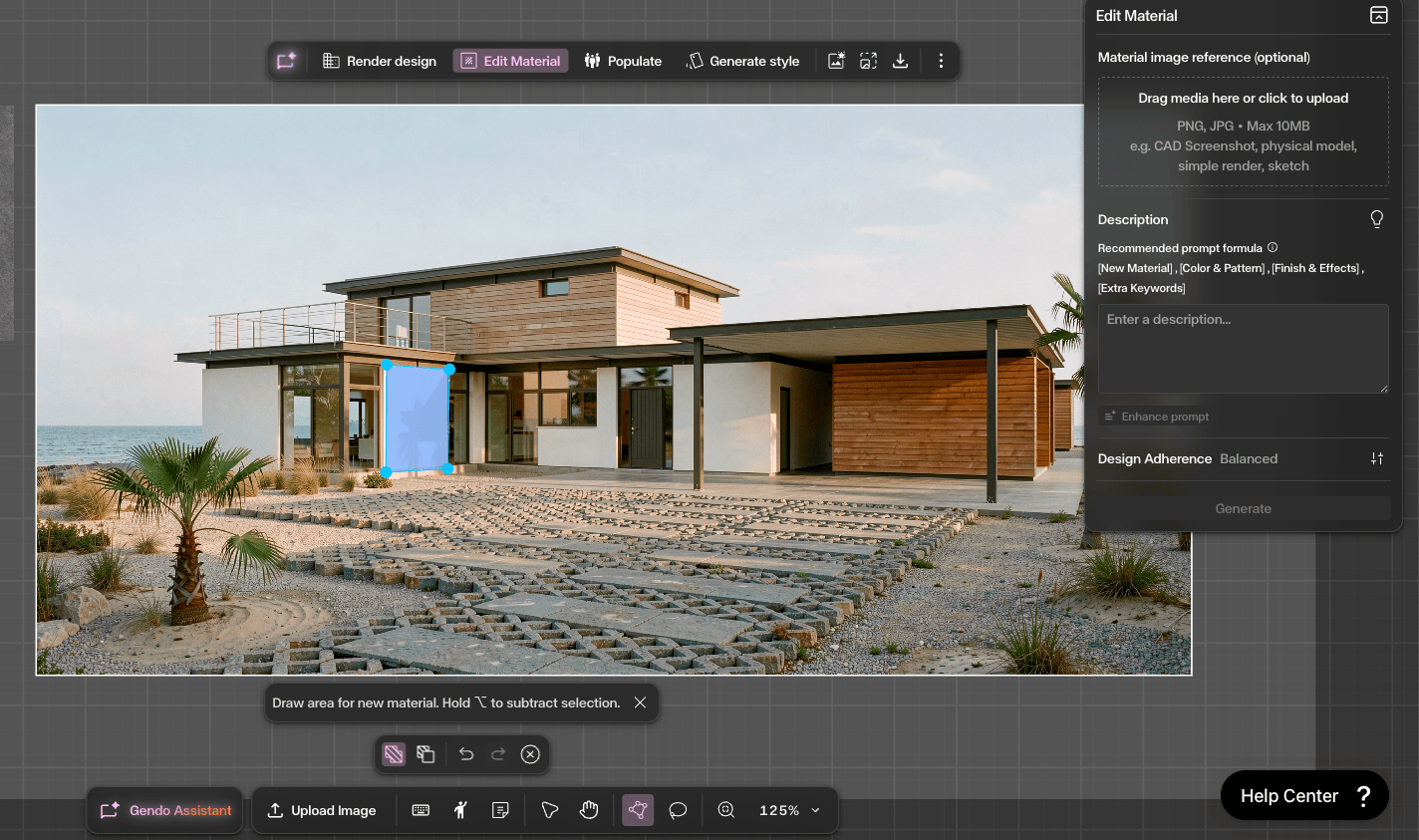
Apply real Material Bank finishes
Browse the integrated Material Bank catalogue and drop manufacturer-authentic finishes straight onto your scheme.
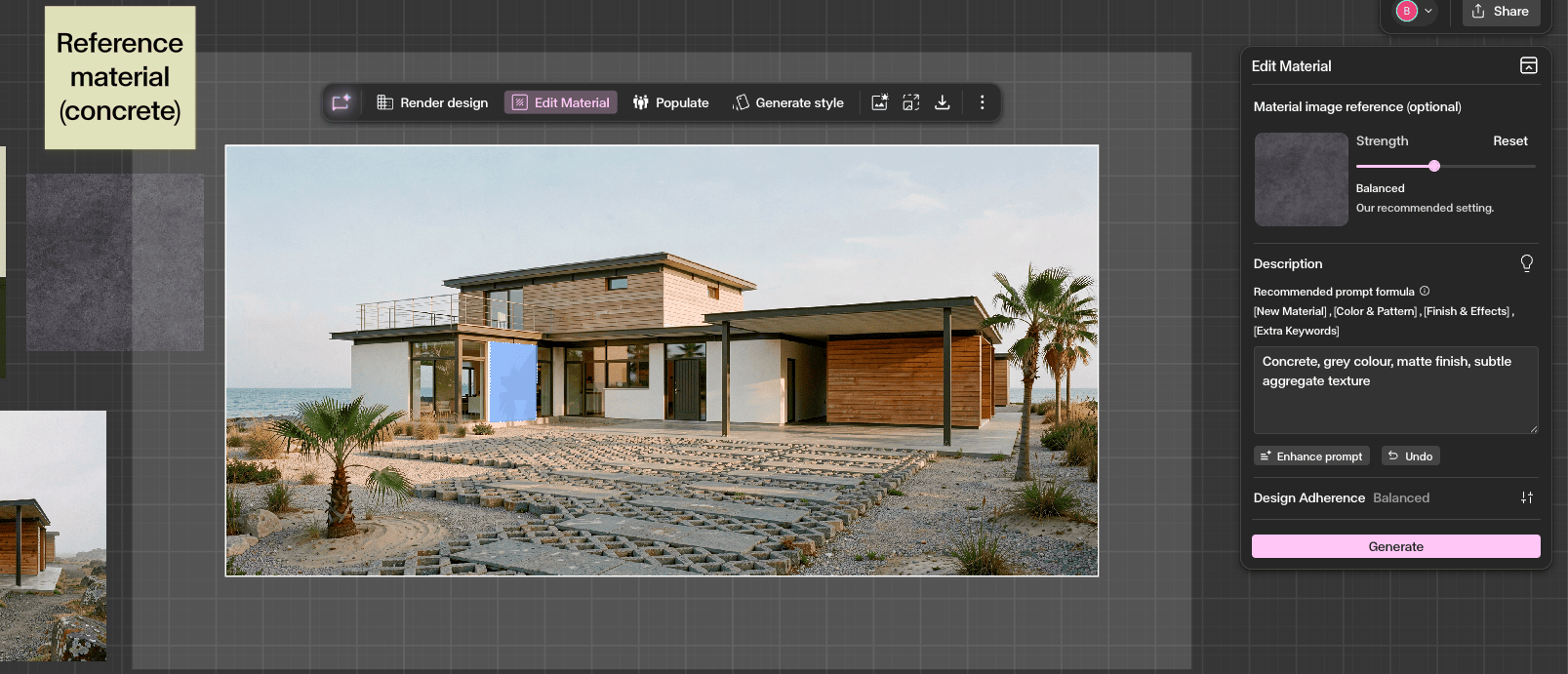
Generate photoreal visualisations
Gendo composes the scene with accurate light, scale and surface response.
Order samples for next-day delivery
Send the exact specification to Material Bank. Physical samples arrive tomorrow.
Built for how interior designers specify
Specification is where interior projects are won and lost. A scheme approved on a stylised render is a scheme that gets value-engineered at tender. When what you render is what you can order, the approval holds.
Finishes schedules that match the render
The material in the visual references a real, orderable product. Your finishes schedule and your presentation image describe the same scheme.
Client sign-off in the room
Show two upholstery options side by side, agree a direction, and order the sample before the meeting ends.
Fewer surprises at tender
Specifying from a real catalogue from concept stage reduces the gap between the approved image and the buildable scheme.
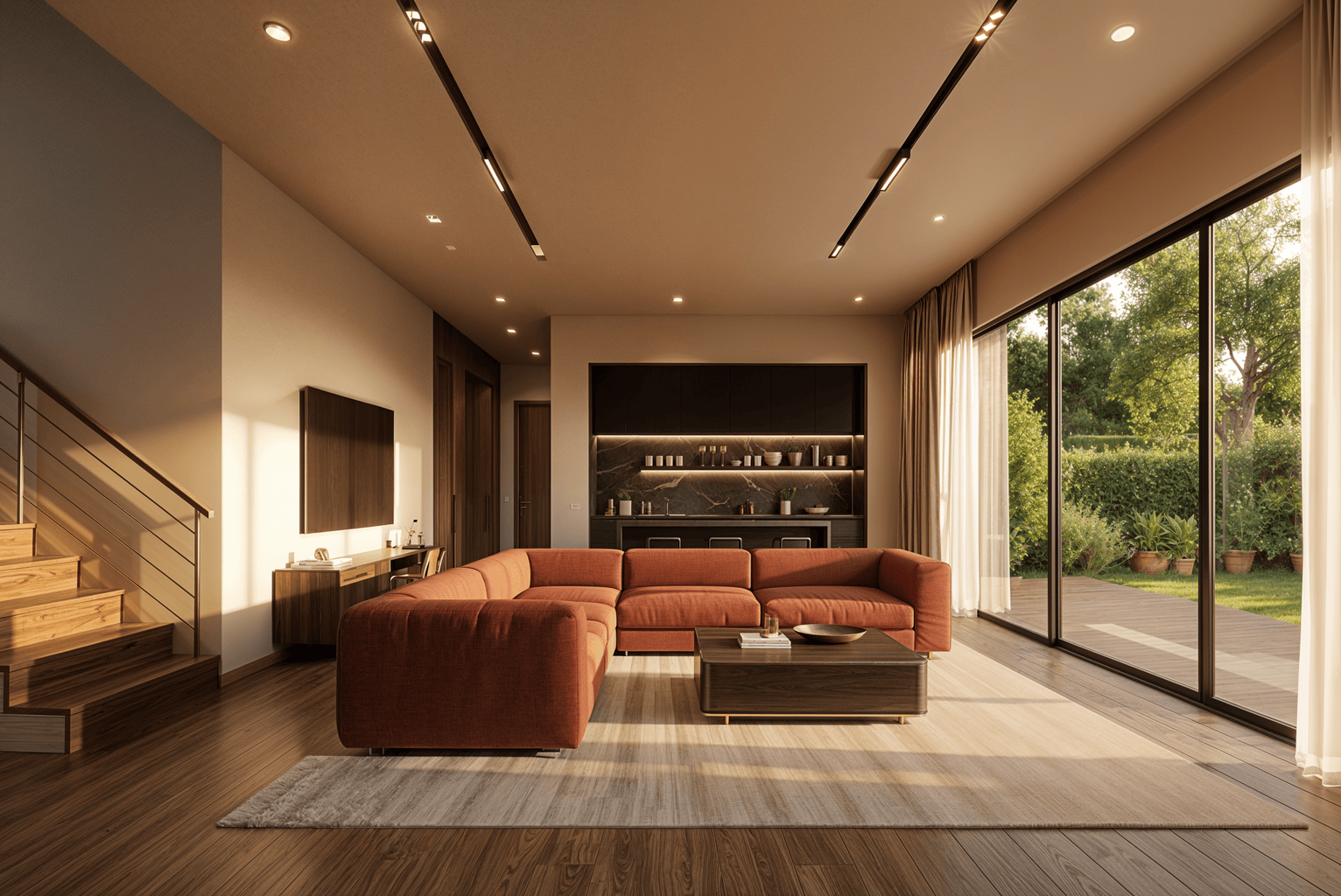
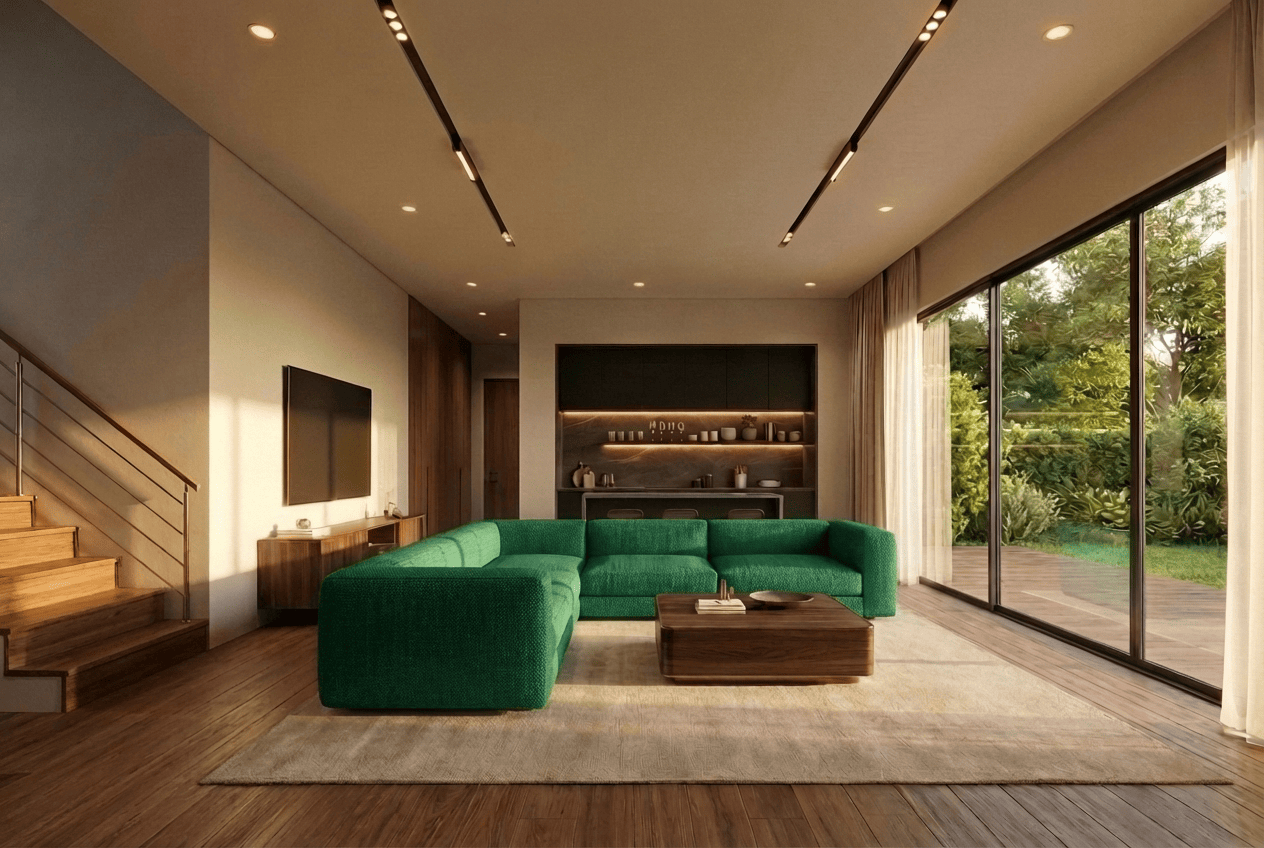
Explore more in Gendo's interior design rendering software, AI architecture rendering, and precision editing. See how studios use Gendo, review plans and pricing, or read how we handle your design data.
Real results
Design with materials you can actually specify.
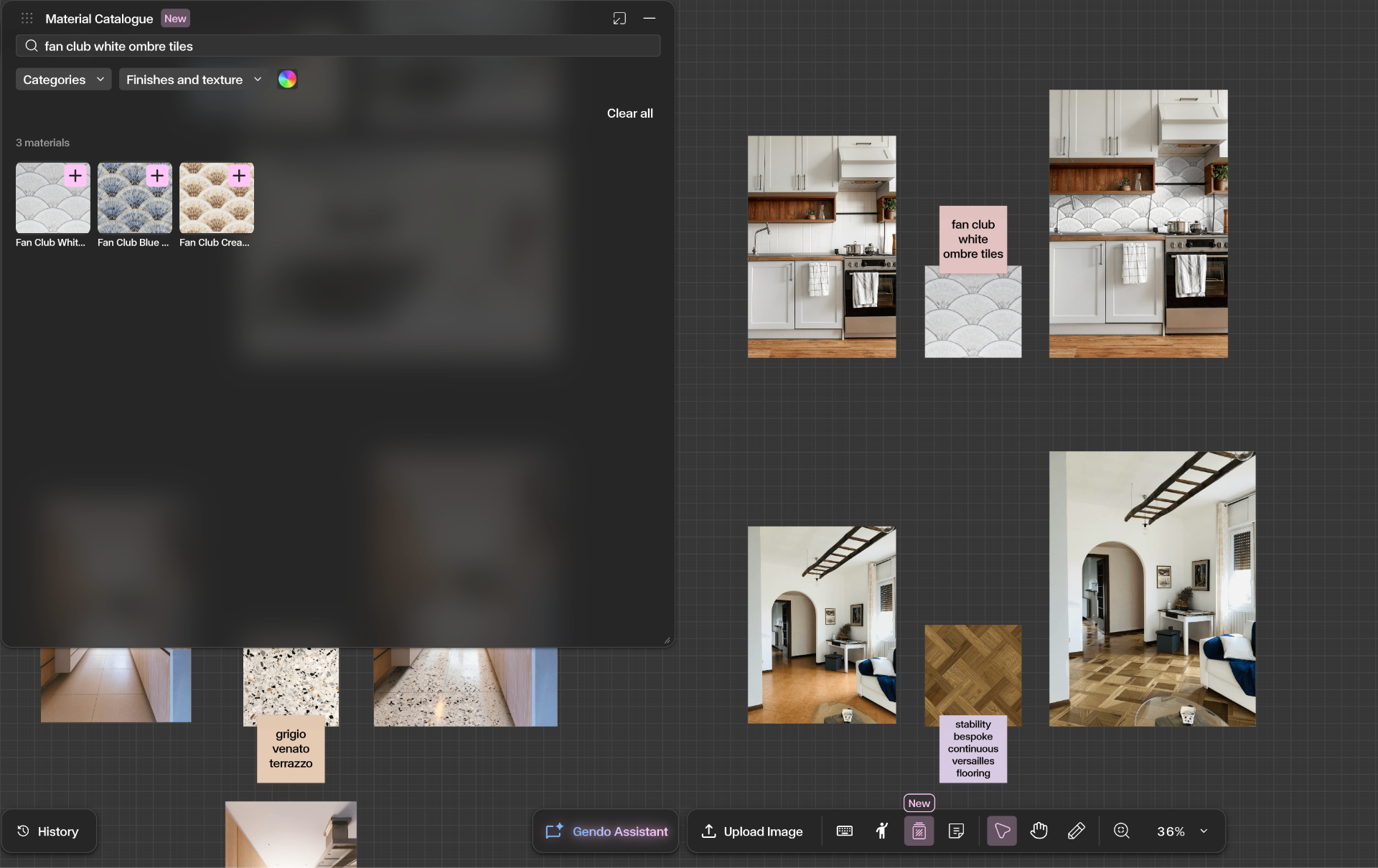
Search the integrated Material Bank catalogue directly inside the Gendo Canvas — drop manufacturer-authentic finishes straight onto your moodboard and into your renders. Built into Gendo's interior rendering software.
Manufacturer-authentic materials
Every finish references a real, specifiable product from the Material Bank library.
Accurate finishes and textures
Surface, sheen, scale, and grain rendered with architectural fidelity.
Faster client approvals
Show real materials in context. Move from concept to sign-off in a single session.
Consistent design intent
What you render is what you specify — and what gets built.
Instant visualisation iterations
Swap finishes and regenerate in seconds, not days.
Seamless sample ordering
From the render directly into a Material Bank order — no copy, no re-keying.
Why it matters
AI visualisation becomes far more powerful when connected to real products.
Reduced design friction
One canvas replaces moodboards, rendering tools, and supplier portals.
Faster specification
Render and spec become a single act, not two disconnected workflows.
Better client collaboration
Decisions are grounded in real, orderable products — not stylised approximations.
Confidence in materials
Hold the sample tomorrow. Sign off the specification this week.
From the studio floor
Trusted by architects who specify.
"Gendo provided the speed and quality balance the team needed. Base renders could be enhanced to presentation quality in minutes rather than hours."

Bianca Peplar
Interior Designer & Rendering Specialist, Cascadia Architects
"We no longer use Enscape. Gendo has fully replaced it in our workflow thanks to the quality it delivers."

Matt Green
Director of Architecture, Salmon Planning
"Planning had stalled for months. The client showed a Gendo render in the meeting. Planners saw it and moved straight to planning."

Dan Thompson
Architect, Origin Design Studios
Visualise it today.
Sample it tomorrow.
Create a canvas, apply real Material Bank finishes to your interior scheme, and order samples to the studio. Free to start.