Texture Mapping for Architectural Rendering: Maps, Materials and AI Tools

Joe Sherman · Head of Growth at Gendo
27 August 2026
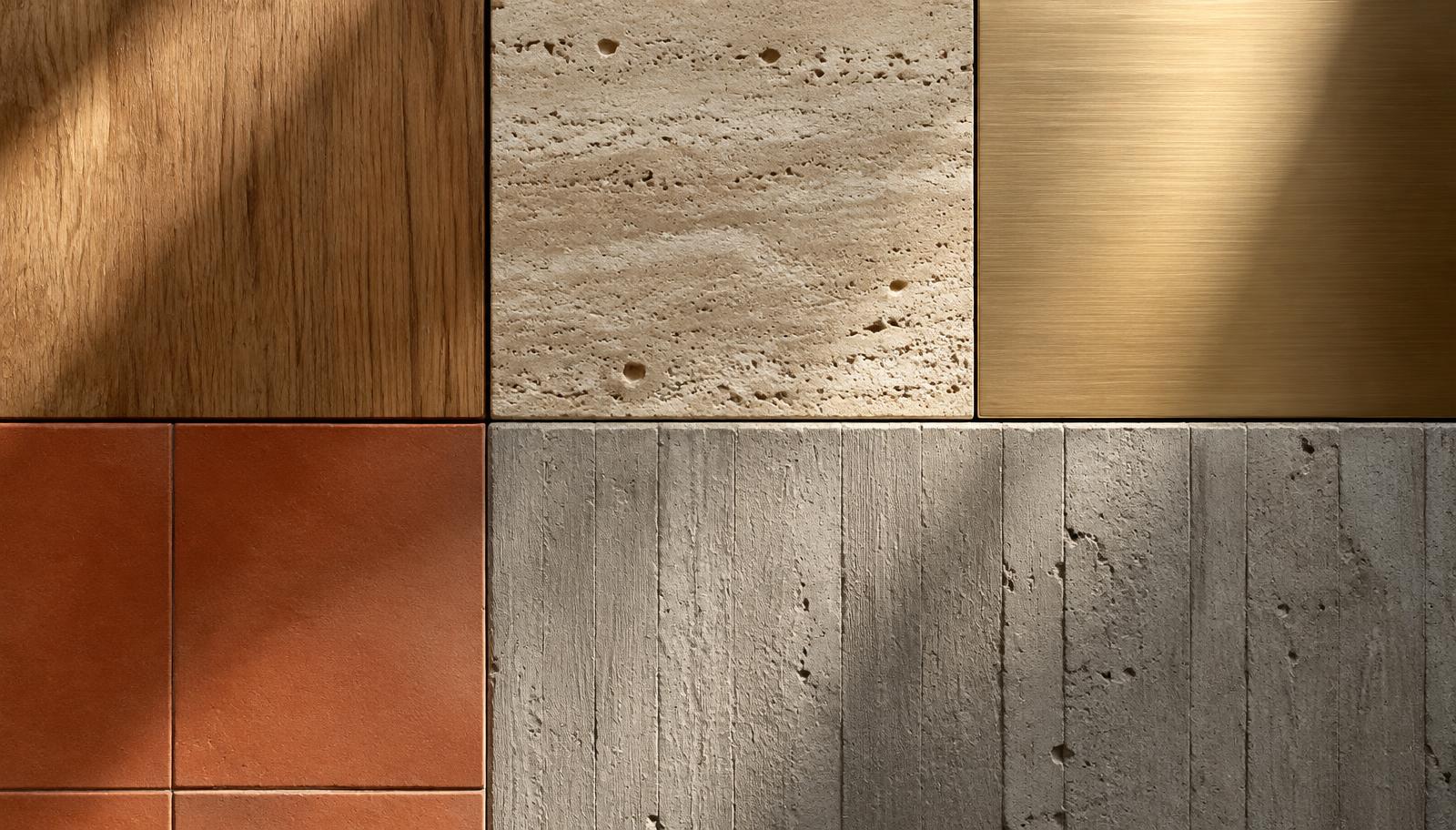
A well-modelled building can still look unconvincing if the materials aren't right. The same geometry can read as an obvious CGI image or something close to a photograph, depending on how you set up the brickwork, timber, concrete and glass. Texture mapping is a key part of that work: it wraps images and material data around 3D geometry.
Here we'll look at how mapping works, which maps you need for physically based rendering and where material set-ups tend to go wrong. We'll also cover how AI tools change the process, and where traditional mapping still gives you more control.
What is texture mapping?
Texture mapping applies a 2D image, or a set of images, to the surface of a 3D model. Each point on the surface is linked to a point on the image. That lets you repeat a photograph of brickwork across a wall at the right scale, for example.
That link is defined by UV coordinates. U and V are the horizontal and vertical axes of the 2D texture, distinct from the X, Y and Z axes used in 3D space.
Common mapping methods
- Planar: projects the texture flat onto a surface. Useful for walls and floors.
- Box (cubic): projects from six directions. A quick approach for blocky architectural forms.
- Cylindrical and spherical: used for columns, domes and curved elements.
- UV unwrapping: "unfolds" the surface into a flat layout, giving you precise control over mapping on complex or organic forms.
Most architectural software, including SketchUp, Revit, Rhino and Archicad, applies planar or box mapping automatically. You'll often need to adjust the scale and alignment afterwards.
The main texture maps in PBR
Modern renderers use physically based rendering (PBR), which describes a material through several maps rather than a single image:
| Map | What it controls |
|---|---|
| Albedo / base colour | The surface colour without lighting or shadows |
| Roughness (or glossiness) | How sharp or blurred reflections are |
| Metallic | Whether the surface behaves as metal or not |
| Normal | Fine surface relief, such as mortar joints or wood grain, without extra geometry |
| Bump / height | Relief from a greyscale image; height maps can also drive displacement |
| Displacement | Moves geometry to create real depth, for example deep stone joints |
| Ambient occlusion | Darkens creases and contact areas |
| Opacity / transmission | Transparency, used for glass, perforated metal and leaves |
Together, these texture maps, sometimes called "textured maps", tell the renderer how light should interact with each point on a surface.
Getting scale and tiling right
Even a good texture can look wrong once it's applied to a building. These are the most common problems to check for:
- Wrong scale: bricks the size of breeze blocks, or floorboards that are too narrow. Check texture dimensions against real units.
- Visible tiling: an obvious repeating pattern across a large facade. Use larger textures or textures that tile without visible joins, add variation maps or break up surfaces.
- Misaligned joints: brick courses that don't line up with openings or corners.
- Lack of variation: every brick or board has exactly the same tone.
- No wear: surfaces are perfectly clean at ground level, sills and junctions.
For more on how materials work with light and context, see our photorealistic exterior rendering guide.
Where texture maps come from
- Manufacturer libraries: many product manufacturers provide textures and BIM objects for their materials.
- Material libraries: free and commercial PBR libraries, including those bundled with V-Ray, Enscape, Lumion, Twinmotion and D5.
- Photography: your own material photographs, processed into maps and tiles that repeat without visible joins.
- Scanning: photogrammetry or dedicated material scanners for high accuracy.
- AI generation: tools that generate repeatable textures and PBR maps from a prompt or photograph.
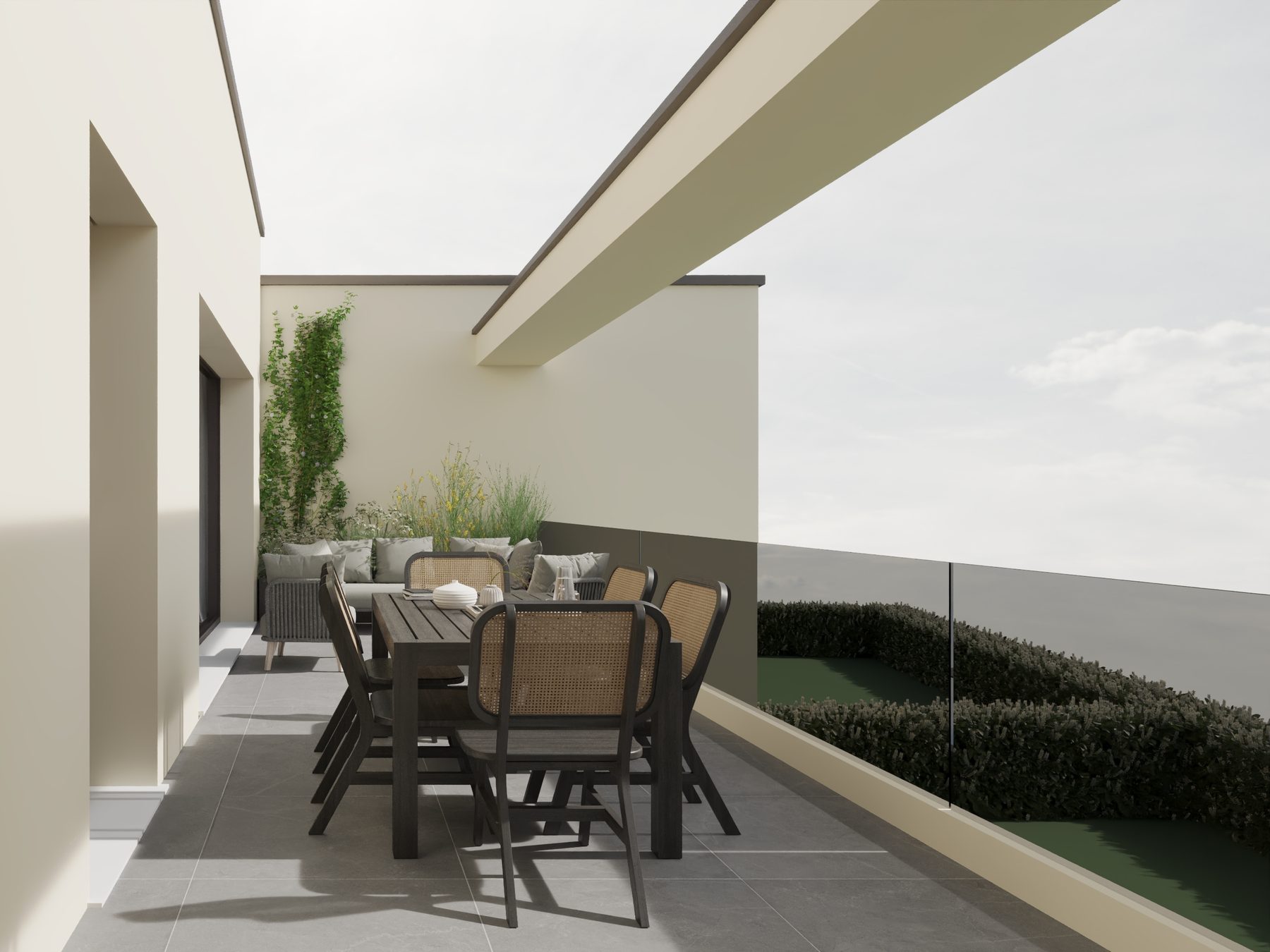
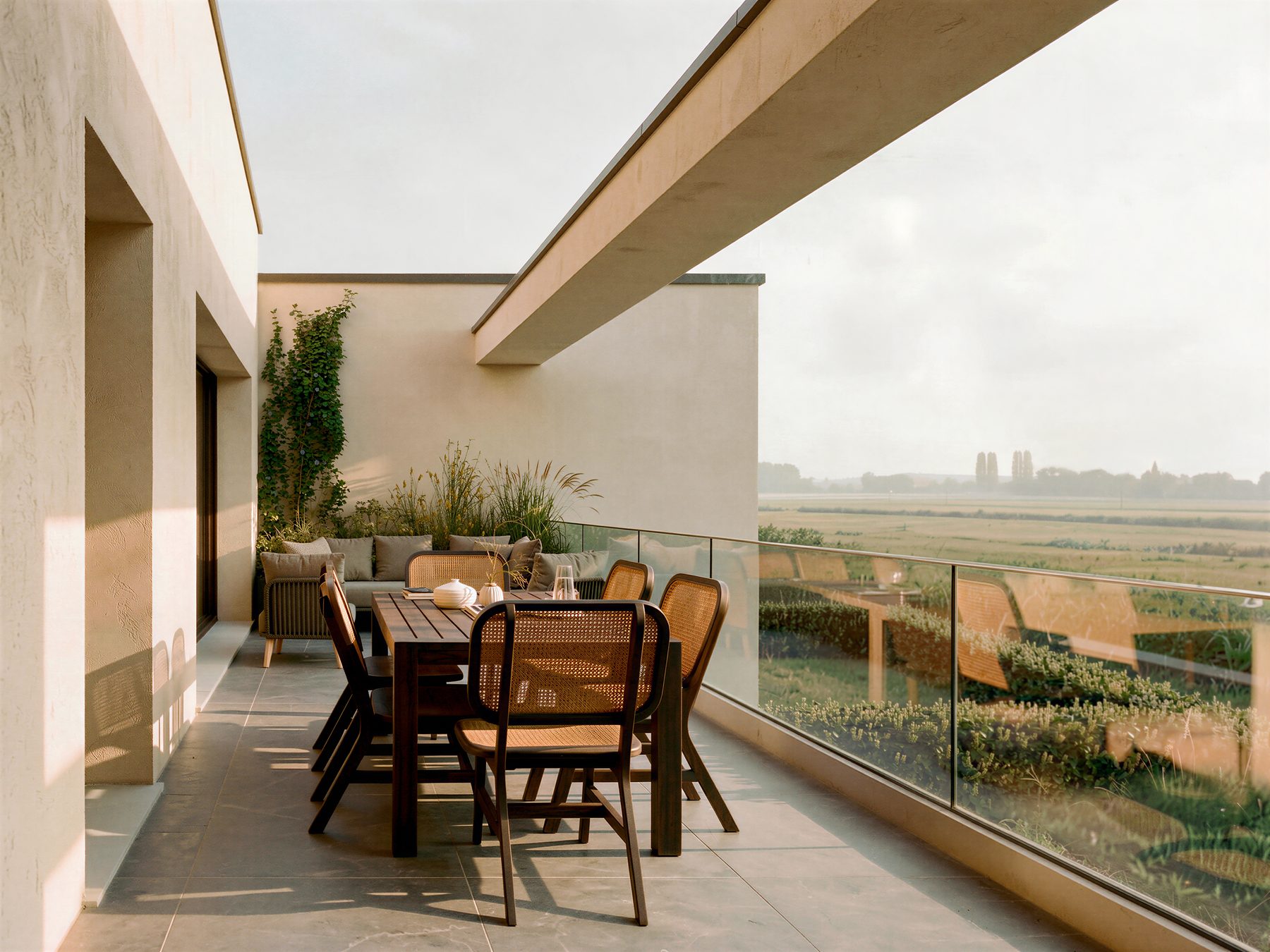
AI texture generators and material tools
There are two distinct ways AI tools can help with texture work.
1. Generating textures. AI texture generators can create textures that tile without visible joins. Some tools also produce a full set of PBR maps from a prompt or a single photograph. This can be useful when you can't find a specific finish in a library. Check the licence terms before using the output commercially.
2. Applying materials without mapping. Image-based AI rendering skips UV mapping entirely. Rather than mapping a texture to geometry, you describe or show the material, and the AI applies it to the relevant surfaces in the image. Gendo's material transfer lets you apply a finish from a reference image, such as a manufacturer's sample, to a chosen area of your render.
There's a direct connection to specification here. Through Gendo's partnership with Material Bank, you can work with real, specifiable products in your visuals. You can find more on this in AI material discovery.
The trade-off is control. AI material application is fast and well suited to testing options, but it doesn't give you the measured control of a fully mapped model. If your final production image needs exact brick coursing or joint alignment, traditional mapping remains the reliable route.
Frequently asked questions
What is texture mapping in rendering?
Texture mapping applies 2D images and material data to the surfaces of a 3D model, making them look like brick, timber, stone or another material.
What are textured maps?
"Textured maps" refers to the individual image maps that describe a material, such as base colour, roughness, normal, displacement and opacity. They're used together in physically based rendering.
What is UV mapping?
UV mapping defines how a 2D texture sits on a 3D surface. U and V are the coordinates for the texture's horizontal and vertical axes.
What is the difference between a normal map and a bump map?
Both simulate surface detail without adding geometry. A bump map uses a greyscale image to describe height. A normal map stores the surface direction at each point in RGB, giving more convincing relief.
Can AI generate textures for architectural renders?
Yes. AI texture generators can create textures that tile without visible joins and generate PBR maps. AI rendering tools can also apply materials directly to an image using a prompt or reference.