Master your
Gendo workflow
Video tutorials, written guides, and best practices to help you get the most from Gendo.
Written Guides
.png)
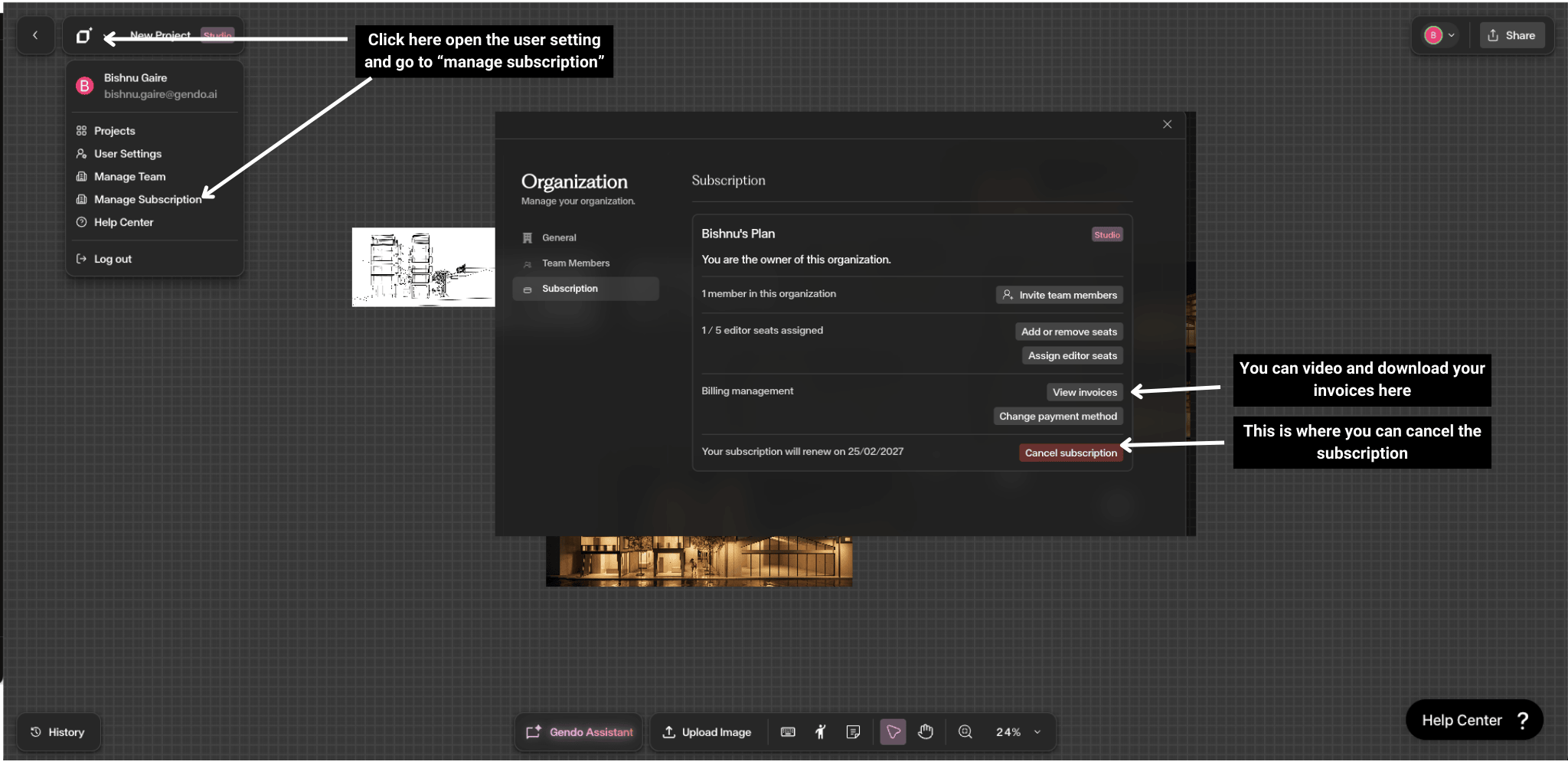
Success Stories
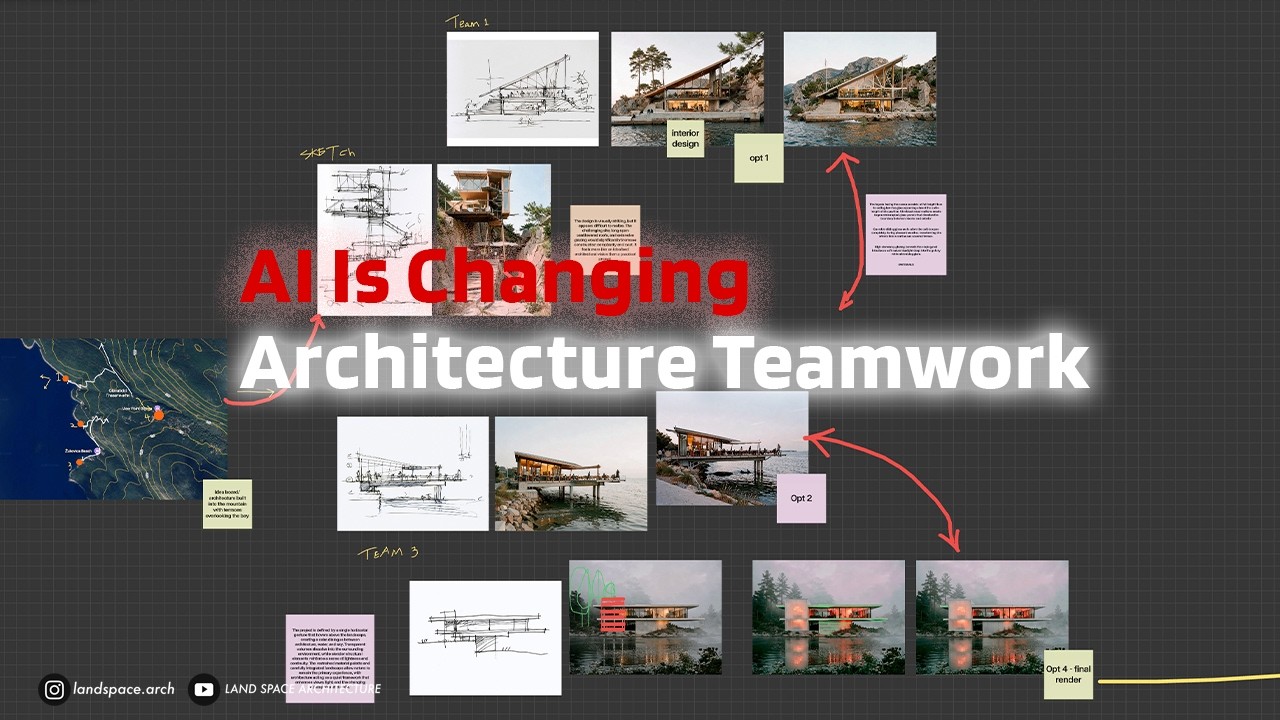
AI and Architecture Teamwork: A Real Competition Workflow
LandSpace Architecture show how an architecture team actually collaborates with AI on a live competition entry — from early concept sketches to shared, presentation-ready imagery.
Client Conversations Transformed
Hear how architects are using real-time visuals to make client meetings more productive and decisions faster.
Reducing Rework with Faster Iterations
Explore how instant design variations help architects align with clients earlier and reduce costly late-stage changes.
Scaling Visualization Without Hiring
Learn how solo practitioners and small teams use Gendo to deliver studio-quality outputs without expanding headcount.
How Studios Win More Bids with Gendo
Discover how leading architecture firms are using Gendo to deliver client-ready visuals faster and win more competitive pitches.
Features
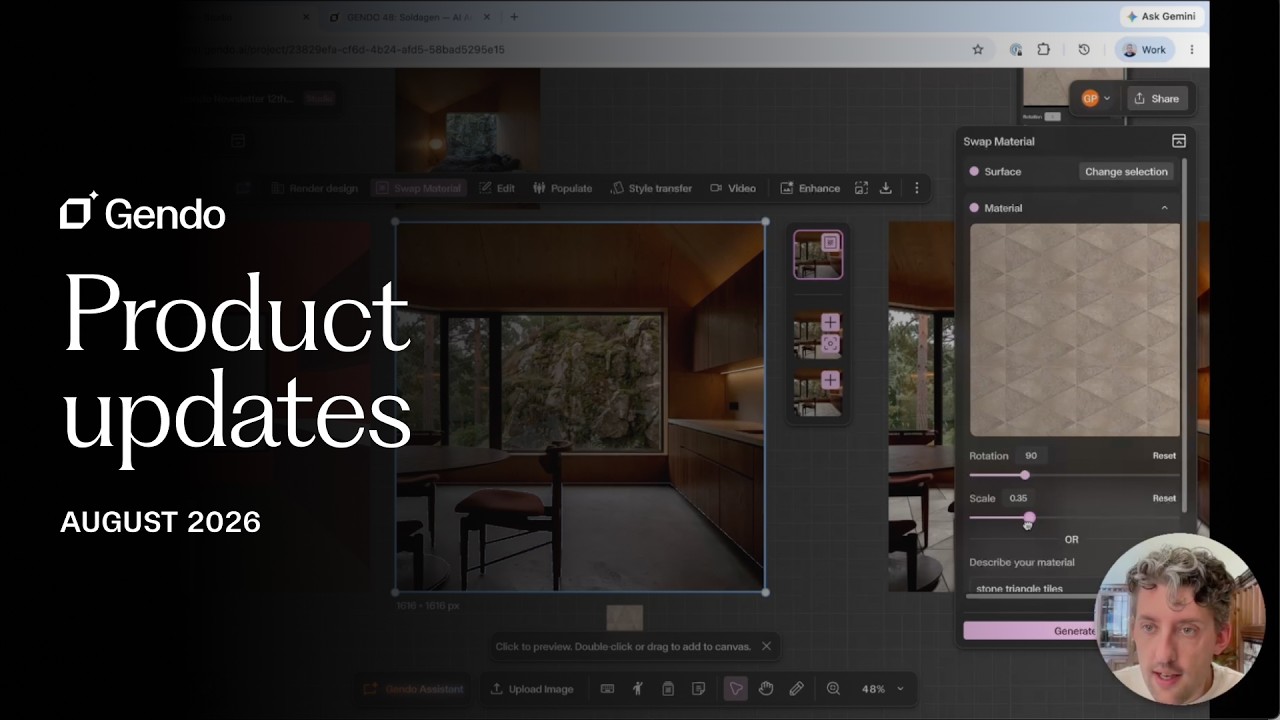
Gendo Product Updates — August 2026
The latest Gendo updates: redesigned feature panels, material scale and rotation, annotation inside the edit tool, the Latest toggle, a creativity slider for Enhance, and registration for GENDO 48: SOLDAGEN.
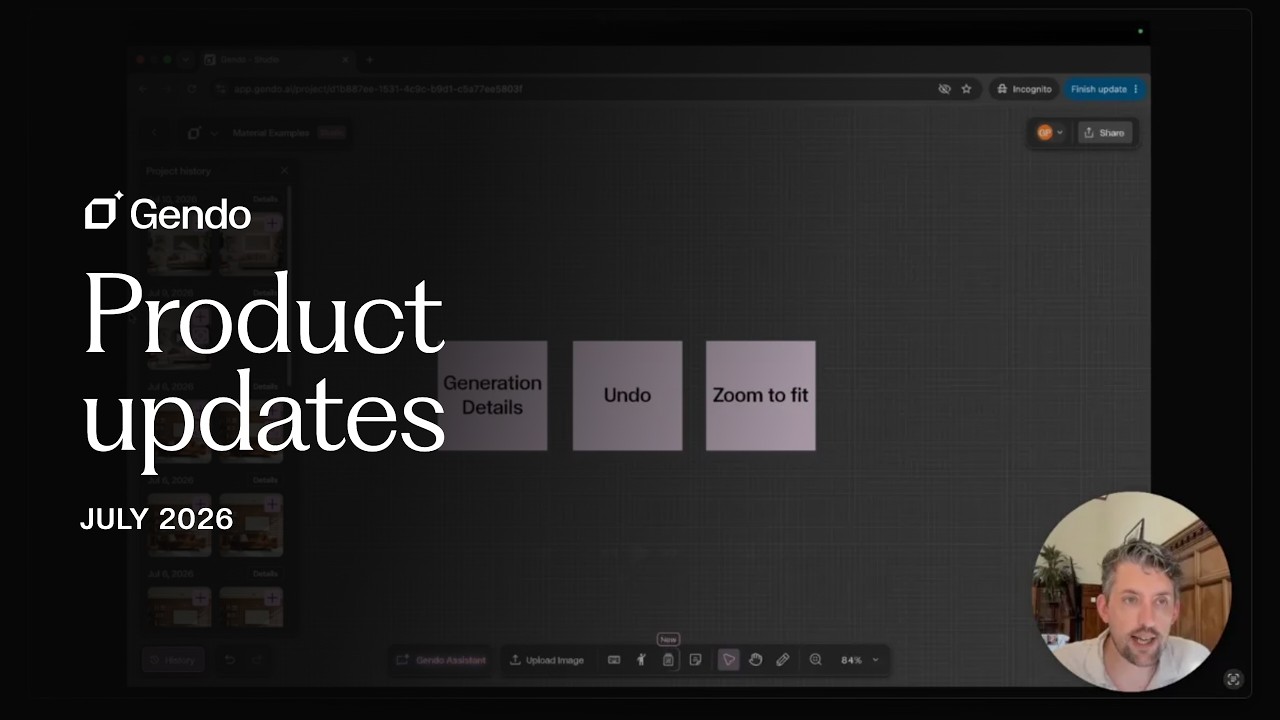
Gendo Product Updates — July 2026
George runs through the latest Gendo updates: an upcoming workshop on consistency, four new case studies, a richer history panel, and improved canvas navigation.
Gendo × Material Bank: Specifying Real Materials Inside the Canvas
George Proud (CEO, Gendo) and Marc Solsona Bernet (Head of Europe, Material Bank) unpacked the new partnership and showed how real manufacturer materials now sit directly inside the Gendo canvas.
Gendo Live | Introducing Video
A live walkthrough of Gendo's new Video capability — generate motion directly from your canvas and bring still renders to life.
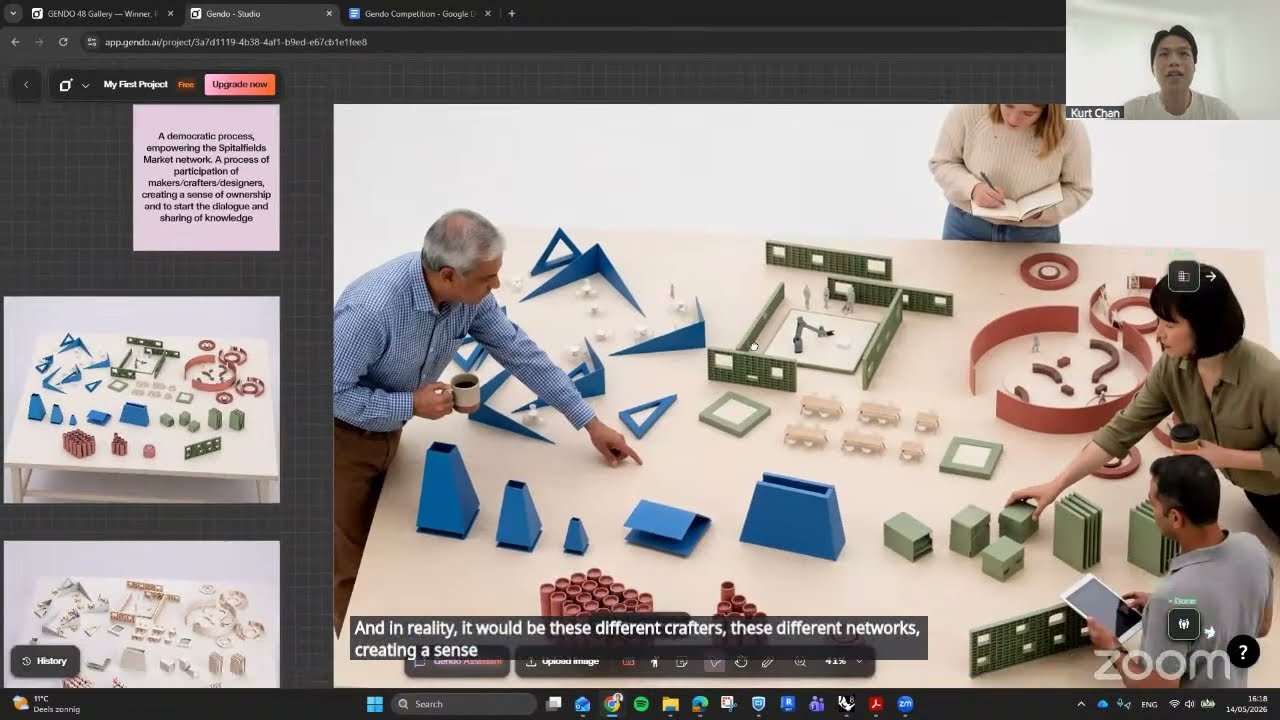
Gendo Workshop: AI-Powered Design, From Rendering to Real-Time Collaboration
George Proud and Ismail Seleit run a hands-on workshop on using Gendo as a design partner — with previews of Video, Pencil Edit and the new Canvas.
Inside the Gendo Collaborative AI Canvas
A walkthrough of the Collaborative AI Canvas — design-to-image, material change, style transfer and text-to-image, all on one workspace.
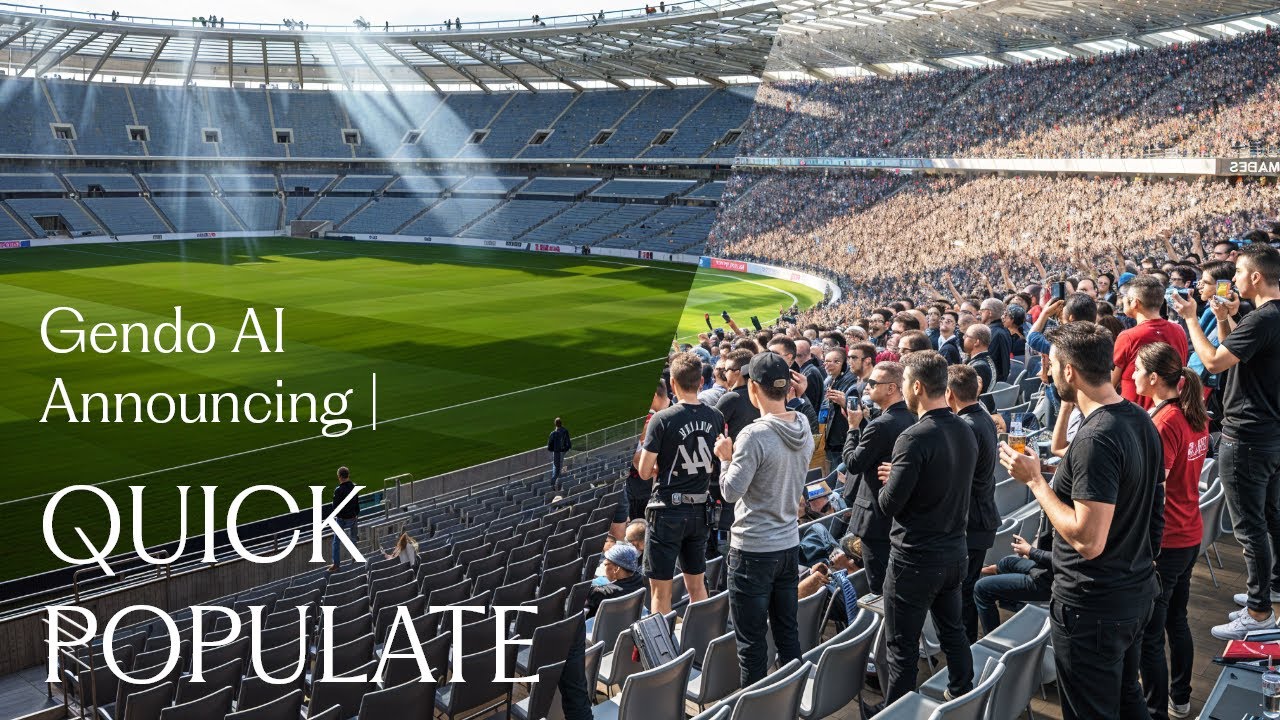
Material Edit: Change Finishes Without Re-Rendering
See how to swap materials, textures, and finishes on existing renders without starting from scratch.

Gendo Render: Photoreal Output in Seconds
A deep dive into Gendo's core rendering capability—transform any sketch or model into a photoreal image instantly.
Video Tutorials
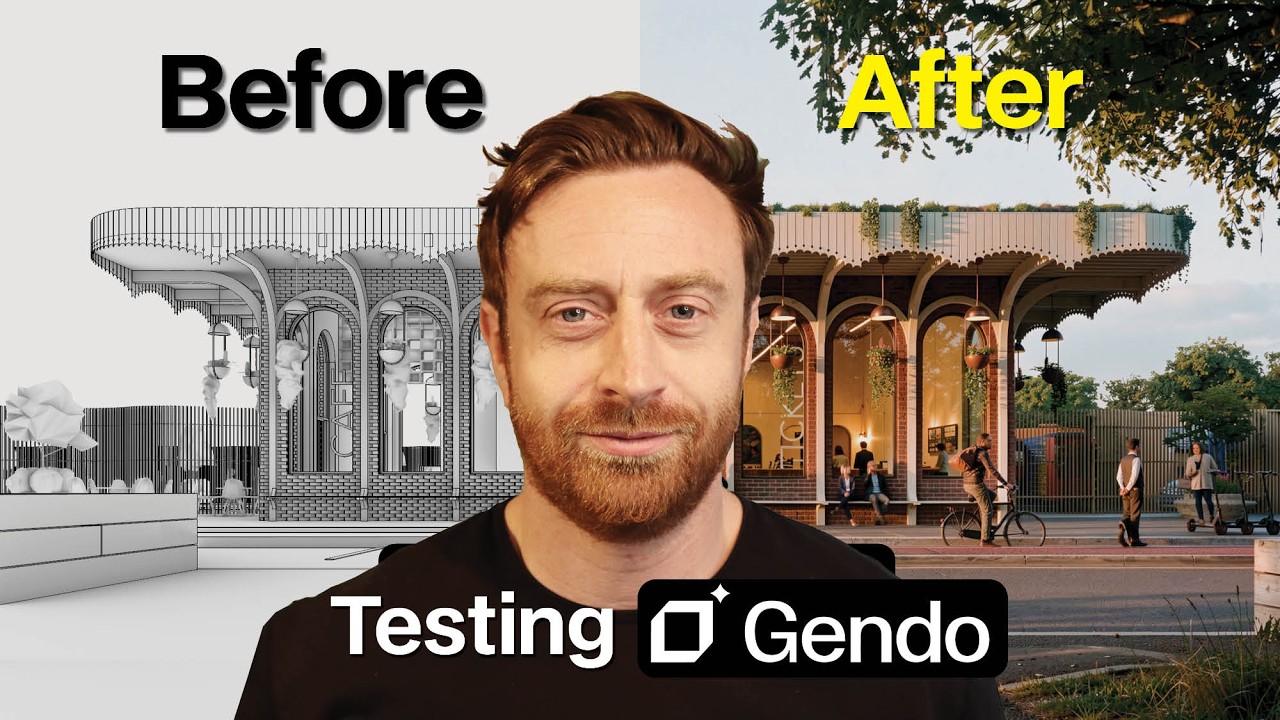
Gendo AI for Architects: Everything You Need to Get Started
Oliver Thomas of ArchiTech Network revisits an old competition project in Gendo — new views, material edits, video, upscaling and shared boards — as a full getting-started walkthrough.
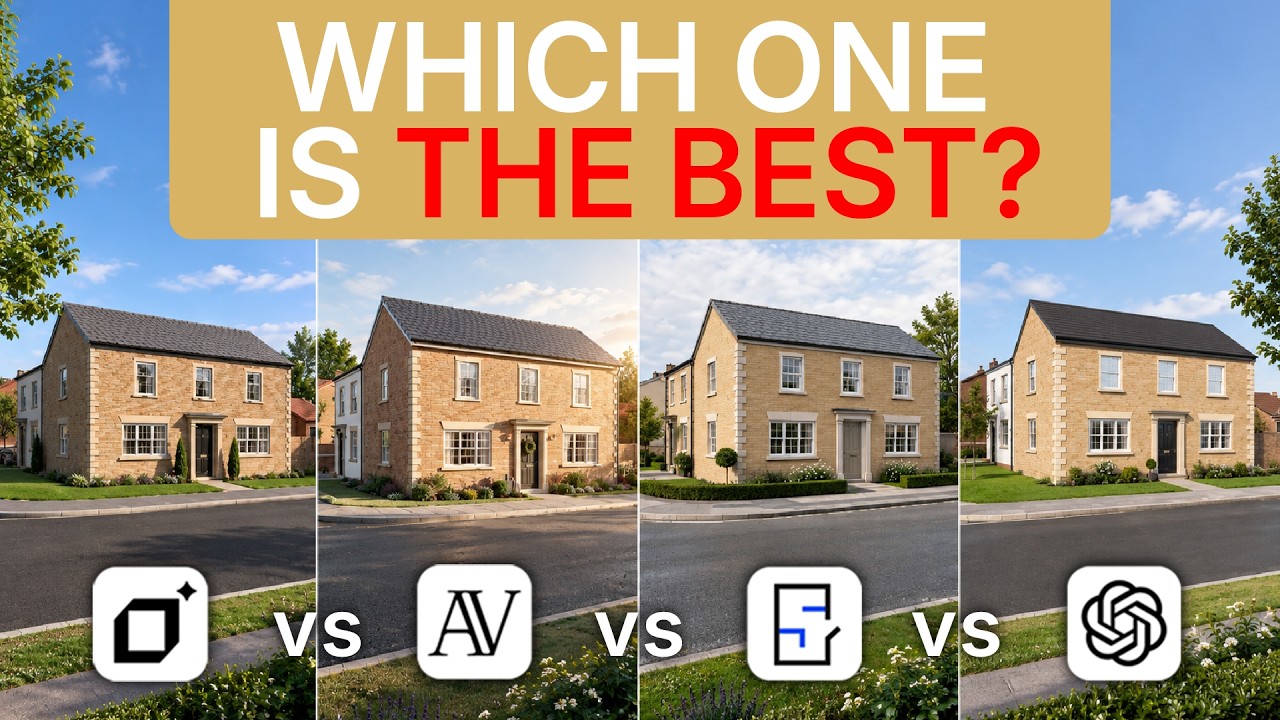
Comparing Four AI Rendering Tools for Architects (2026)
Surviving Architecture tests four AI rendering tools side by side on the same architectural inputs, comparing control, consistency and how usable the output is in real practice.
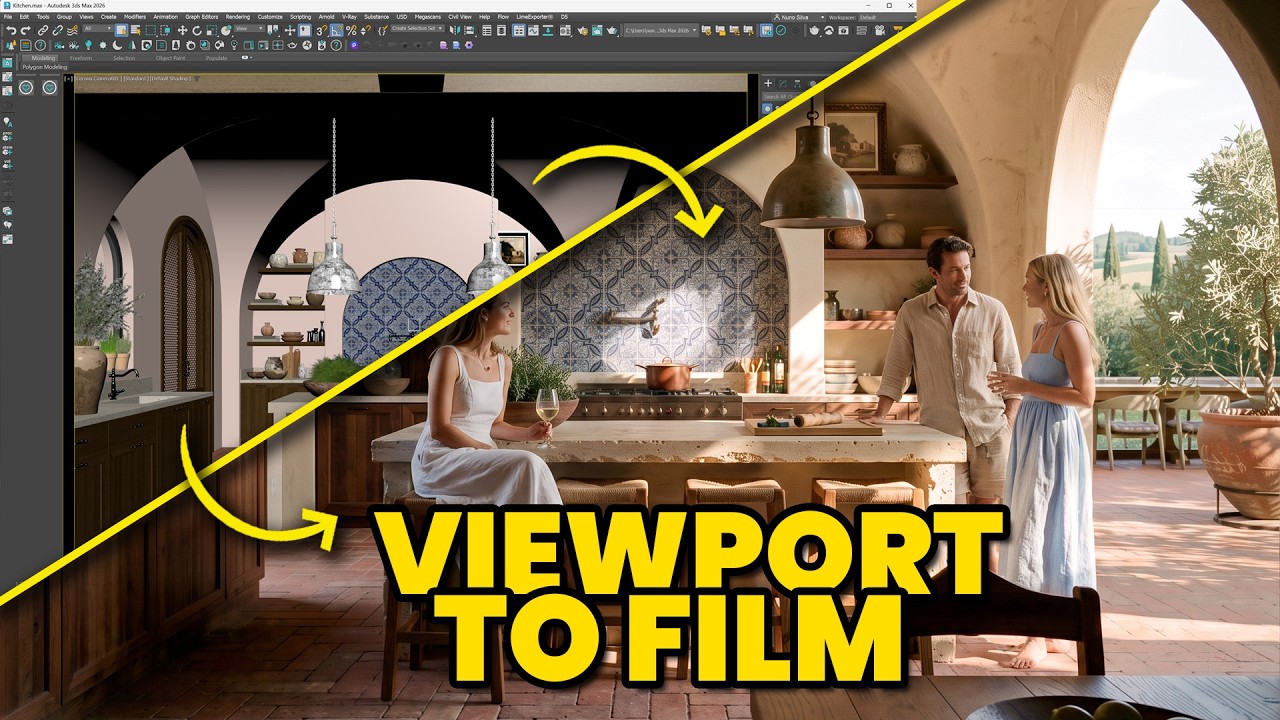
From 3D Viewport to a Finished Architectural Film
Nuno Silva walks through taking a raw 3D viewport view into Gendo and building it up into a finished architectural film — stills, edits and motion in one canvas.
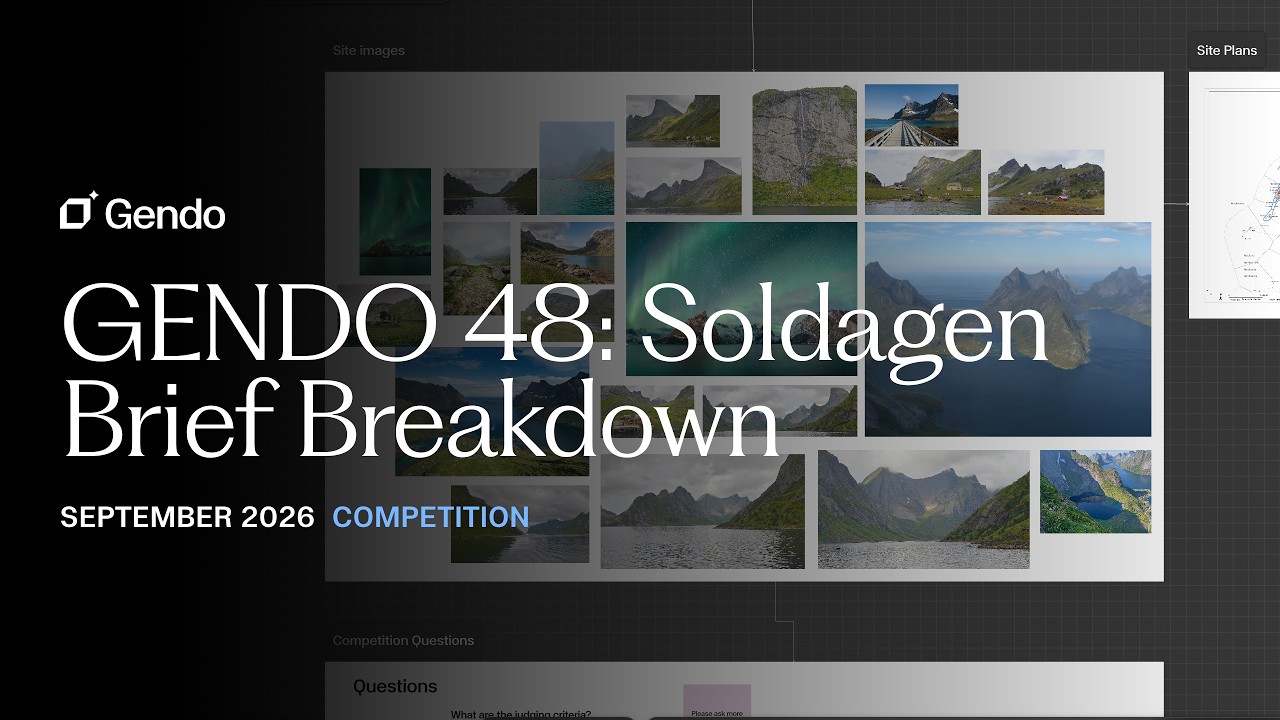
GENDO 48 Competition: Soldagen Brief Breakdown
A walkthrough of the GENDO 48: Soldagen brief — the site at Vindstad, the spa commission, the key spaces, and what the judges are looking for across the four days.
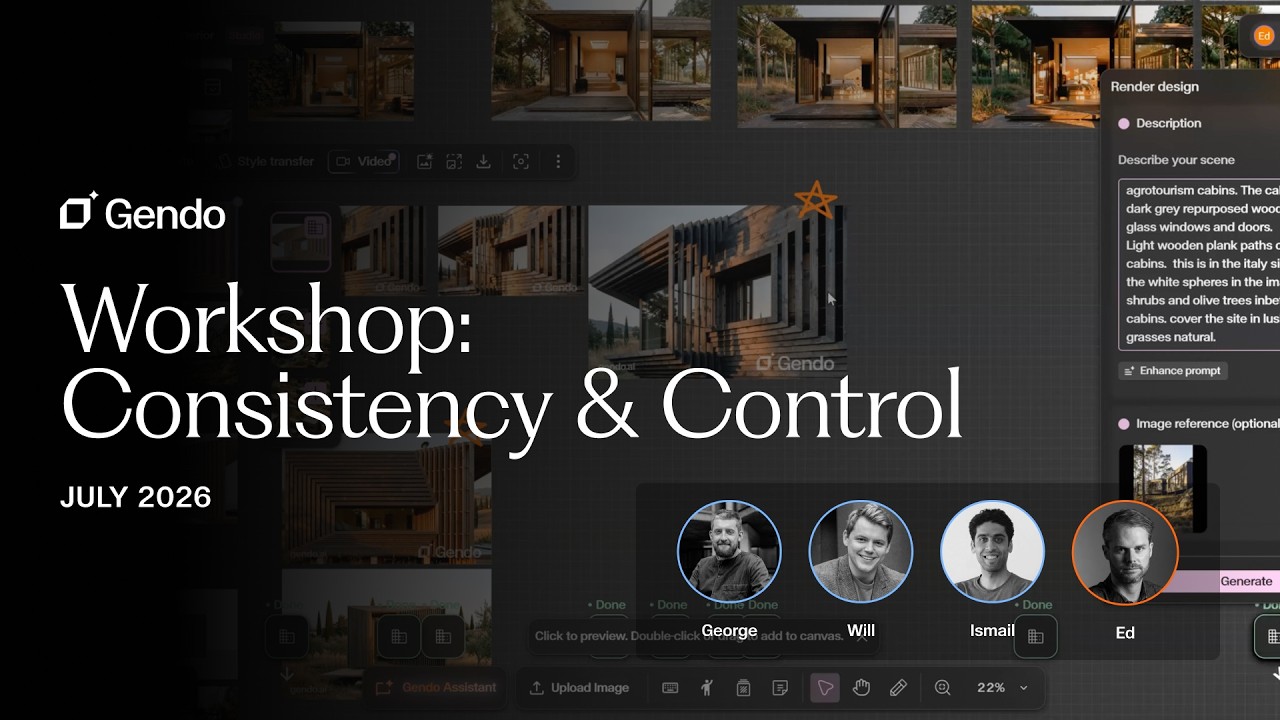
Workshop: Getting Gendo Right — Consistency & Control (with Edward Meyers, Settle)
George, Will and Ismail are joined by Edward Meyers, Co-founder of Settle, for a full walkthrough of Gendo — from fundamentals to advanced consistency workflows, plus how Settle replaced Unreal Engine and Photoshop on a live project.
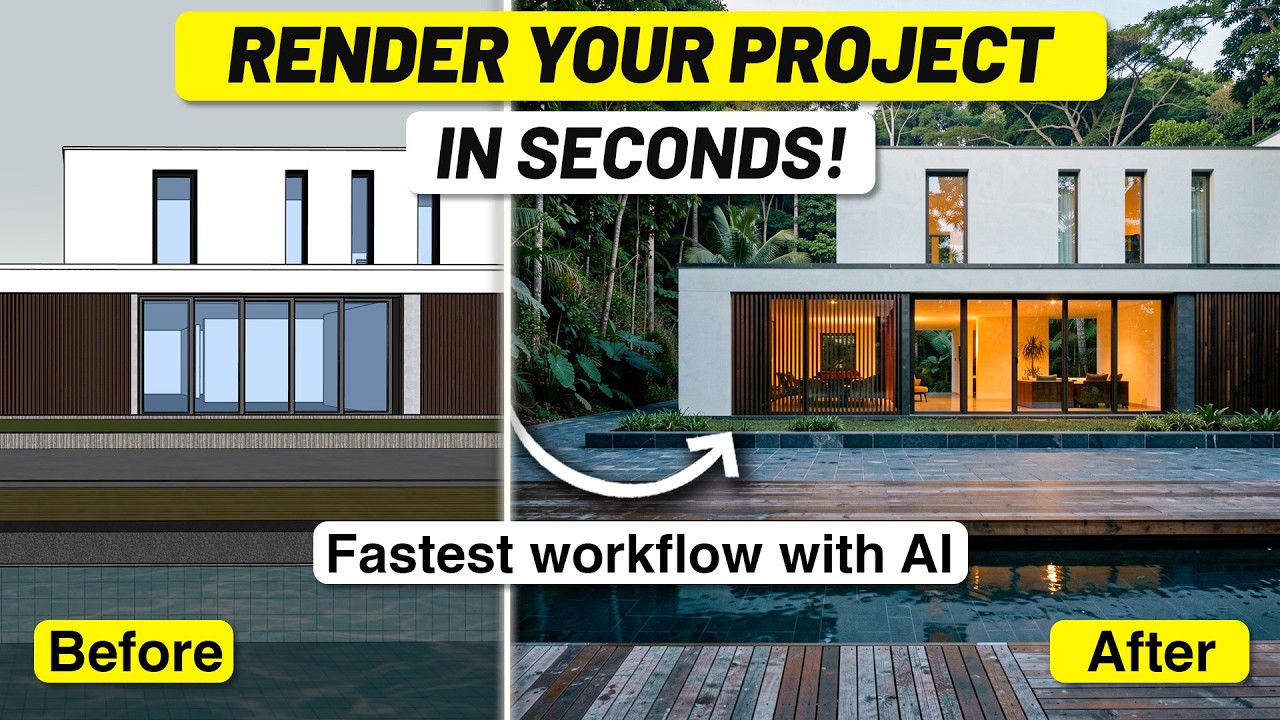
From SketchUp Viewport to Photorealistic Render in Seconds
Nuno Silva walks through the complete Gendo workflow — from raw SketchUp viewport to photorealistic architectural render in seconds.
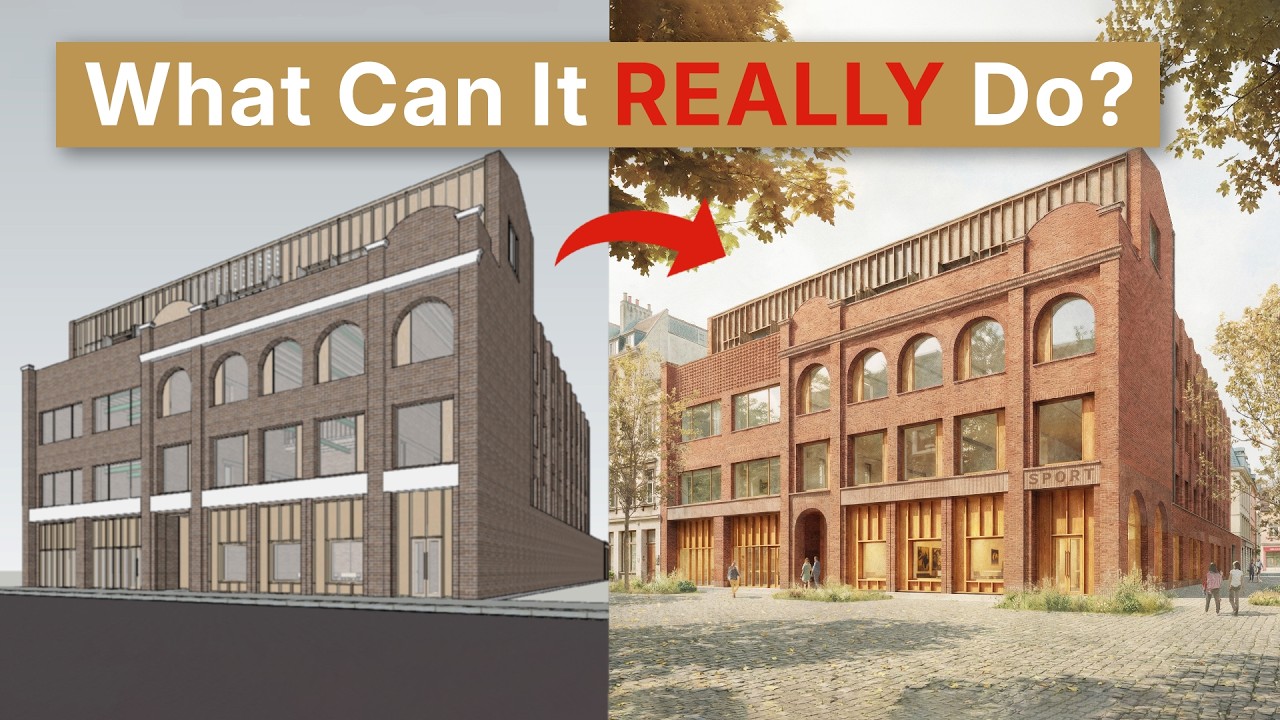
Genuinely the Most Powerful AI Tool for Architects Today
Surviving Architecture explores how Gendo turns simple SketchUp models into realistic renders using Render Design, auto-enhance, and the AI assistant.