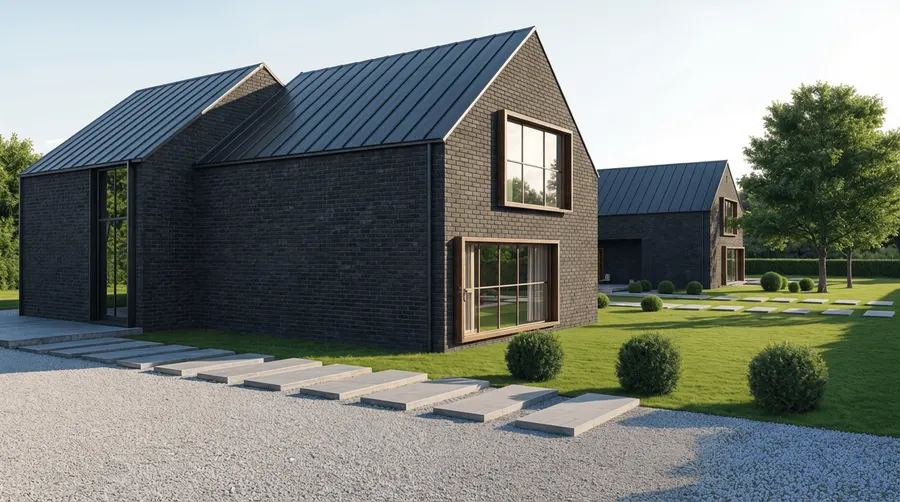
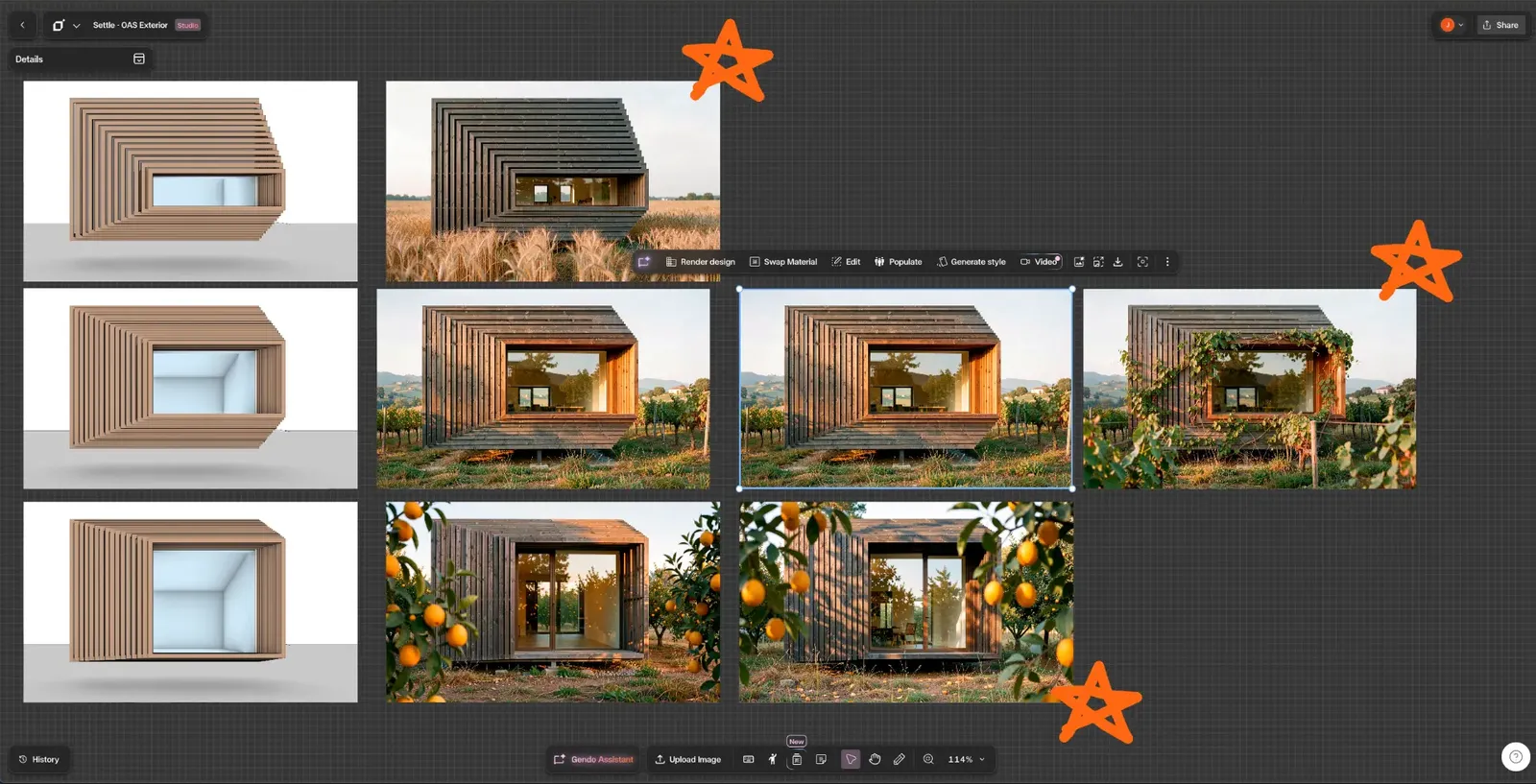
Every option, side by side
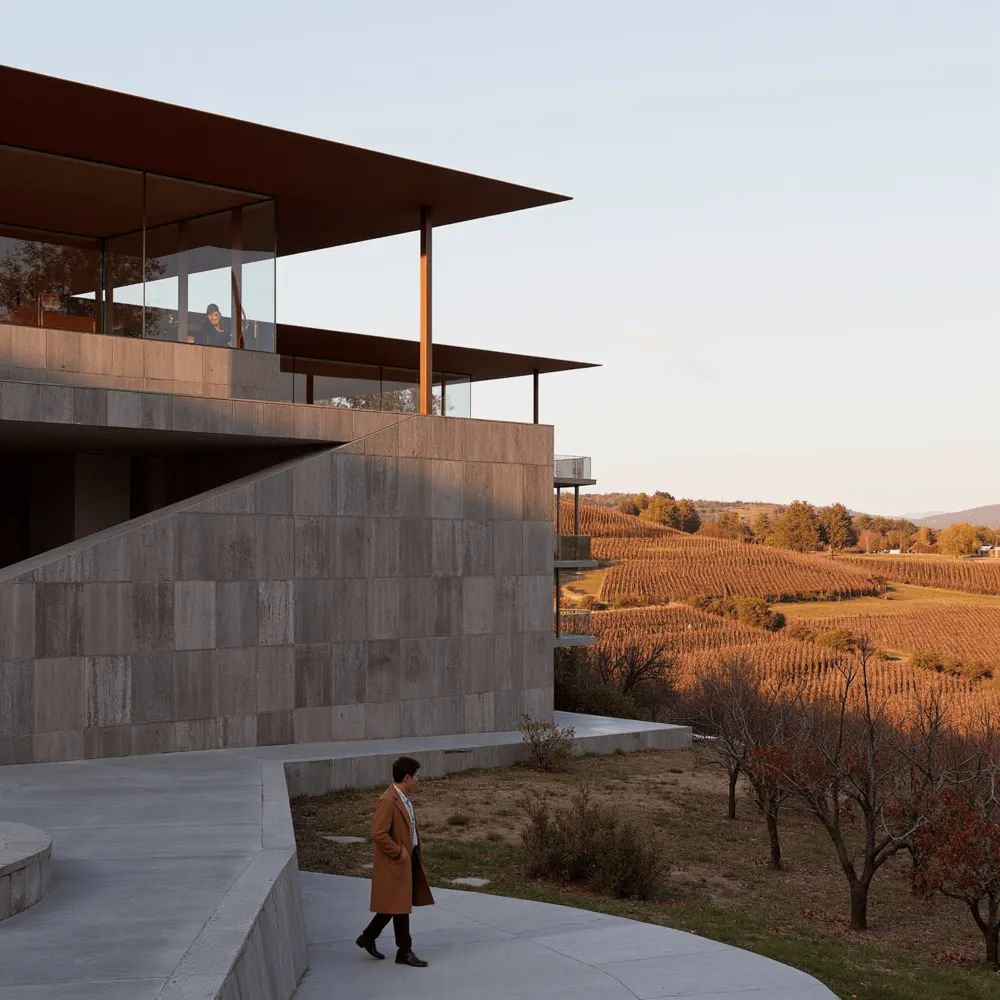
Test a brick, timber or Corten facade as branches from the same view, rather than commissioning each one.
Rendering cost guide · 2026
A practical guide to 3D rendering pricing for architects, practice owners and project leads. We cover what studios charge per image and per minute of animation, what drives the quote, where the hidden costs sit, and when an AI rendering workflow is the better fit.
£250–£2,300
Studio price per exterior view
1–2 weeks
Typical studio turnaround
Minutes
Per render on the Gendo canvas
Typical architectural visualisation prices from professional studios in 2026. These are indicative market ranges rather than quotes. Published guides are mostly in US dollars; we have converted them to sterling and rounded.
| Deliverable | Typical studio range | Notes |
|---|---|---|
| Exterior still (per view) | £250–£2,300 | Residential at the lower end; large commercial schemes above £3,000 |
| Interior still (per view) | £200–£1,400 | Driven by furniture, joinery and material detail |
| Aerial / bird's-eye | £400–£1,500+ | Larger site and context to model |
| 360° panorama | £600–£1,500 | Every direction must be finished |
| Animation | £3,000–£9,000 per minute | Bespoke cinematography can exceed this |
| Revision rounds | 1–2 included | Further rounds are usually charged, per round or hourly |
Last updated September 2026. Ranges compiled from published 2026 pricing guides, including MR Rendering on Chaos CGconnect, Art Land Design and Render3DQuick.
Two quotes for what looks like the same image can differ five-fold. The difference is almost always scope. These are the factors that move 3D rendering services cost most.
Scene complexity. A single-storey house on a plain site is quicker to build than a mixed-use block with street context, trees, people and vehicles. Every element in frame must be modelled, textured and lit.
Level of detail. Planning-stage images can accept simplified materials and entourage. Marketing imagery needs exact finishes, convincing vegetation and careful post-production, which can double the hours per view.
Number of views. The first view carries most of the model build. Additional views from the same model are cheaper, so a coordinated set of four is better value than four separate commissions.
Revisions. Most quotes include one or two rounds. Design changes after that are charged, and late changes to geometry can mean rebuilding parts of the scene.
Turnaround. Standard delivery is typically one to two weeks for a small set. Rush jobs carry a premium, often 25–50%, because they displace other work.
Modelling from scratch or a supplied model. A clean Revit, Rhino, ArchiCAD or SketchUp model saves the studio days of work. PDFs and elevations mean the studio resolves design questions inside your rendering budget.
Studio location. London and New York studios charge more than regional or offshore teams. Lower rates can work well, but factor in time zones and extra briefing.
Exterior renders usually cost more per view. They carry site context, landscaping, sky and lighting conditions, and often more revision rounds because they are used in planning and marketing.
Interior renders are cheaper on average but vary widely. An empty, well-lit room is quick; a fully furnished hotel suite with bespoke joinery and specified products can cost as much as an exterior. Interiors also tend to be commissioned in larger numbers, so the total cost of renderings across a fit-out project can exceed the exterior budget.
The studio invoice is only part of the cost. Four others rarely appear on the quote.
Briefing time. Someone in your team prepares drawings, material references, camera positions and mood images, then answers questions. On a small set this is easily a day of an architect's time.
Revision cycles. Every round means marking up drafts, writing feedback and checking the result. Misread comments create further rounds.
Waiting for drafts. Days pass between each exchange. Design decisions that depend on seeing the image stall while the team waits.
Paying again when the design changes. Renders commissioned at Stage 2 are often out of date by Stage 3. A revised massing or facade means a new fee, so many practices stop visualising options at exactly the point they would be most useful.
This is why a growing share of practices are bringing design-stage visualisation in-house. In our September 2026 user survey, 25% of paying Gendo users said they now use external CGI studios or freelancers less.
Outsourced rendering loop
Days per cycle, repeated each revision
Collaborative canvas loop
Same day, inside one workspace
Most of the cost of architectural rendering is not the pixels. It is the briefing, waiting, revising and re-commissioning around them. A collaborative canvas removes those steps by keeping inputs, renders, comments and decisions in one place that the whole project team can see.
Test a brick, timber or Corten facade as branches from the same view, rather than commissioning each one.
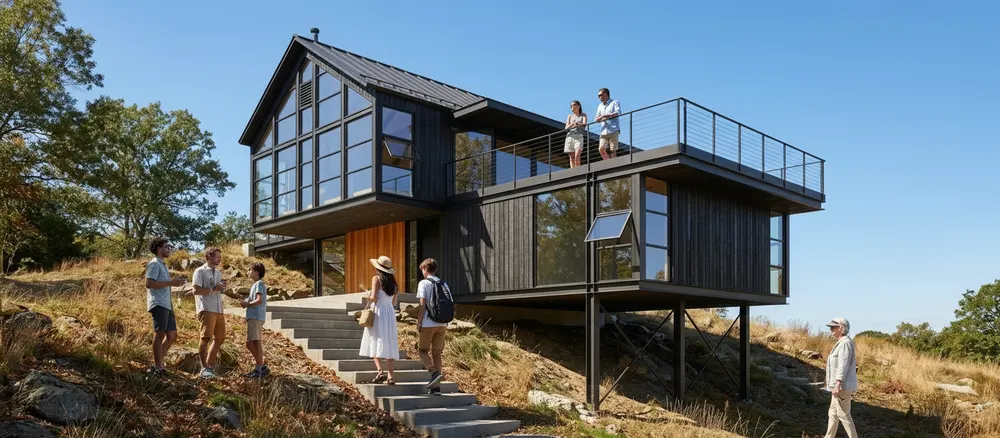
Clients and colleagues comment directly on the render, so there are no marked-up PDFs or lost email threads.
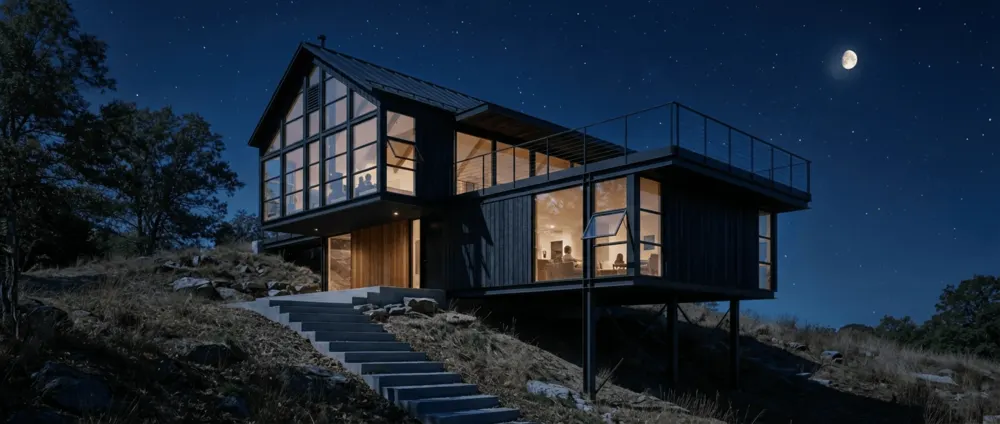
Architects, visualisers and project leads work on the same board in real time, with no handoffs between tools.
Each version, comment and sign-off stays on the canvas, private to your practice and never used for training.
Gendo is a private, collaborative design canvas where architects generate photorealistic renders from sketches, massing models and viewport captures. It works alongside your existing CAD and BIM tools and is priced as a subscription rather than per image.
| Rendering studio | Gendo | |
|---|---|---|
| Cost per image | £200–£2,300 per view | Included. Studio plan from £79 a month for 5 seats, unlimited image generations |
| Turnaround | Typically 1–2 weeks for a small set | Minutes per render |
| Revisions | 1–2 rounds included, then charged | As many as you need, at no extra cost |
| Iterations during design | Each new option is a new fee | Unlimited. Test options at every stage |
| Who controls the output | The studio, working from your brief | Your team, on a private canvas. Your work is never used for training |
You can start free, with one project canvas, watermarked exports at 1k and one collaborator. The Studio plan removes the watermark, adds a commercial licence, upscaling to 4x and private team workspaces. See pricing for current plans.
39%
of paying users have already reduced spending on outside visualisation services or software
11.2h
saved per paying user each month on average; the typical user saves 6–10 hours
36%
of paying users have used Gendo visuals in a planning application
Gendo user survey, September 2026. Paying users only: 147, 121 and 117 respondents respectively. Time saved is self-reported.
“Gendo has given us the ability to produce very high quality client-facing material in-house, at speed.”
AI rendering does not replace every commission. A specialist studio is still the right choice for:
Flagship marketing campaigns. Sales launches, hoardings and brochure hero images where every reflection, material and figure is art-directed and signed off by a developer's marketing team.
Complex bespoke animation. Cinematic fly-throughs, choreographed people and vehicles, day-to-night sequences and sound design remain specialist work.
Exact, verified views. Accurate visual representations for townscape and heritage assessments need survey-matched cameras and a documented methodology.
Many practices use both: Gendo for design development, options and client reviews, and a studio for the final campaign once the design is fixed. The two work well together because the studio receives a settled design with fewer late changes.
A four-view residential scheme: two exterior views and two interior views, taken through two design revisions, using mid-market figures from the table above.
| Rendering studio | Gendo Studio plan | |
|---|---|---|
| 2 exterior views | 2 × £800 = £1,600 | Included |
| 2 interior views | 2 × £600 = £1,200 | Included |
| Extra revision round after design change | Approx. £400–£800 | Included |
| Exploring alternative options | Charged per view | Included |
| Subscription | — | £79 for the month, up to 5 seats |
| Indicative total | £3,200–£3,600 | £79 |
| Time to first images | Around 1–2 weeks | Same day |
The Gendo figure excludes your team's time, which you should count honestly: someone still sets up views, directs materials and refines outputs. Against that, the studio route also needs briefing and review time. Across several projects a year, 3D architectural visualisation cost on a subscription stays flat while studio fees scale with every view.
“We all love Gendo for its collaborative opportunity. If you work in a team, the canvas is your new office.”
Selim Elleithy, SAQALA.STUDIO
“It's a design tool, not a visualization tool.”
Michael Hsu Office of Architecture
“It allows us to explore and prepare different visual directions much faster than our previous workflow.”
KANNT
“I am able to prepare and explore simultaneously many options.”
ESTUDIO LOCAL
“The fact that it honours geometry and finishes is fantastic compared to previous AI models.”
Jacob Design & Visualisation
“An amazing web based app to speed up visualisation, test ideas and convince clients of your vision.”
DND Studio
Start free on a private canvas, or book a walkthrough to see how Gendo fits your practice's design stages.