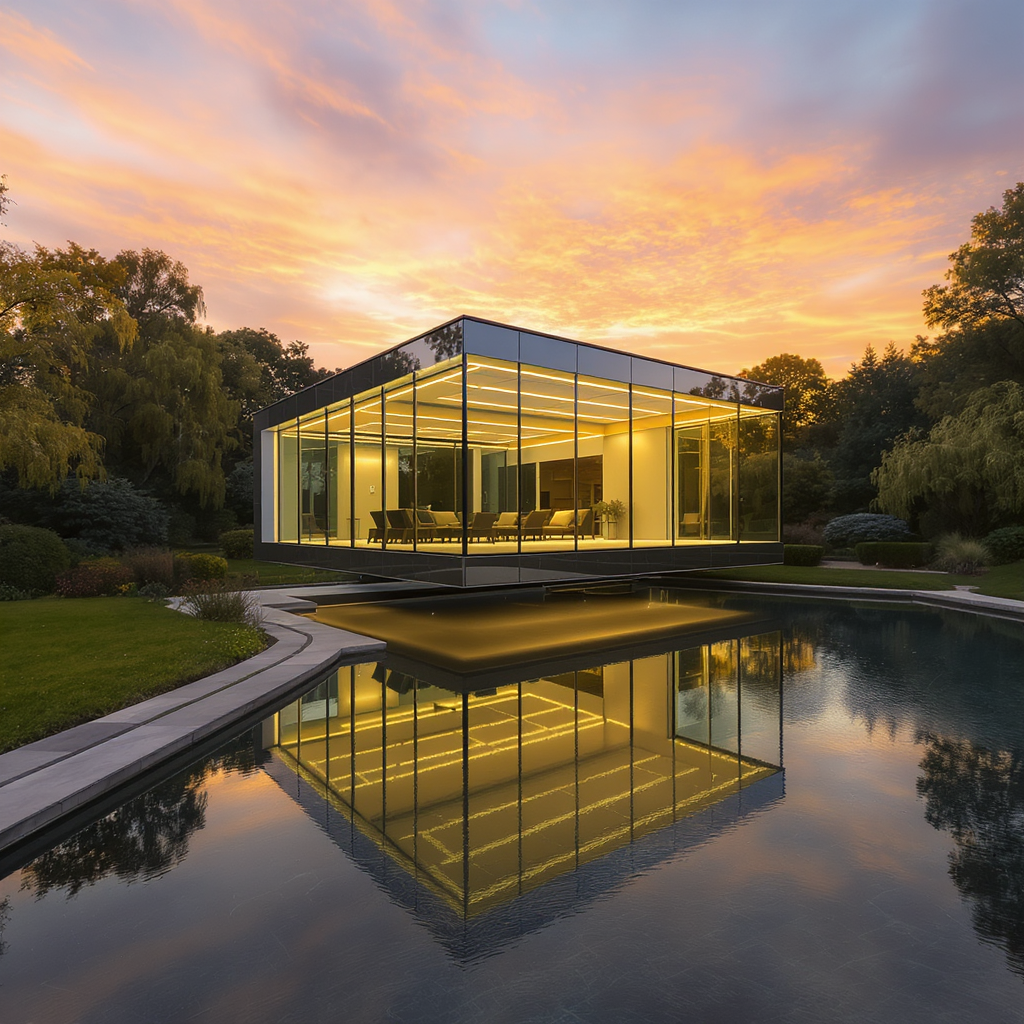
Gendo across the
RIBA stages
Explore, iterate, and align visually from the earliest project moments. Gendo supports continuous visual exploration when design decisions are still open.
Architecture design stages
RIBA Plan of Work 2020 stages mapped to Gendo's value zone
Gendo's sweet spot: Stages 0–3, when the most design choices are still open and fast visual iteration drives better decisions.
Early-stage visuals
From sketch to scene in minutes


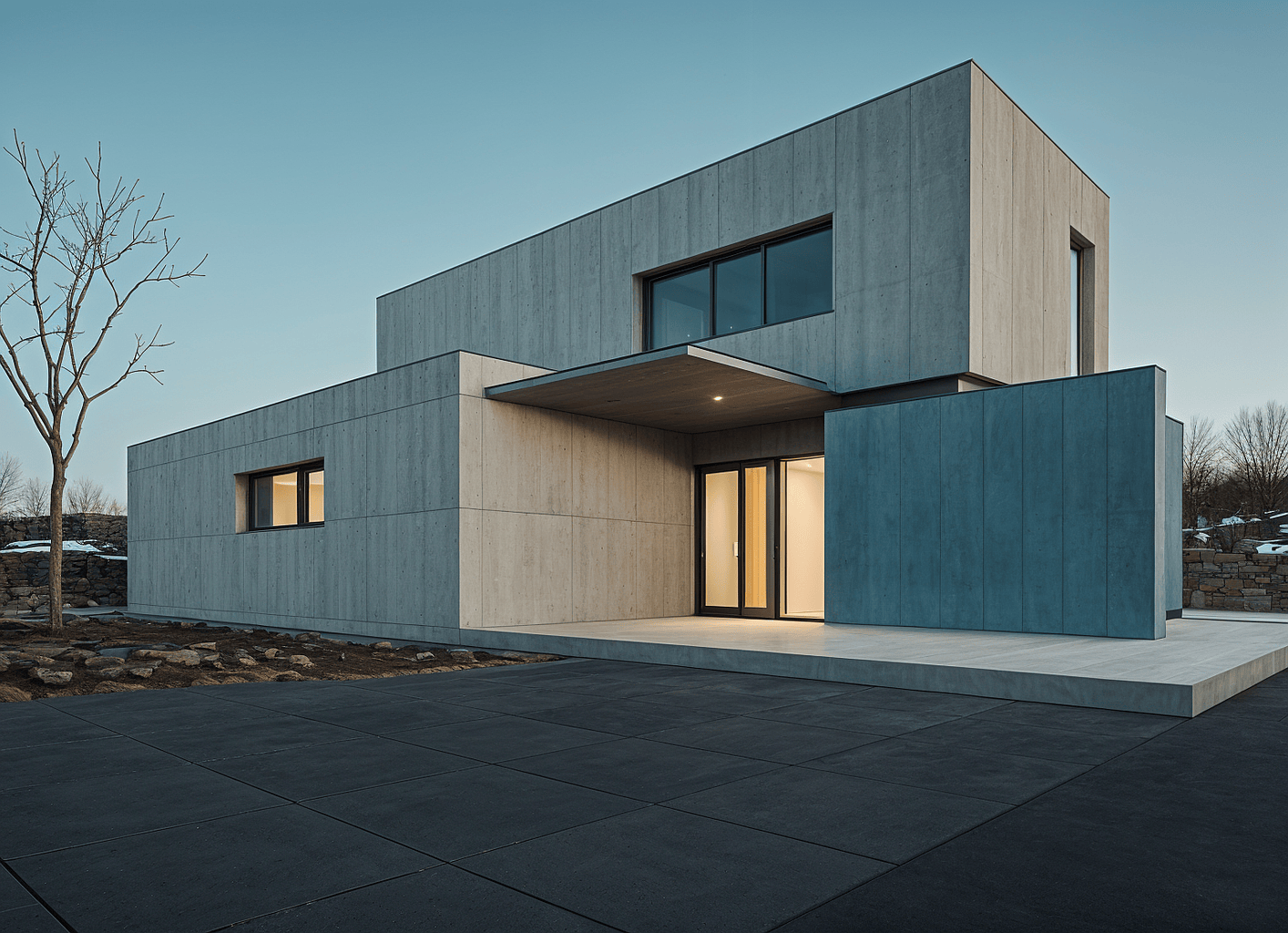
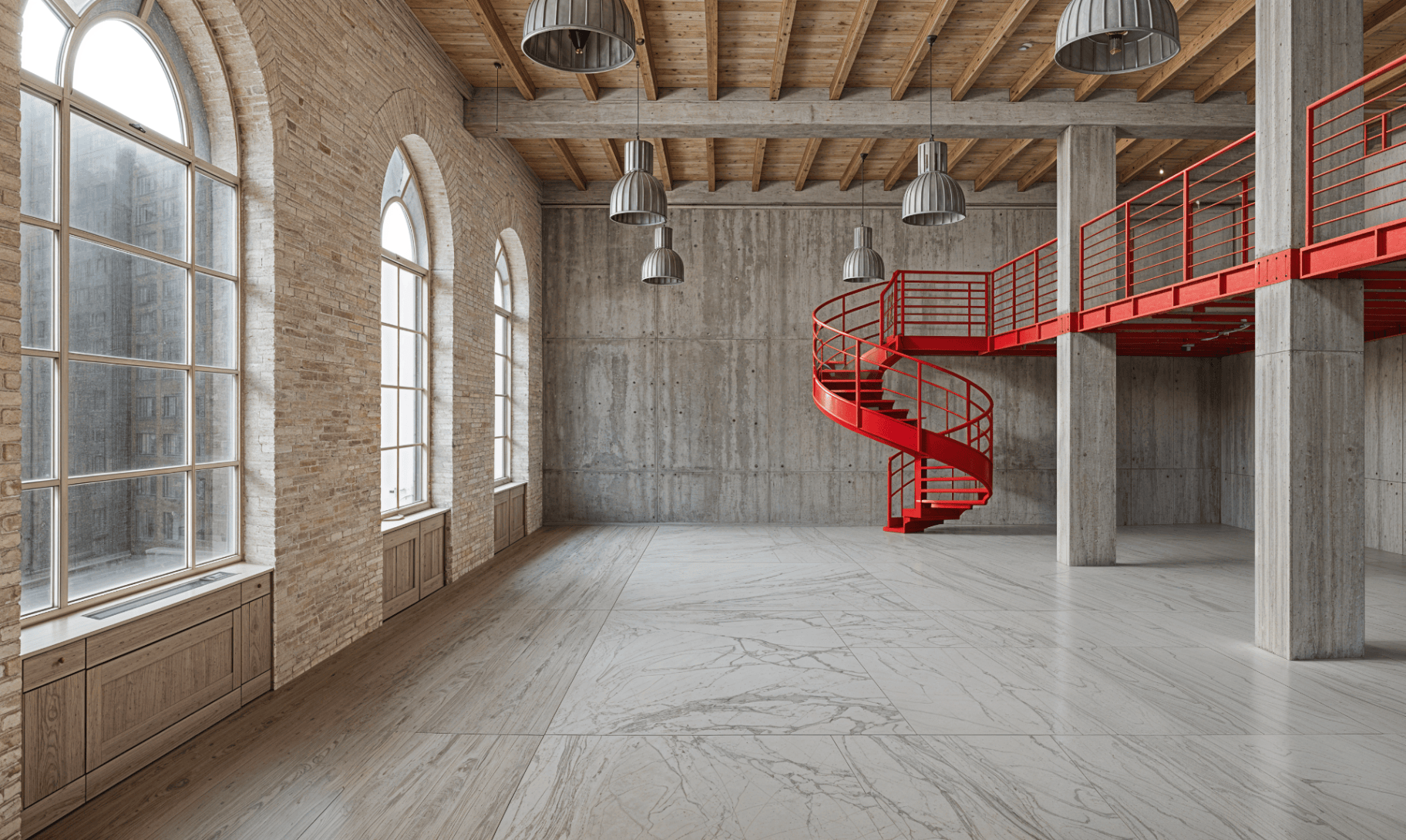
What architects need early
Stages 0–3 share common challenges that traditional visualisation can't keep up with.
Ideas change fast
Early design is fluid. Options evolve daily, sometimes hourly.
Clients need clarity
Stakeholders struggle to read sketches. Visuals bridge the gap.
Teams need alignment
Internal reviews require everyone to see the same thing.
Visuals are slow and expensive
Traditional CGI takes days. Studios limit exploration to protect budgets.
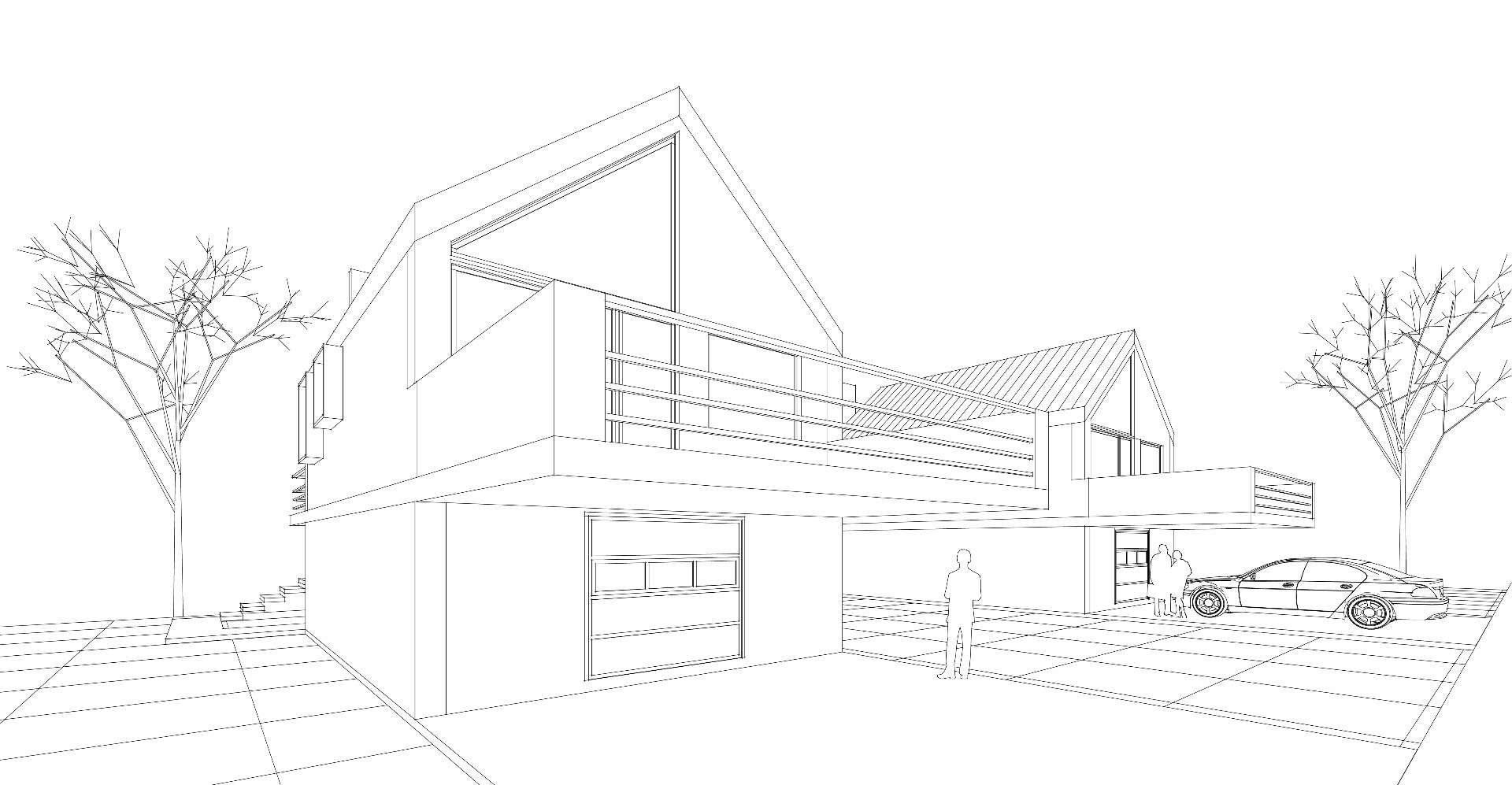
How Gendo supports each stage
Practical workflows for Stages 0–3, mapped to what you're actually doing.
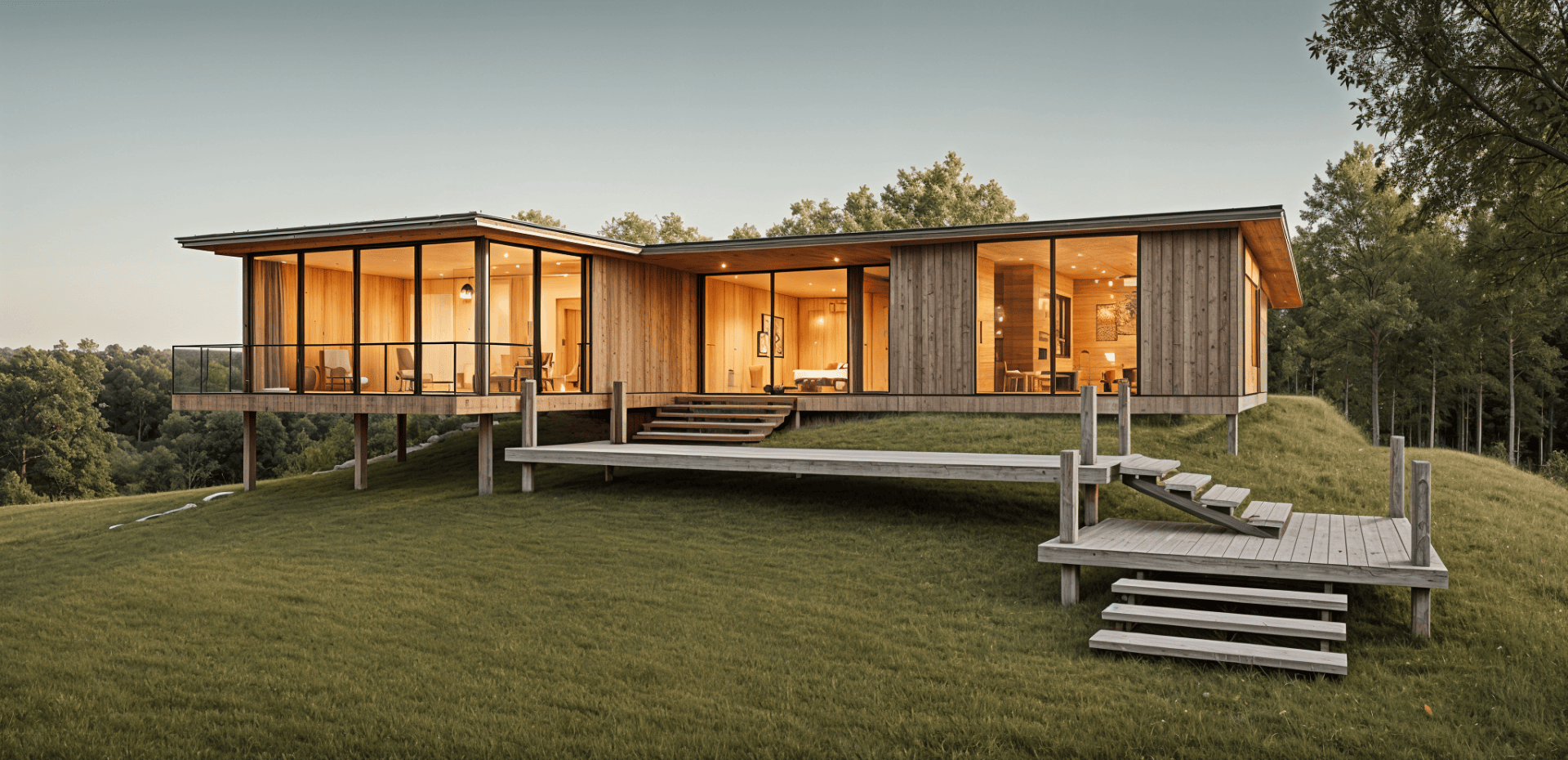
Competition / Bids
Typical inputs
Gendo helps you
Generate compelling visuals fast, test style directions, explore atmosphere before committing
What you get
- Mood options
- Hero images
- Early storytelling visuals
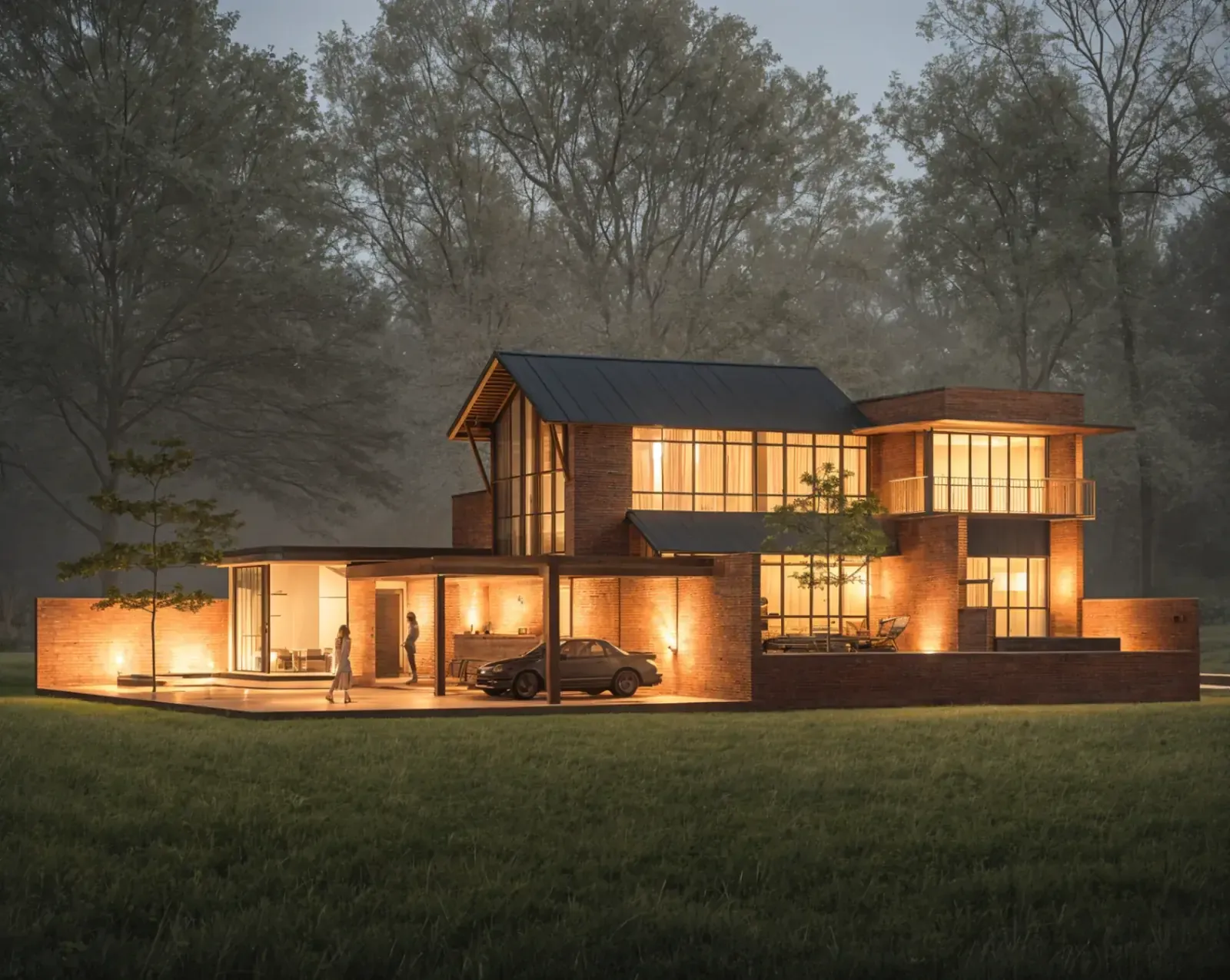
Strategic Definition
Typical inputs
Gendo helps you
Explore visual intent, create alignment internally, communicate ambition to stakeholders
What you get
- Direction boards
- Early concepts
- Option set for review

Preparation & Brief
Typical inputs
Gendo helps you
Iterate quickly, compare options side-by-side, communicate tradeoffs visually
What you get
- Refined concept visuals
- Internal review set
- Client-ready images
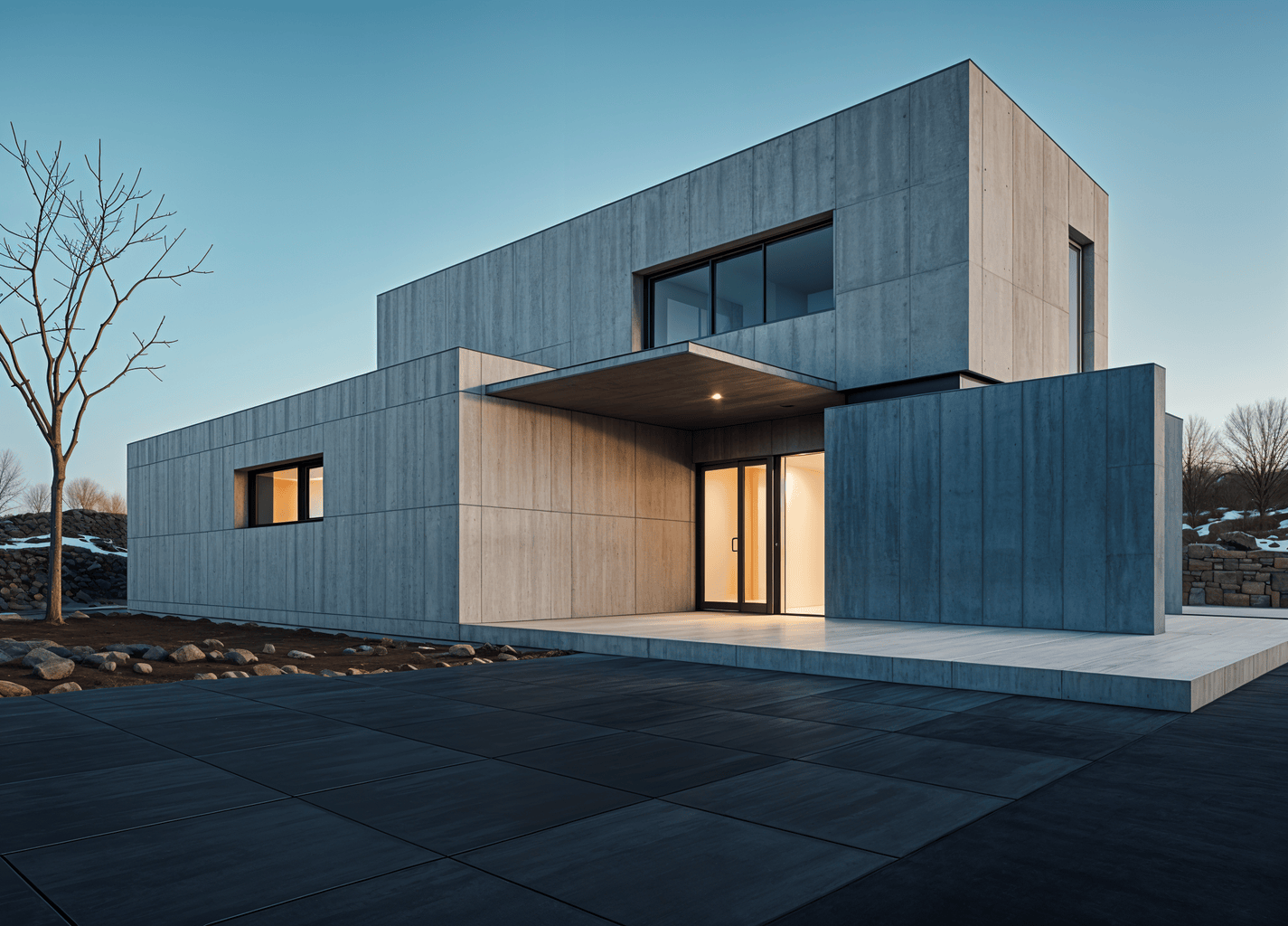
Concept Design
Typical inputs
Gendo helps you
Elevate realism, test materials and atmosphere, maintain visual continuity across options
What you get
- Consistent visuals
- Option comparisons
- Presentation-ready scenes
Why Gendo's role shifts after Stage 3
After Concept Design, the work changes. Constraints tighten. Workflows become documentation-heavy. Coordination with engineers, consultants, and contractors takes precedence over visual exploration.
Gendo still supports visualisation in later stages—testing materials, generating marketing images, client check-ins—but the highest leverage is earlier, when decisions are fluid and iteration speed directly impacts design quality.
The earlier you iterate, the more options you explore. The more options you explore, the better your final design.
Gendo as a second screen to CAD
Two systems, two purposes. Use them together.
CAD
System of record for geometry. Precise, coordinated, documentation-ready. Where technical decisions live.
Gendo
System of record for visual intent. Options, decisions, feedback. Where design direction is explored and aligned.
Typical workflow
Start exploring visually in Stage 0
The earlier you bring Gendo into your workflow, the more design options you'll explore.