Add people to renders
in seconds
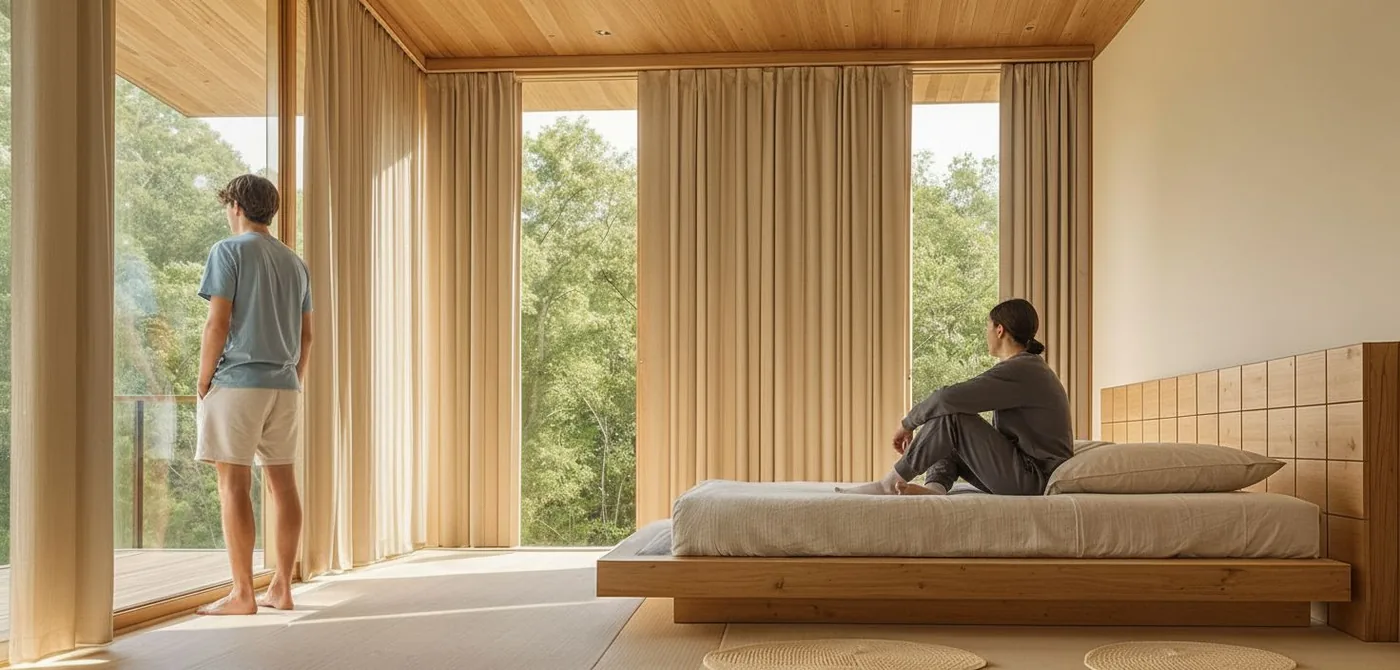
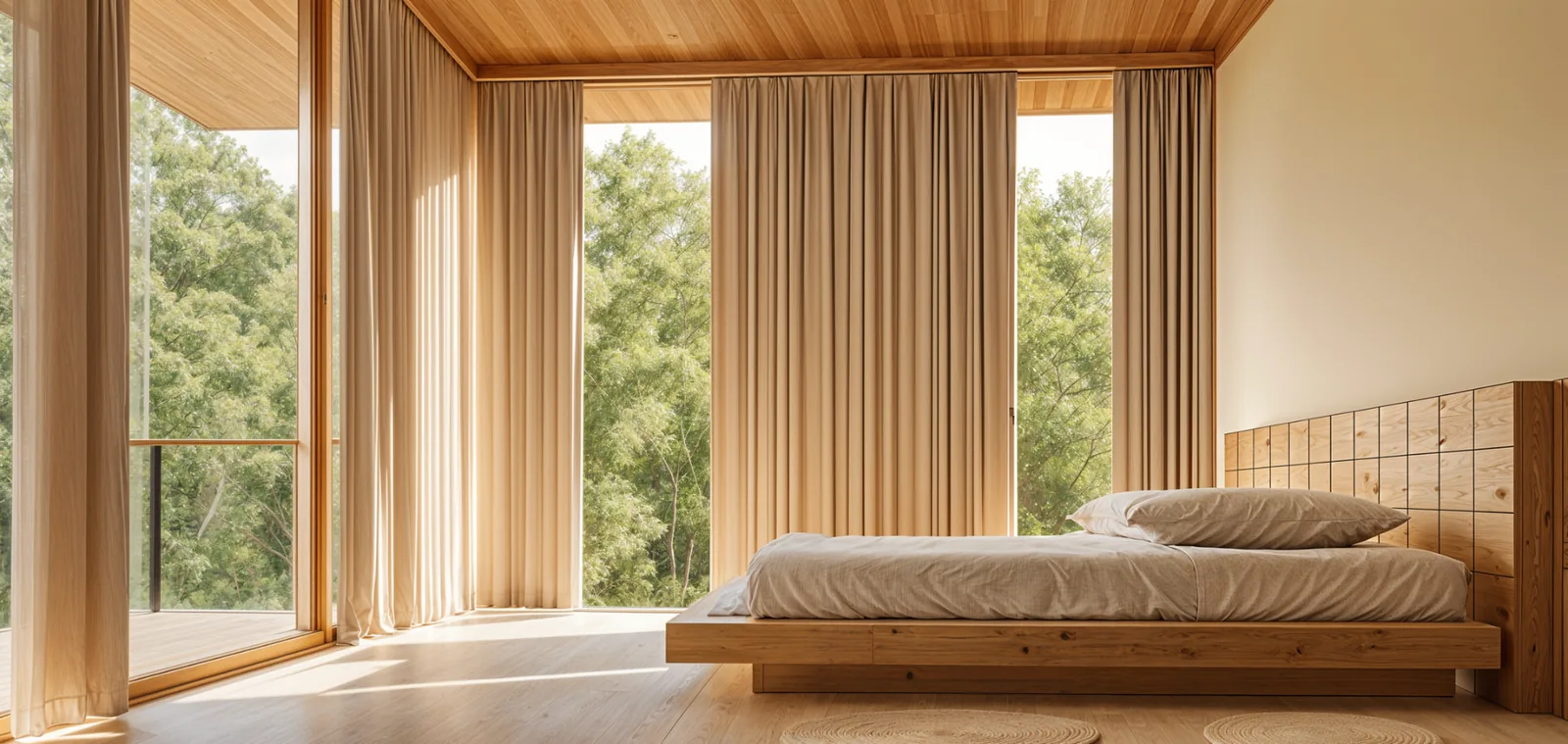
Populate architectural scenes with realistic, diverse figures — correctly scaled, lit, and positioned. No Photoshop. No stock cutouts. No manual placement.
The problem
Populating renders is slow, manual, and disconnected
Hours spent on manual placement
Sourcing cutout people, scaling them, matching lighting, adjusting shadows — for every single view.
Disconnected tools
Exporting to Photoshop, placing stock figures, re-importing — a fragmented process that breaks flow.
Flat, unconvincing results
Generic stock cutouts rarely match the scene's lighting, perspective, or cultural context.
No diversity control
Limited stock libraries make it difficult to represent the communities your buildings serve.
The solution
Quick Populate adds human context in seconds
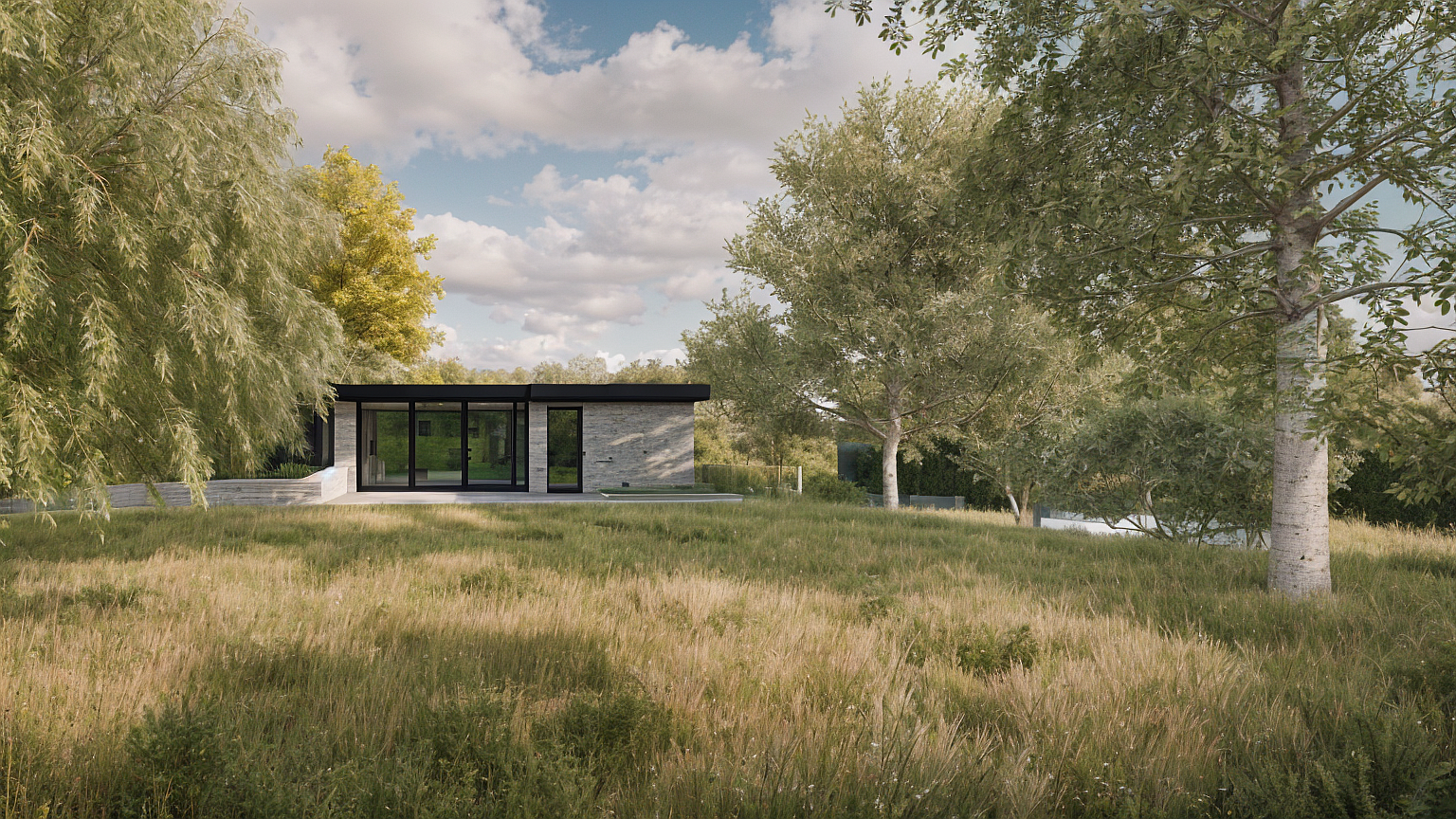
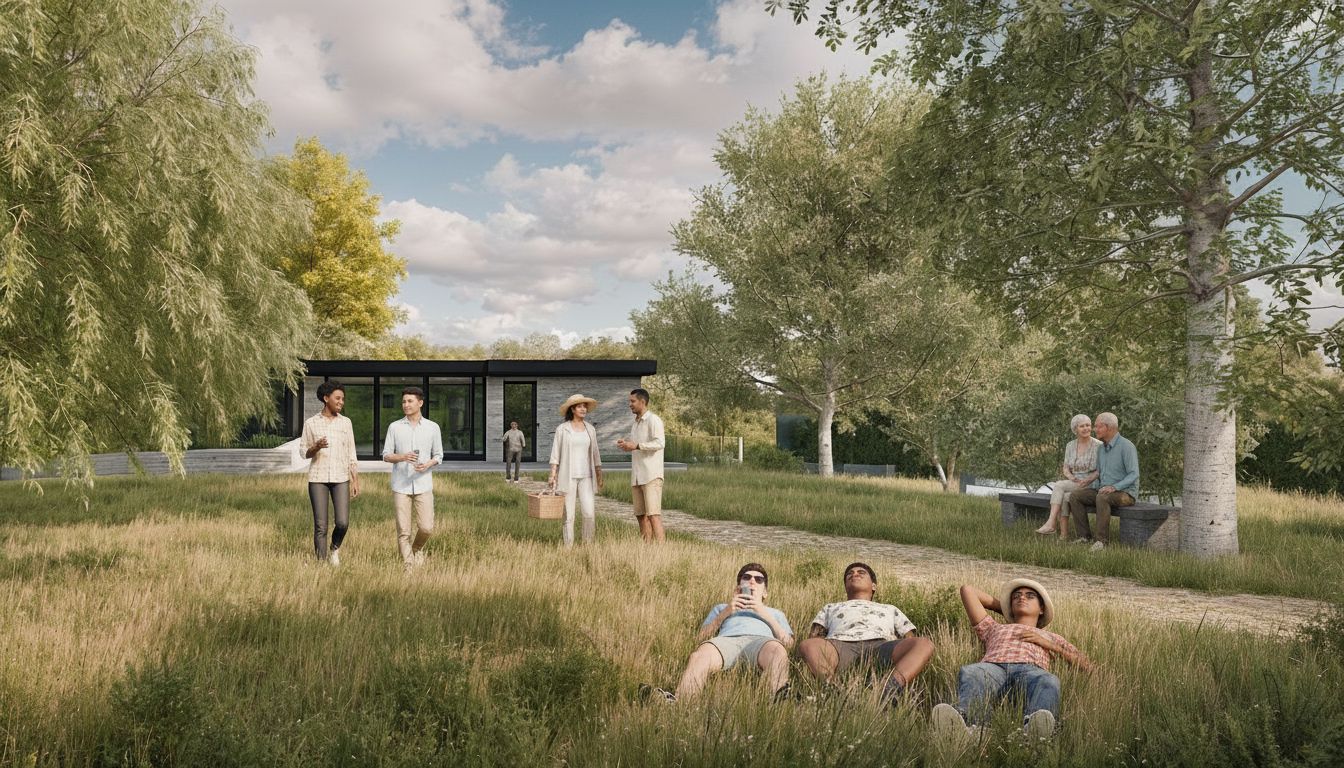
Quick Populate seamlessly integrates realistic, diverse people into your architectural scenes. Define demographics, cultural context, and crowd density — then generate in under seven seconds, directly on your canvas.
People are placed with correct scale, perspective, and lighting. Your architecture stays at the centre — the figures enhance the narrative without overwhelming the design.
Why studios use Quick Populate
Seconds, not hours
Populate an entire scene in under seven seconds. No export, no Photoshop, no manual placement.
Presentation-ready immediately
People are placed with correct scale, perspective, and lighting — ready for boards, client decks, or submissions.
Full creative control
Set age ranges, cultural context, crowd density, clothing styles, and specific scenarios to match your brief.
Context-aware diversity
Represent the communities your buildings will serve — from Northern European to Southeast Asian urban contexts.
How it works
From empty render to populated scene in four steps.
Upload or select your render
Start with any architectural render on your canvas — exterior, interior, or landscape.
Set your parameters
Define age ranges, geographic context, diversity preferences, crowd density, and clothing styles.
Add scene context
Optional prompts like "families with strollers", "office workers", or "evening diners" refine the result.
Generate in seconds
Quick Populate places people naturally — correctly scaled, lit, and positioned within your scene.
Where studios use Quick Populate
Planning submissions
Show how public spaces, streets, and buildings will be used. Give planners the human context they need to approve confidently.
Client presentations
Transform empty renders into compelling narratives. Clients connect with spaces when they can see people living in them.
Competition imagery
Produce populated visuals under tight deadlines without waiting for external CGI or manual post-production.
Design reviews
Populate early-stage renders to test spatial relationships, circulation, and atmosphere before committing to details.
What architects are saying
"Quick Populate — the people were so snug on the couch that I had in the render. I instantly loved it."
Aneudy Salcedo
Architect, Intercultural 3 Design
"The value was immediate. The first image out of Gendo felt like a no-brainer at the price point. It's fast, architectural, and very useful in live design reviews."

Liam Cox
Urban Designer, MCAU
"Client took a rendered image from Gendo from one of our hand sketches to the meeting, the planners took one look — boom. Planners on board."

Dan Thompson
Architect, Origin Design Studio
Everything you can control
Frequently asked questions
Stop placing cutouts manually.
Start populating in seconds.
Join the studios already using Quick Populate to make every render presentation-ready — without leaving the canvas.
Start populating