---
title: "AI Interior Design for Studios | Collaborative Rendering Canvas | Gendo"
description: "AI interior design rendering built for professional studios. Generate photorealistic living room, kitchen, and bedroom renders from sketches. Collaborate on a shared canvas with your team."
lang: en
json-ld: |
[
{
"@context": "https://schema.org",
"@type": "FAQPage",
"mainEntity": [
{
"@type": "Question",
"name": "What AI tools do interior designers use?",
"acceptedAnswer": {
"@type": "Answer",
"text": "Interior designers use AI tools for rendering, material exploration, concept visualisation, and client presentations. Gendo is purpose-built for architects and interior designers — it combines AI rendering with a collaborative canvas where teams can iterate, compare options, and align on decisions without switching between disconnected tools. See how studios use it in our case studies."
}
},
{
"@type": "Question",
"name": "Can AI generate interior design renders from sketches?",
"acceptedAnswer": {
"@type": "Answer",
"text": "Yes. With Gendo, interior designers can upload hand-drawn sketches, grey 3D models, or viewport exports from tools like SketchUp, Revit, or Rhino, then generate high-fidelity renders in minutes. The AI preserves spatial accuracy and design intent, so geometry stays fixed while materials, lighting, and context change. Learn more about the sketch-to-render workflow."
}
},
{
"@type": "Question",
"name": "Do I need powerful hardware to use AI interior rendering?",
"acceptedAnswer": {
"@type": "Answer",
"text": "No. Gendo runs entirely in the browser. There is no software to install, no GPU requirements, and no render queue. Your team can generate and review renders from any device with a modern web browser, making it accessible for studios of any size."
}
},
{
"@type": "Question",
"name": "Is my design work private when using AI rendering?",
"acceptedAnswer": {
"@type": "Answer",
"text": "On Gendo's Studio and Enterprise plans, all prompts, images, and project data are treated as confidential intellectual property. Nothing is used for model training or shared externally. Gendo operates on GDPR-compliant EU data centres with enterprise-grade security, making it suitable for competition work and client-sensitive projects. Read more about our privacy and data controls."
}
},
{
"@type": "Question",
"name": "How does AI for interior designers differ from generic AI image generators?",
"acceptedAnswer": {
"@type": "Answer",
"text": "Generic AI generators produce images from open-ended text prompts with no spatial control. AI tools built for interior designers — like Gendo — preserve your design geometry, support material changes in context, enable team collaboration on a shared canvas, and treat every output as professional intellectual property rather than public content."
}
},
{
"@type": "Question",
"name": "Can teams collaborate on interior design visuals in real time?",
"acceptedAnswer": {
"@type": "Answer",
"text": "Yes. Gendo's multiplayer canvas allows interior design teams to work together simultaneously — generating renders, leaving annotations, comparing material options, and building presentation packs. It replaces fragmented workflows where visuals are scattered across email, Slack, and file drives."
}
},
{
"@type": "Question",
"name": "How much does AI interior design rendering cost?",
"acceptedAnswer": {
"@type": "Answer",
"text": "Gendo is free to start with unlimited watermarked renders. The Studio plan at £79/month includes unwatermarked outputs, commercial licensing, and team collaboration for five editors. View full pricing or try the free AI interior design tool."
}
}
]
},
{
"@context": "https://schema.org",
"@type": "WebPage",
"name": "AI for Interior Designers | Real-Time Collaborative Rendering | Gendo",
"url": "https://www.gendo.ai/ai-interior-design",
"description": "Transform your interior design workflow with Gendo. Generate photorealistic renders of living rooms & kitchens from sketches in minutes. Collaborate in real-time.",
"isPartOf": {
"@type": "WebSite",
"name": "Gendo",
"url": "https://www.gendo.ai"
},
"publisher": {
"@type": "Organization",
"name": "Gendo",
"url": "https://www.gendo.ai",
"logo": {
"@type": "ImageObject",
"url": "https://www.gendo.ai/assets/gendo-logo-white-BHxZfhnW.png"
}
}
},
{
"@context": "https://schema.org",
"@type": "SoftwareApplication",
"name": "Gendo",
"operatingSystem": "Web-based",
"applicationCategory": "DesignSoftware",
"description": "Collaborative AI rendering canvas for interior design teams to generate renders, explore materials, and align on decisions in real time.",
"offers": {
"@type": "Offer",
"price": "0",
"priceCurrency": "USD",
"description": "Free to start"
},
"featureList": [
"Real-time collaborative canvas",
"AI interior rendering from sketches",
"Contextual material testing",
"Spatial precision preservation",
"Multiplayer workspace"
],
"screenshot": "https://www.gendo.ai/assets/interior-populate-ClQYqRlS.png"
},
{
"@context": "https://schema.org",
"@type": "BreadcrumbList",
"itemListElement": [
{
"@type": "ListItem",
"position": 1,
"name": "Home",
"item": "https://www.gendo.ai"
},
{
"@type": "ListItem",
"position": 2,
"name": "AI for Interior Designers",
"item": "https://www.gendo.ai/ai-interior-design"
}
]
}
]
---
[](/)
[Features](/product)[Solutions](/workflows)[Resources](/resources)[Pricing](/pricing)
About
[Log In](https://app.gendo.ai/sign-in)[Start creating ](https://app.gendo.ai/sign-up)
AI tools for architects and interior designers
# AI for interior designers.
One canvas. One team. Every iteration.
Gendo is the collaborative AI rendering canvas where interior design teams generate renders, explore materials, and align on decisions — together, in real time. No fragmented tools. No overnight render queues. Just design clarity, faster.
[Create Your Canvas](https://app.gendo.ai)[See how it works](#how-it-works)
Free to start · No install · Browser-based
Live collaborative canvas — interior design teams iterating on renders together in Gendo
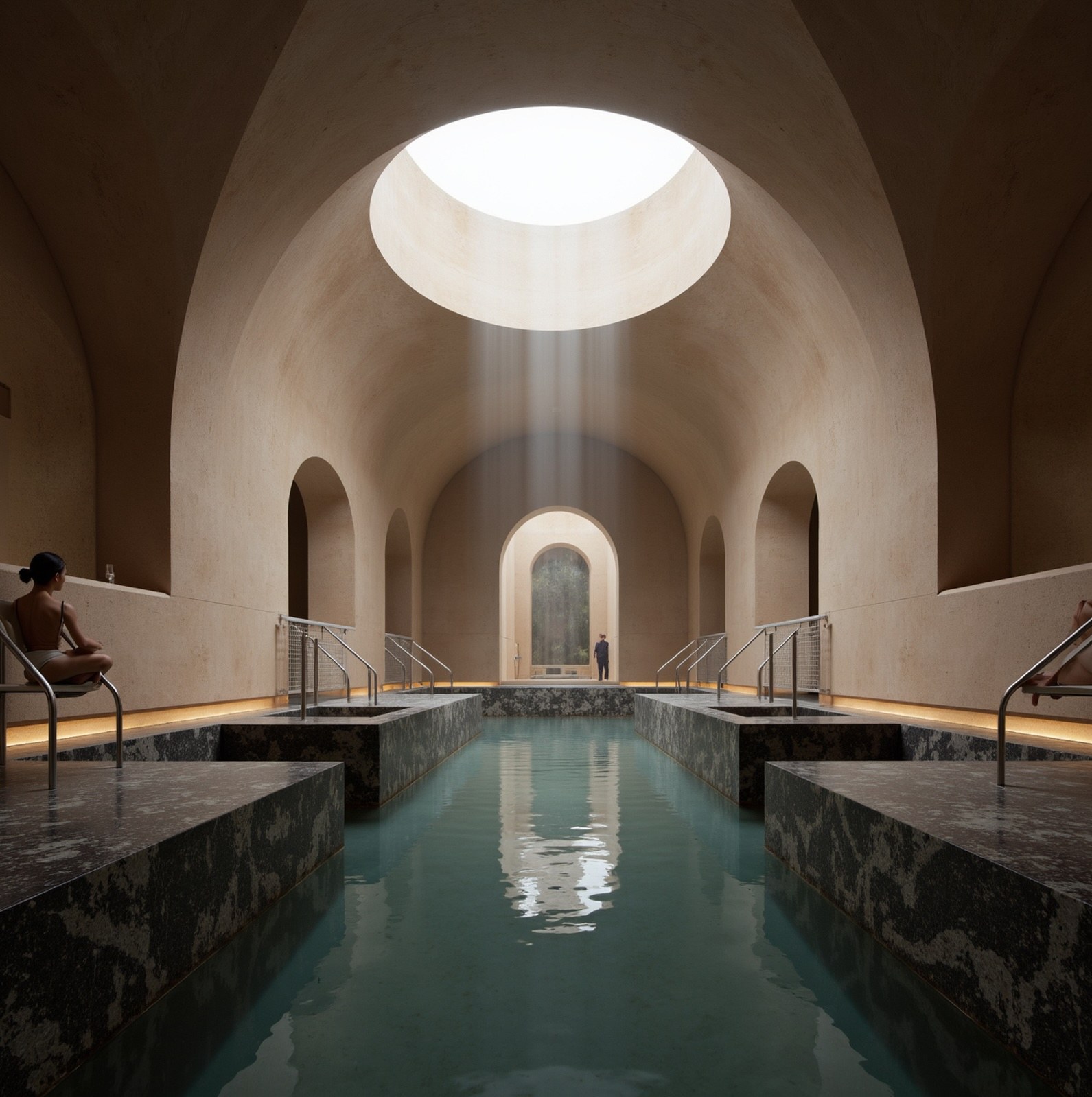
Interior spaces
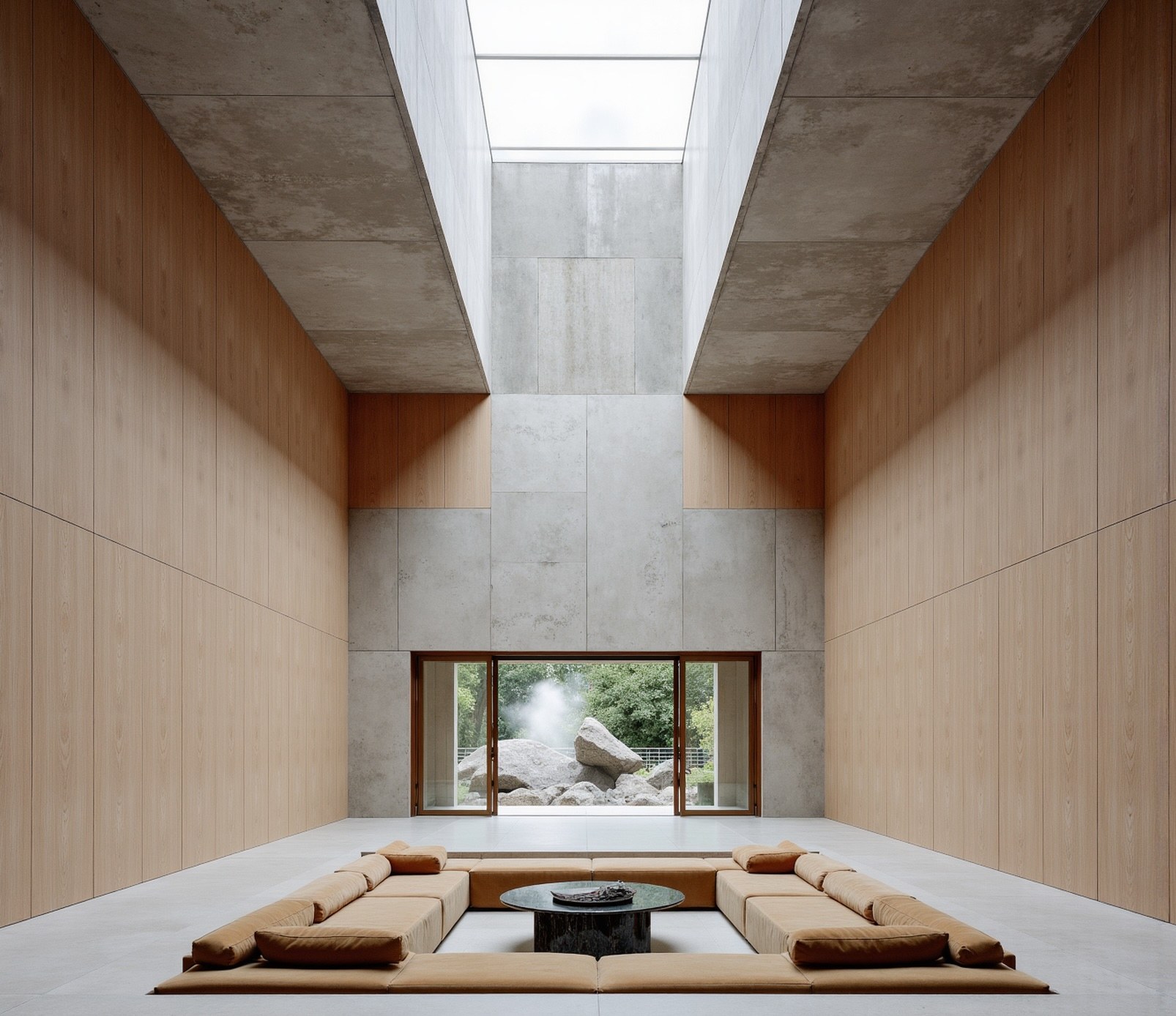
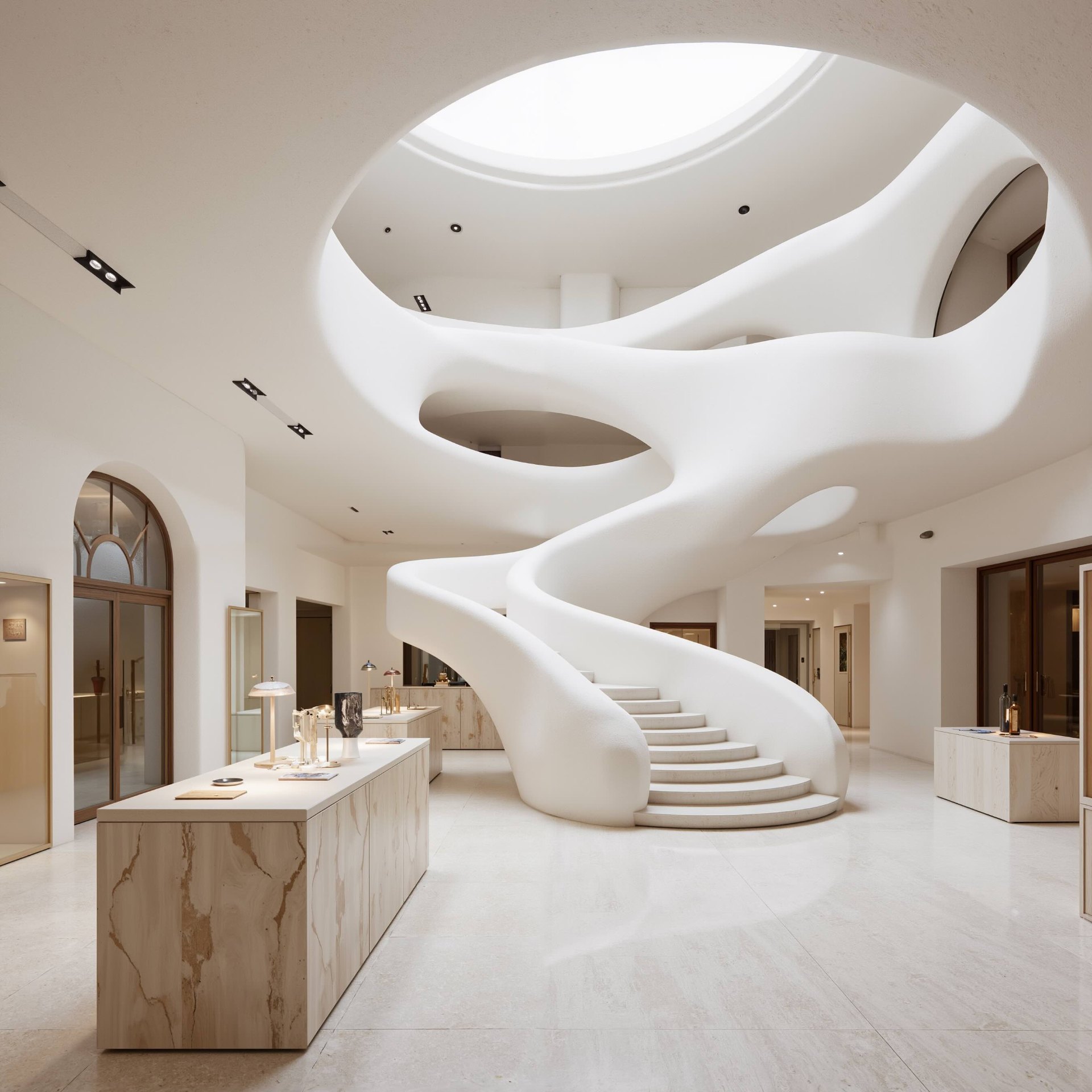
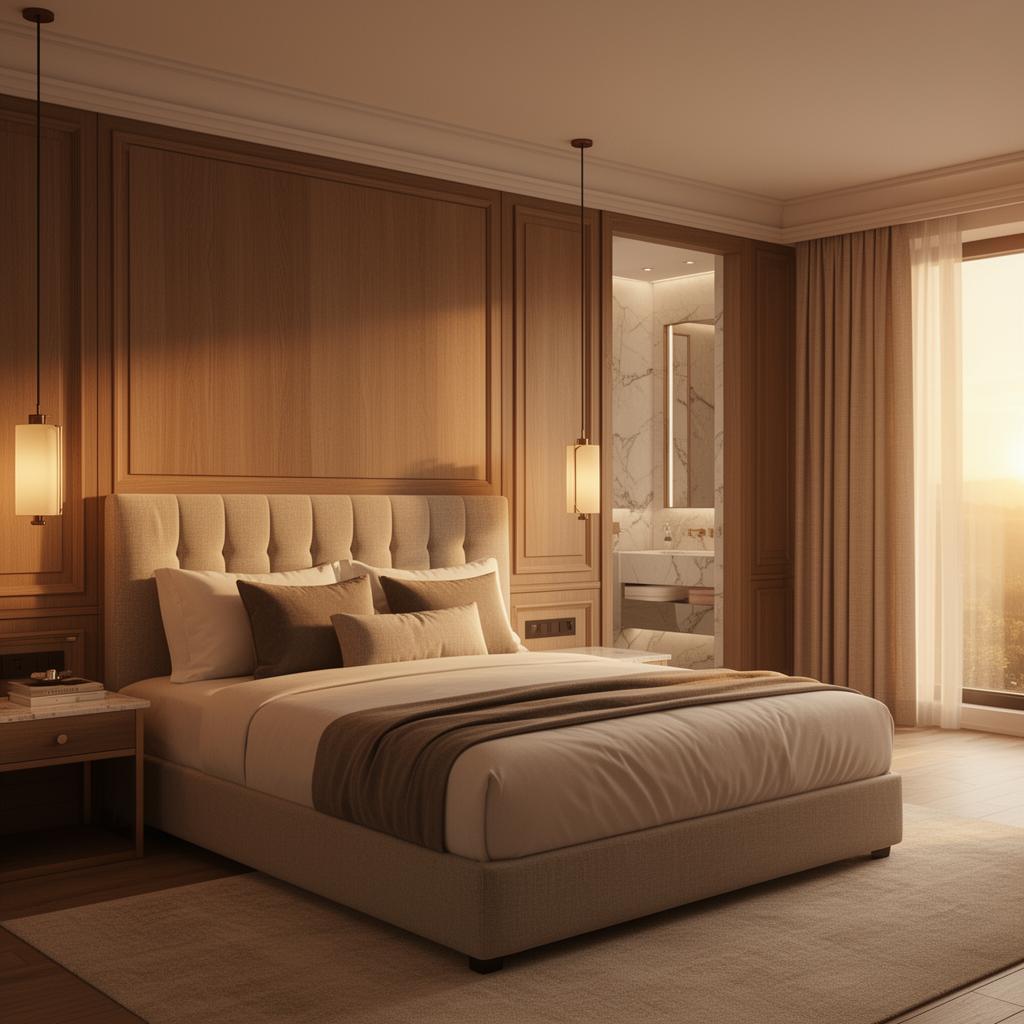
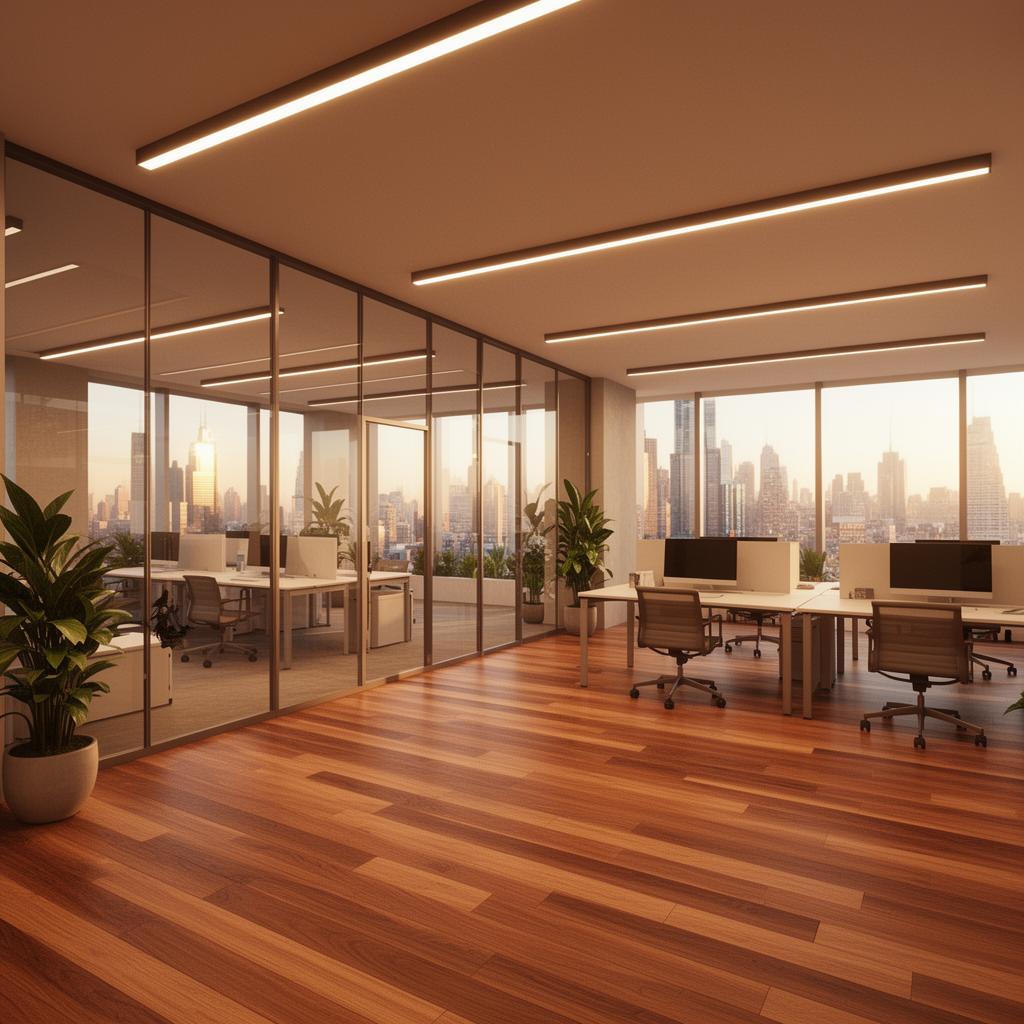
## Residential, hospitality, and commercial — rendered in minutes
AI rendering that understands interior spaces. Generate photorealistic visuals across every typology — from living rooms to hotel suites, offices to meeting rooms.

The challenge
## Interior design teams deserve better than fragmented AI tools
Traditional rendering pipelines mean overnight waits to see a living room concept. Generic AI generators produce kitchens with impossible proportions and bedrooms with floating furniture. And neither supports the collaborative decision-making that interior design demands. Visuals end up scattered across tools, inboxes, and drives — disconnected from the decisions they are meant to inform.
Why Gendo
## AI interior architecture rendering, built for teams
Speed and fidelity matter. But so does working together. Gendo combines AI rendering power with the collaborative canvas interior designers need.
### Seconds, not hours
Generate high-fidelity living room, kitchen, or bedroom renders from sketches or 3D models in minutes. No render queues, no overnight waits.
### Spatial precision preserved
Unlike generic AI, Gendo keeps your interior geometry fixed. Room proportions, joinery details, and furniture placement stay accurate to your design intent.
### Collaborative by design
A shared canvas where your interior design team generates, compares, annotates, and decides together — replacing disconnected image files and email chains.
### Material exploration in context
Test timber against stone, swap upholstery fabrics, compare warm and cool palettes — applied directly to your living room or kitchen design, side by side.
Collaboration
## The collaborative canvas for interior design teams
Interior design is a team discipline. Gendo gives every stakeholder — designers, directors, clients — a shared workspace where decisions happen visually, not verbally.
### Contextual annotations
Leave notes directly on a kitchen render or bedroom concept. Feedback stays attached to the visual, not buried in email threads.
### Multiplayer workspace
Multiple team members generate living room variations, review material options, and compare layouts simultaneously on the same canvas.
### Single source of truth
Every interior variation, comment, and client decision lives on the canvas. No version confusion, no lost files, no duplicated work.
### Private by default
Interior projects are confidential. Your residential and hospitality IP stays yours. Suitable for high-end client work and pre-planning design.
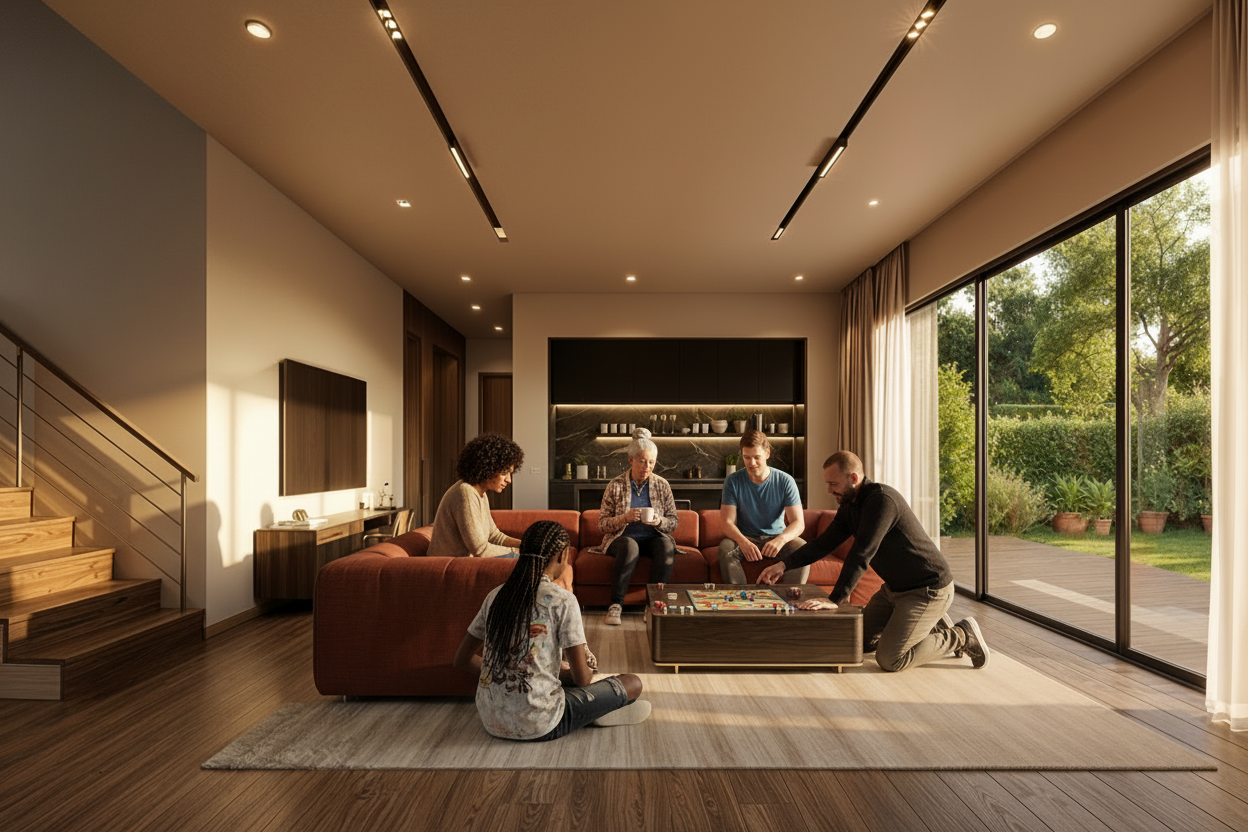
Material testing & product placement
## Place real products into real scenes
Drop a product image — a sofa, a chair, a light fitting — and Gendo places it into your interior render with accurate scale, lighting, and material response. Test finishes, compare options, and present to clients with confidence.
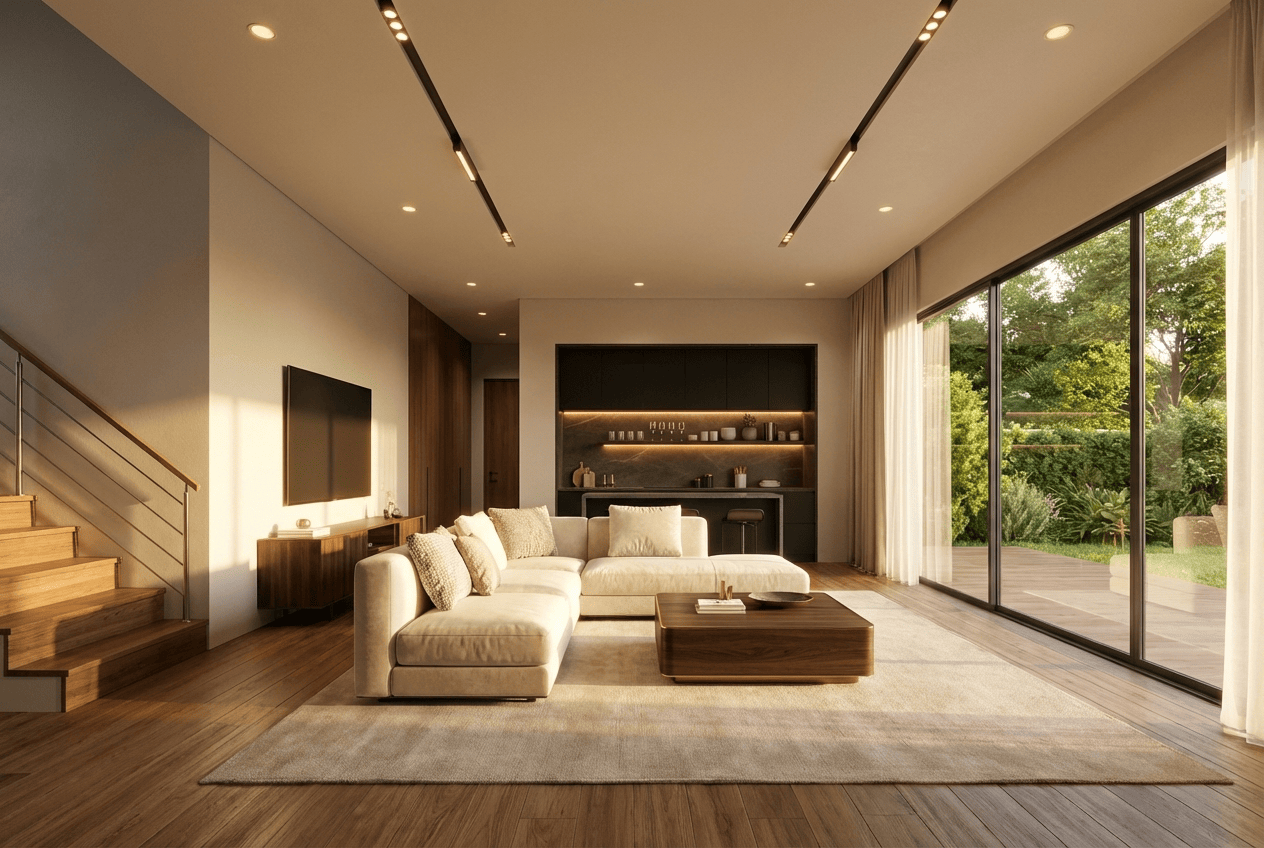
Original scheme — cream upholstery
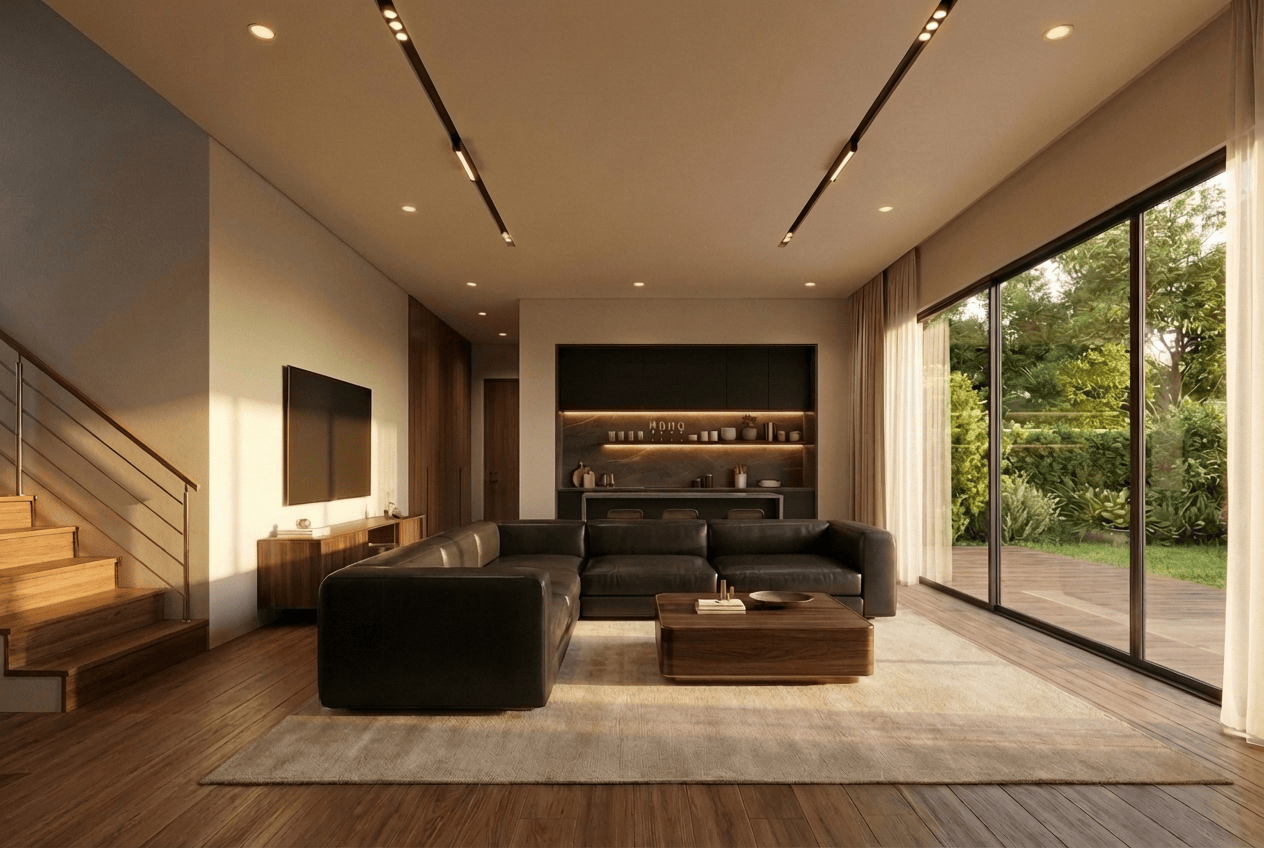
Product placed — dark leather sectional
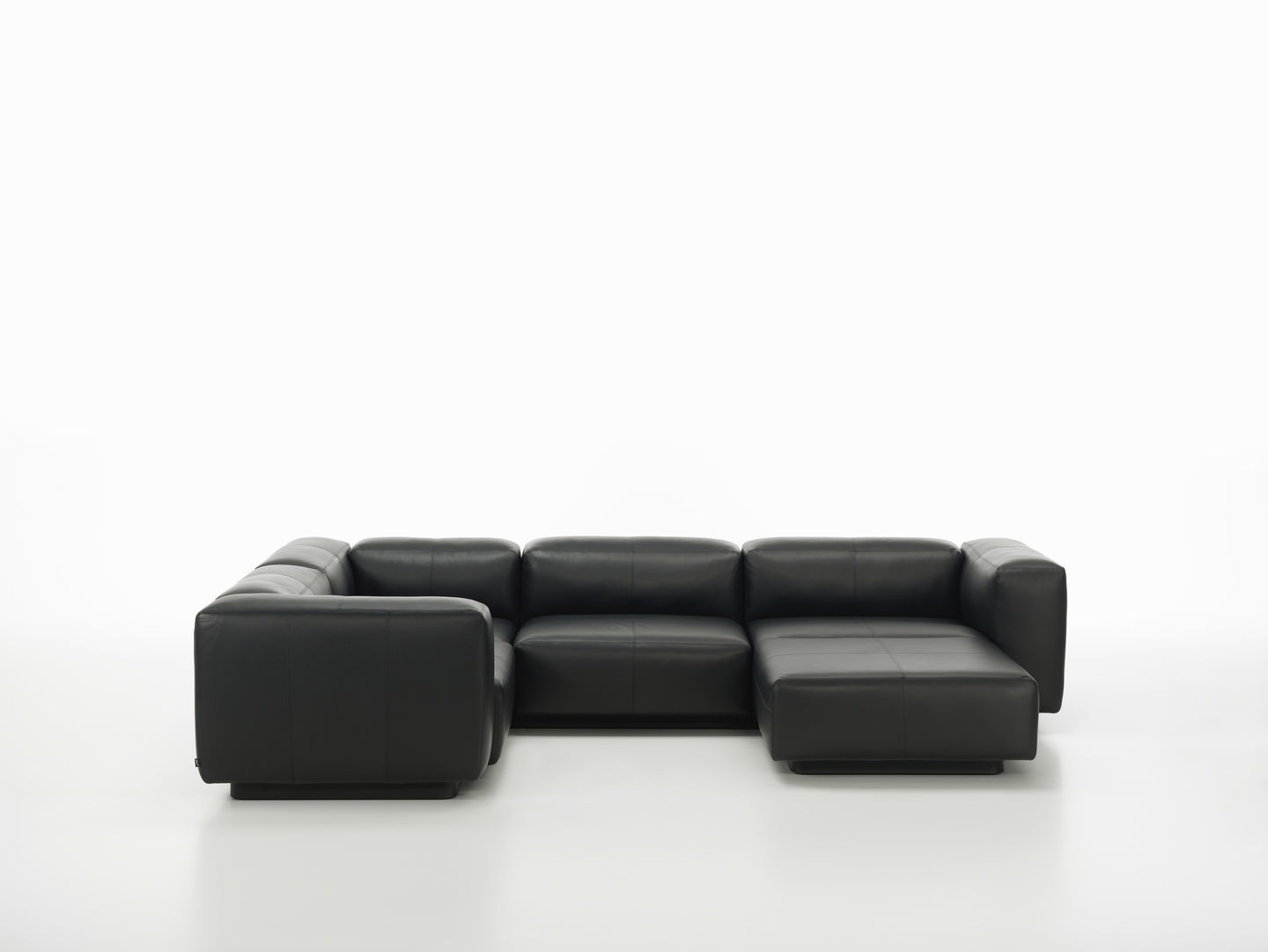
Product reference
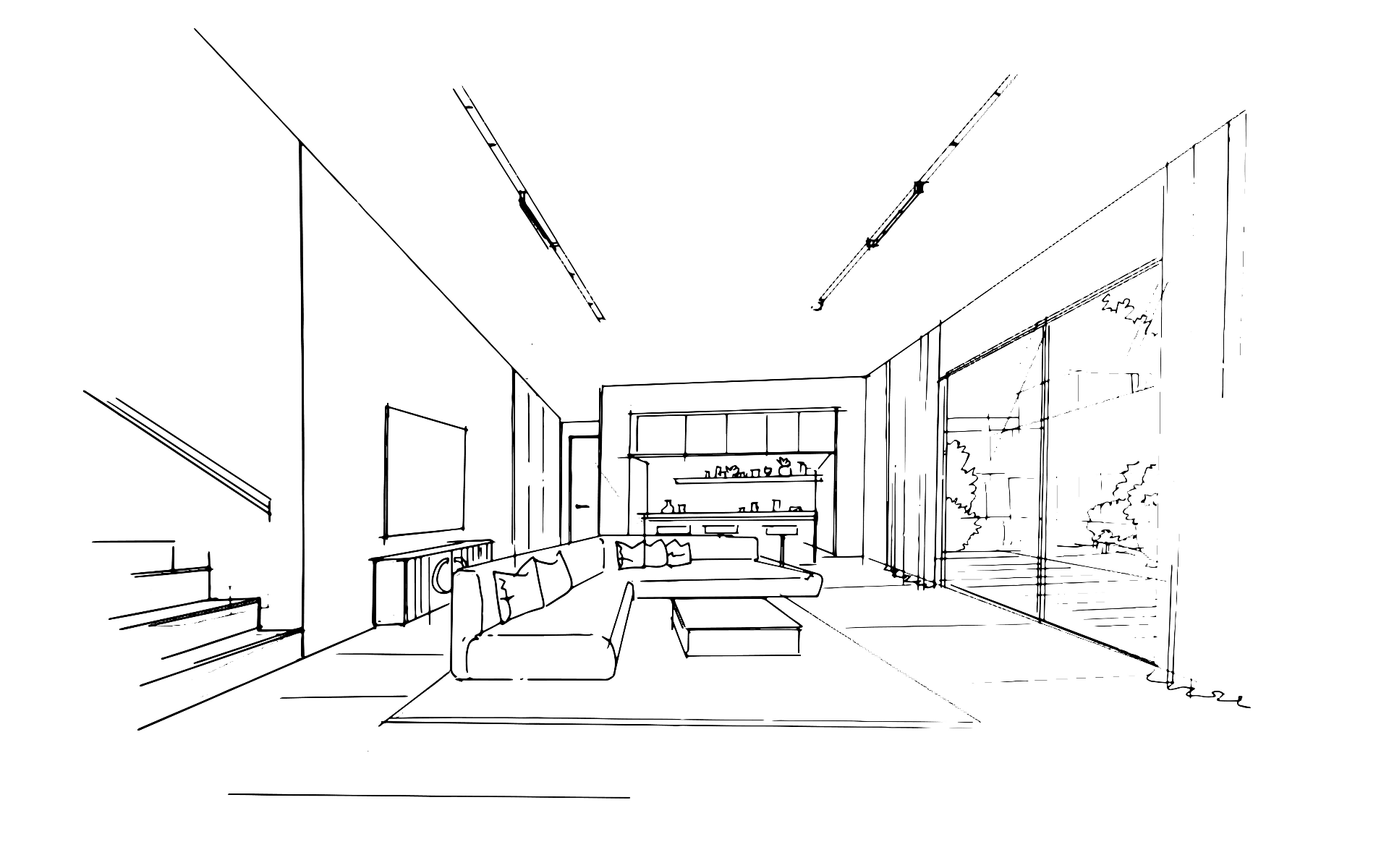
Sketch input
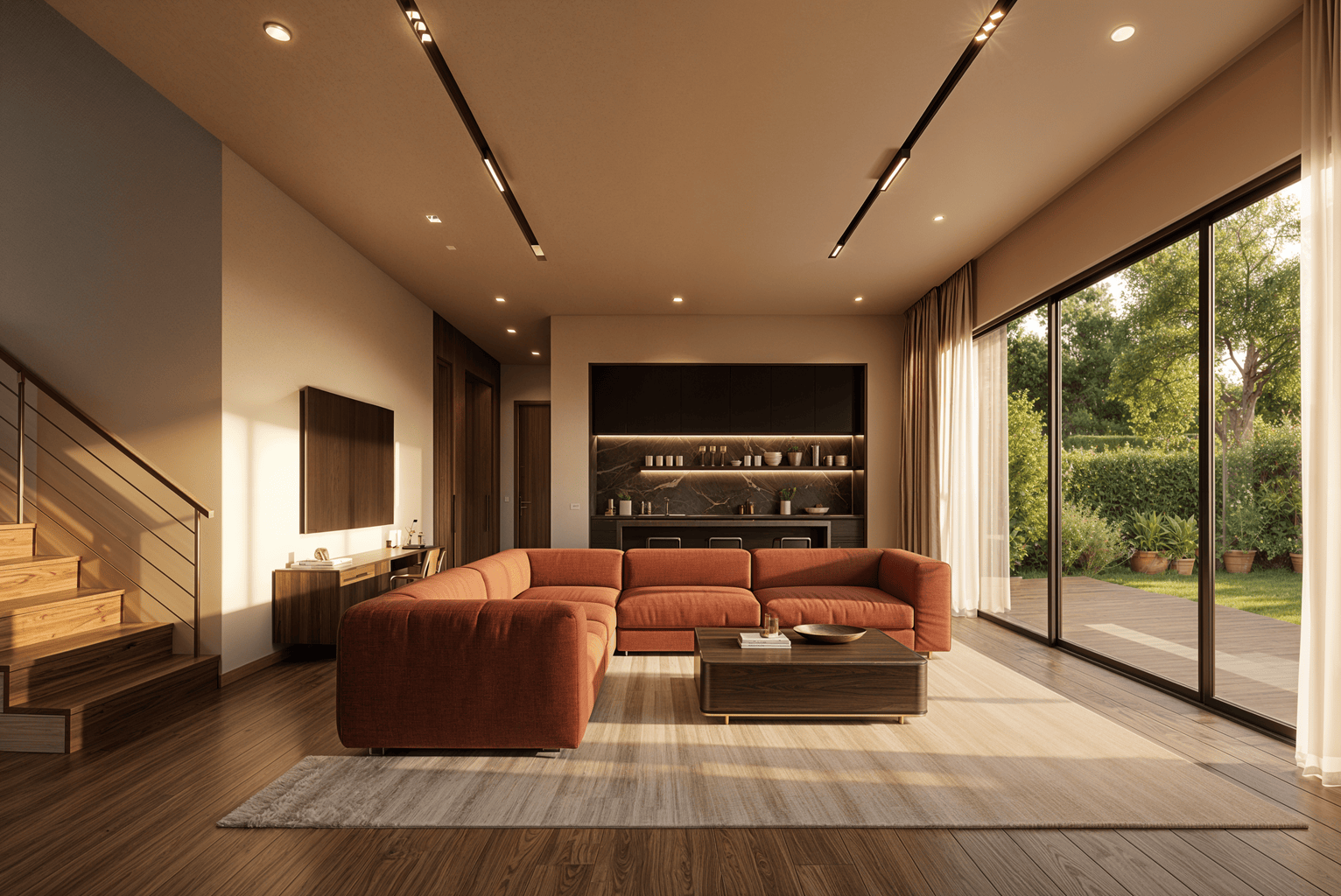
Terracotta variant
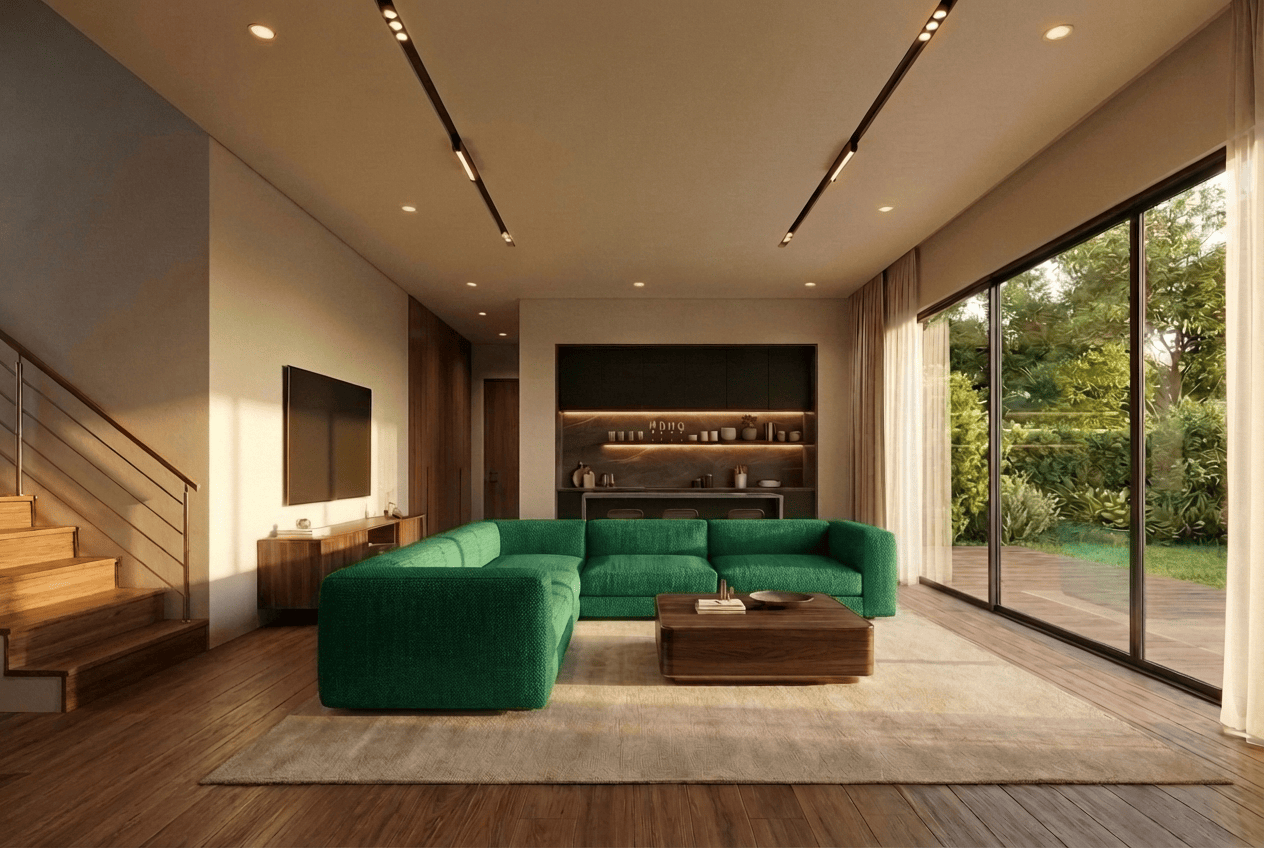
Emerald variant
Side-by-side material comparisons
Product placement from reference images
Non-destructive — geometry preserved
Shared with your team instantly
## From sketch to shared decision in three steps
AI tools for interior designers should fit the way teams already work.
01
### Upload your design
Import a sketch, grey model export, or viewport capture from SketchUp, Revit, Rhino, or any interior design tool.
02
### Generate and iterate together
Your team renders, swaps materials, adjusts lighting, and refines — all on the same collaborative canvas in real time.
03
### Decide and present
Compare variations, leave notes, align on a direction, and export presentation-ready visuals — all from one workspace.
[Create Your Canvas](https://app.gendo.ai)
Trusted by studios
## What architecture and interior design teams say
> "We no longer use Enscape. Gendo has fully replaced it in our workflow thanks to the quality it delivers."
>
> 
>
> Matt Green
>
> Director of Architecture, Salmon Planning
> "Gendo provided the speed and quality balance the team needed. Base renders could be enhanced to presentation quality in minutes rather than hours."
>
> 
>
> Bianca Pepler
>
> Designer, Cascadia Architects
> "Planning had stalled for months. The client showed a Gendo render in the meeting. Planners saw it and moved straight to planning."
>
> 
>
> Dan Thompson
>
> Architect, Origin Design Studios
Workflow integration
## Works with the tools interior designers already use
Import from SketchUp, Revit, Rhino, ArchiCAD, Vectorworks, Enscape, or any tool that exports images. No plugins, no file conversion, no vendor lock-in.
SketchUp Revit Rhino ArchiCAD Vectorworks Enscape Blender 3ds Max
FAQ
## Common questions about AI for interior designers
### What AI tools do interior designers use?
### Can AI generate interior design renders from sketches?
### Do I need powerful hardware to use AI interior rendering?
### Is my design work private when using AI rendering?
### How does AI for interior designers differ from generic AI image generators?
### Can teams collaborate on interior design visuals in real time?
### How much does AI interior design rendering cost?
Exploring AI interior design for the first time?
[Try the free AI interior design tool](/free-ai-interior-design)
[Gendo ](#)
A living canvas for visual exploration, iteration, and decision-making.
### Product
- [Product](/product)
- [Pricing](/pricing)
- [FAQs](/faqs)
### Company
- [About Us](/about-us)
- [Career](/career)
- [Environmental Statement](/about/environmental-statement)
- [Blog](/resources/insights)
- [Contact Us](/book-call)
### Connect
- [LinkedIn](https://linkedin.com/company/gendo-ai)
- [Instagram](https://instagram.com/gendo.ai)
- [YouTube](https://youtube.com/@Gendo-ai)
© 2026 Gendo. All rights reserved.
[Licenses](/licenses)[Terms of Service](/terms-of-service)[Privacy Policy](/privacy-policy)