
Edit architectural renders
without starting again.
Add people, change materials, refine landscaping, remove distractions, or adjust details in seconds — while preserving the rest of your image.
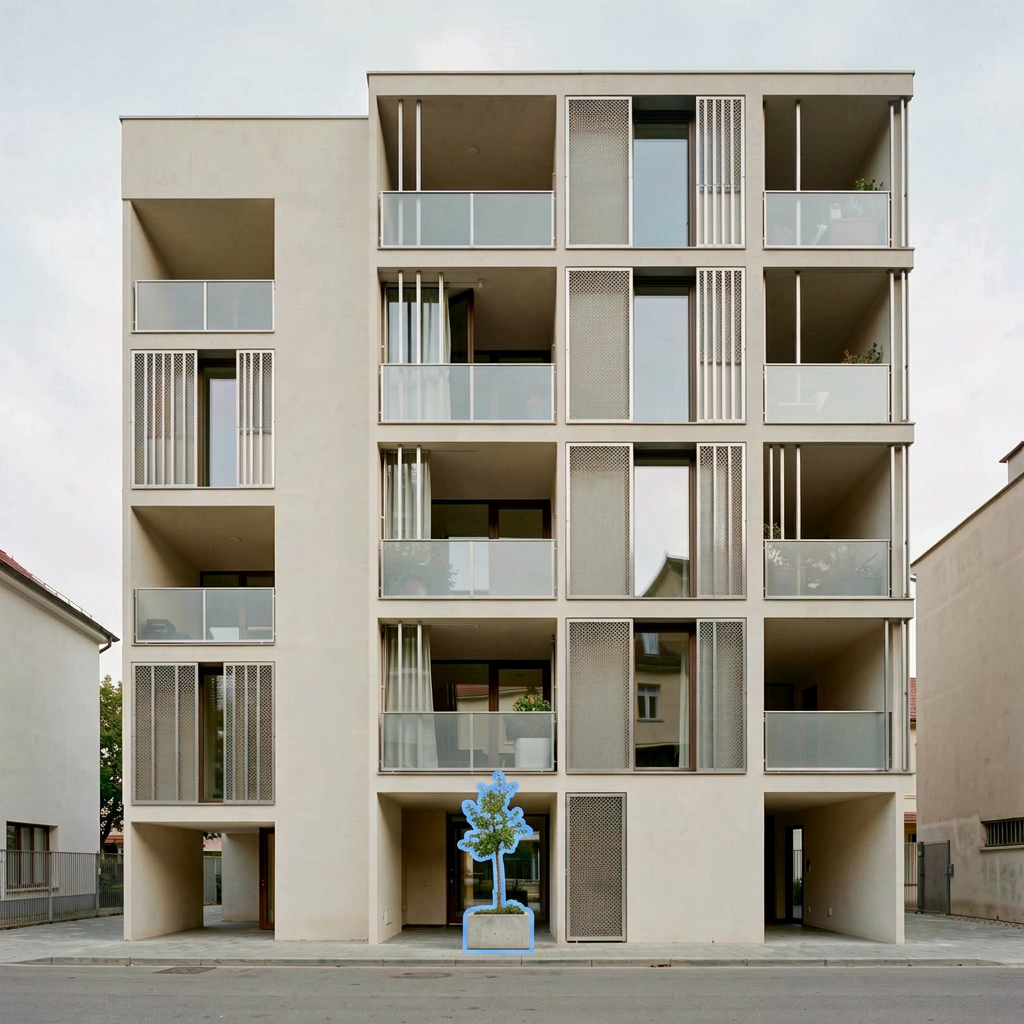
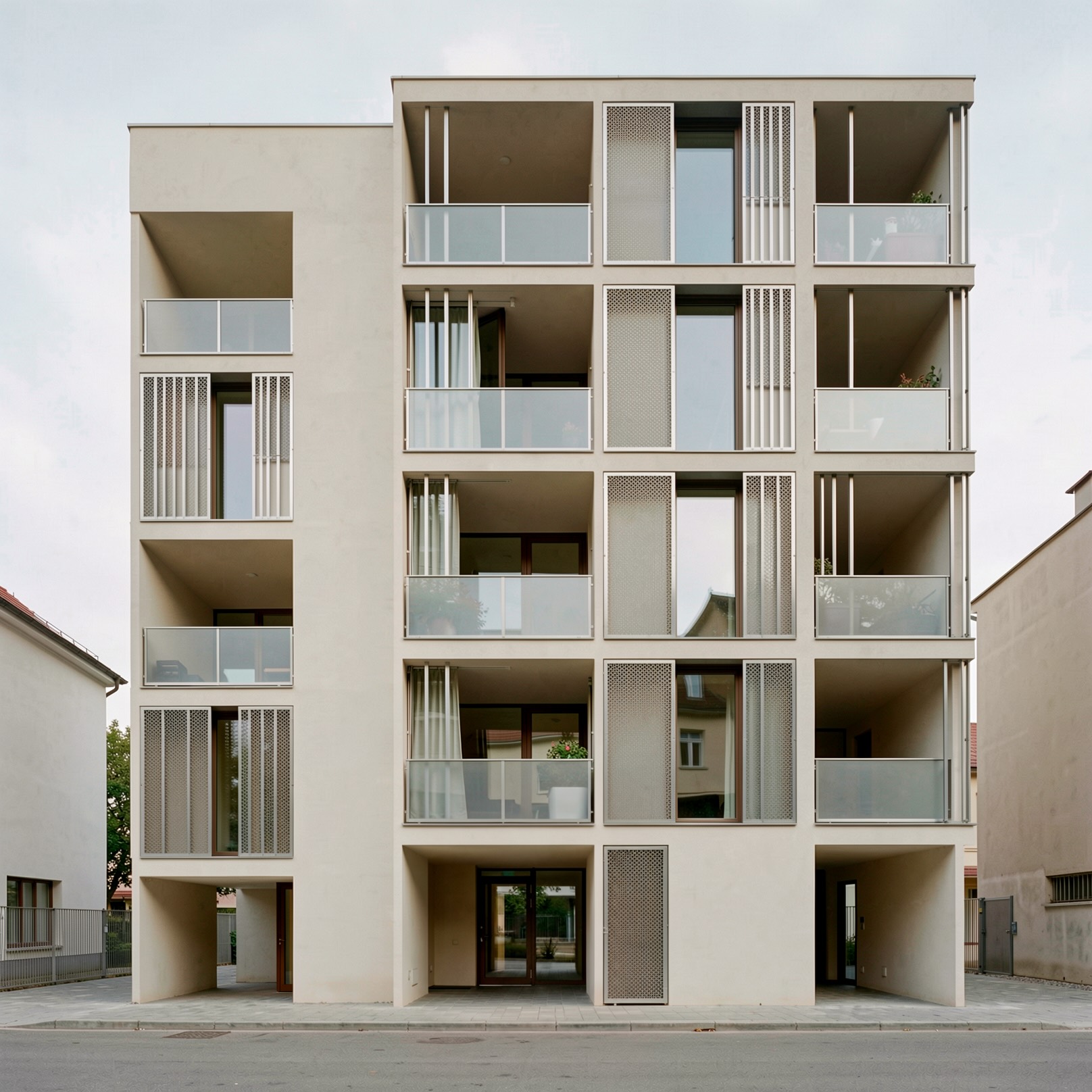 Selected: remove the treeHover to reveal
Hover to reveal the edit. Only the selected area changes — geometry, materials and lighting stay intact.
Trusted by architecture and design studios worldwide



Thousands of renders edited with Gendo every week.
Most AI image tools regenerate too much.
Precision Edit changes only what you select — and protects everything you've already approved.
Traditional workflow
- Re-render entire scene
- Lose composition consistency
- Slow iteration
Generic AI tools
- Unpredictable edits
- Poor architectural understanding
- Inconsistent outputs
Gendo Precision Edit
- Edit only the selected region
- Preserve lighting and composition
- Fast iterative refinement
How Precision Edit works
Three steps. Only the selected area changes — the rest of the image stays intact.
01
Select area
Draw a loose selection around the area to edit.
02
Describe the change
Use natural language prompts — no masking expertise required.
03
Generate variations
Review multiple options and apply your preferred result.
Live Gendo Canvas — pan, zoom and explore a real Precision Edit project.
Built for architectural editing.
Precision controls for studios that care about consistency.
Targeted editing
Select a precise area to modify while preserving the surrounding scene.
Architectural context awareness
Maintain lighting, perspective, materials, and composition consistency.
Natural language editing
Describe changes in plain English — "replace timber with dark concrete", "add people in the courtyard", "remove the parked car".
Reference image guidance
Guide edits using reference imagery for materials, furniture, landscaping, or styling.
Iterative workflow
Make one change at a time and refine visuals quickly without restarting.
Private by default
Your projects, prompts and outputs stay private. Never used to train public models.
One tool. Every render refinement.
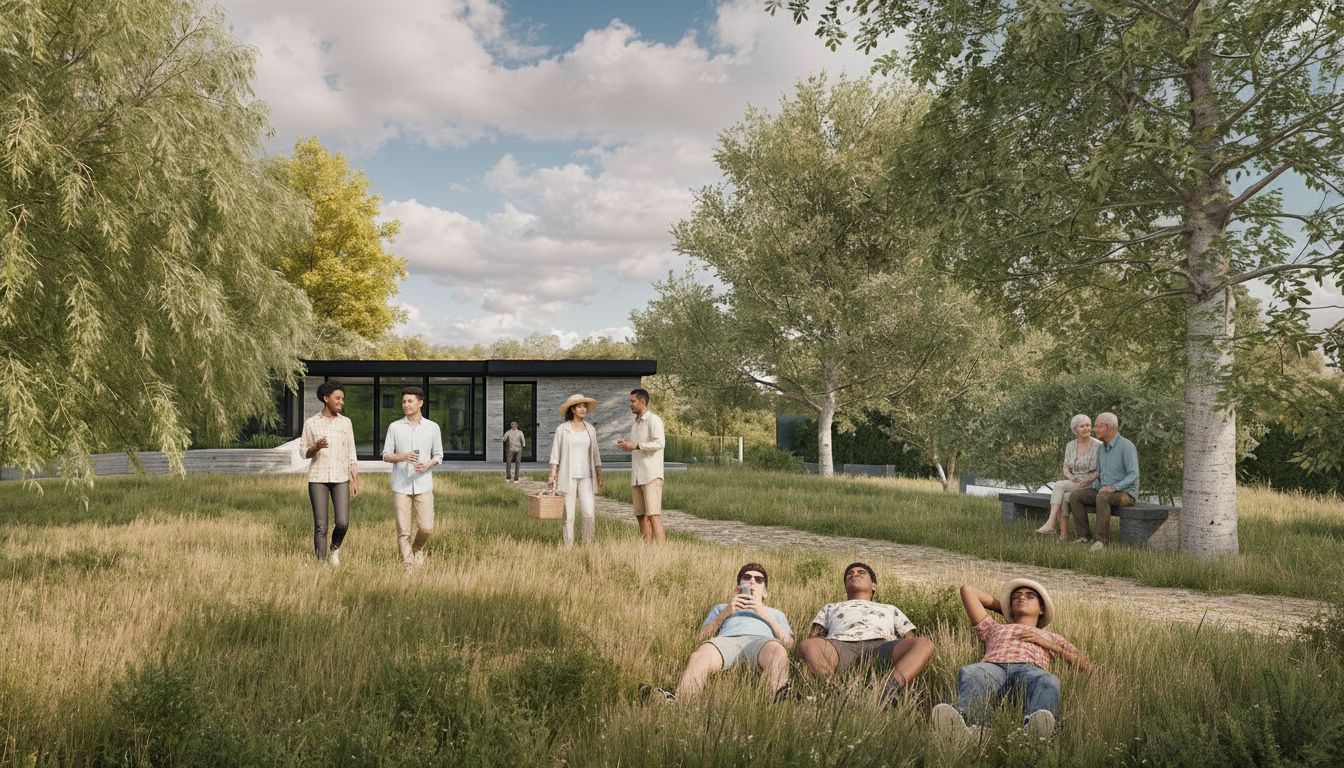
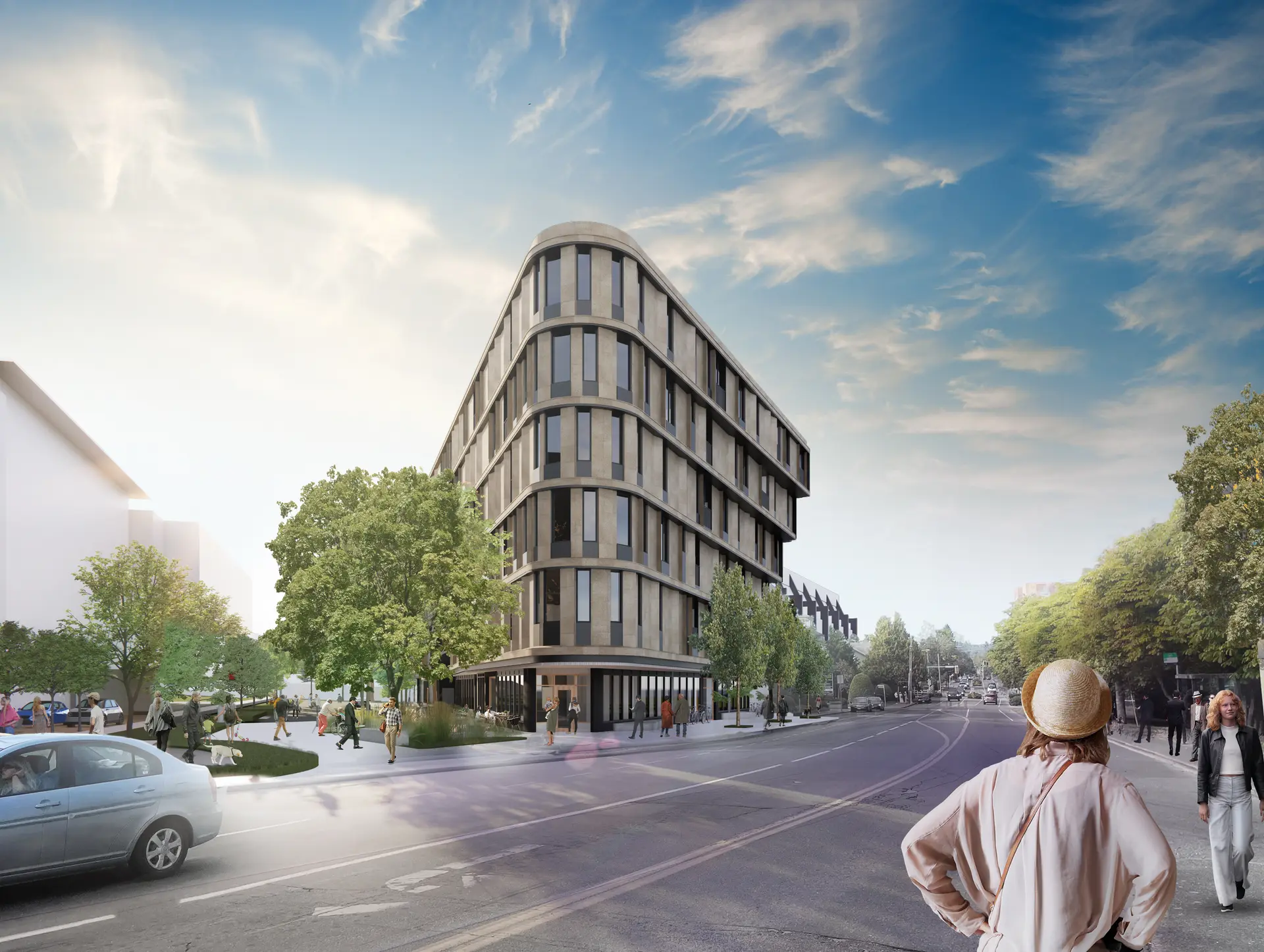
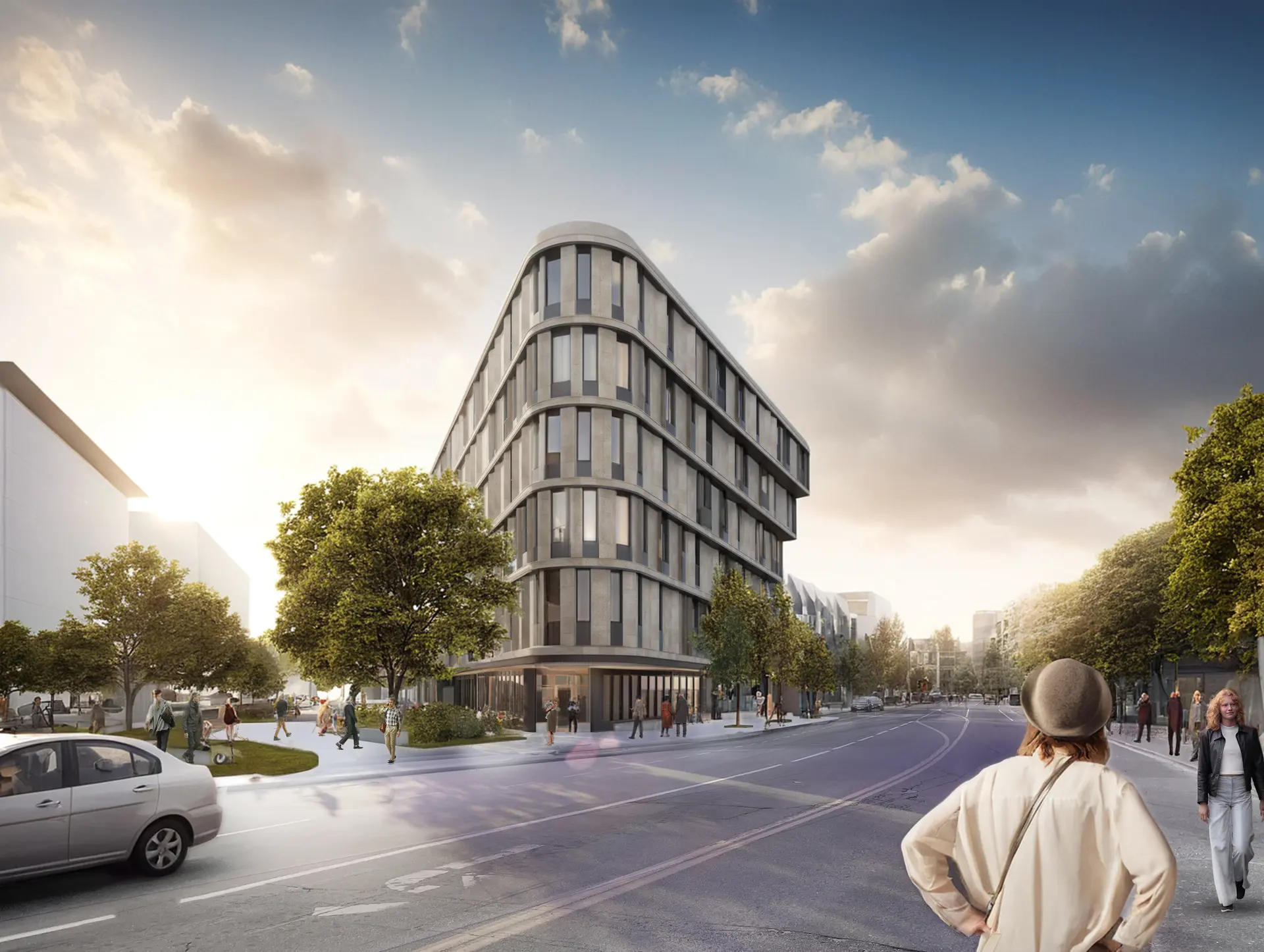
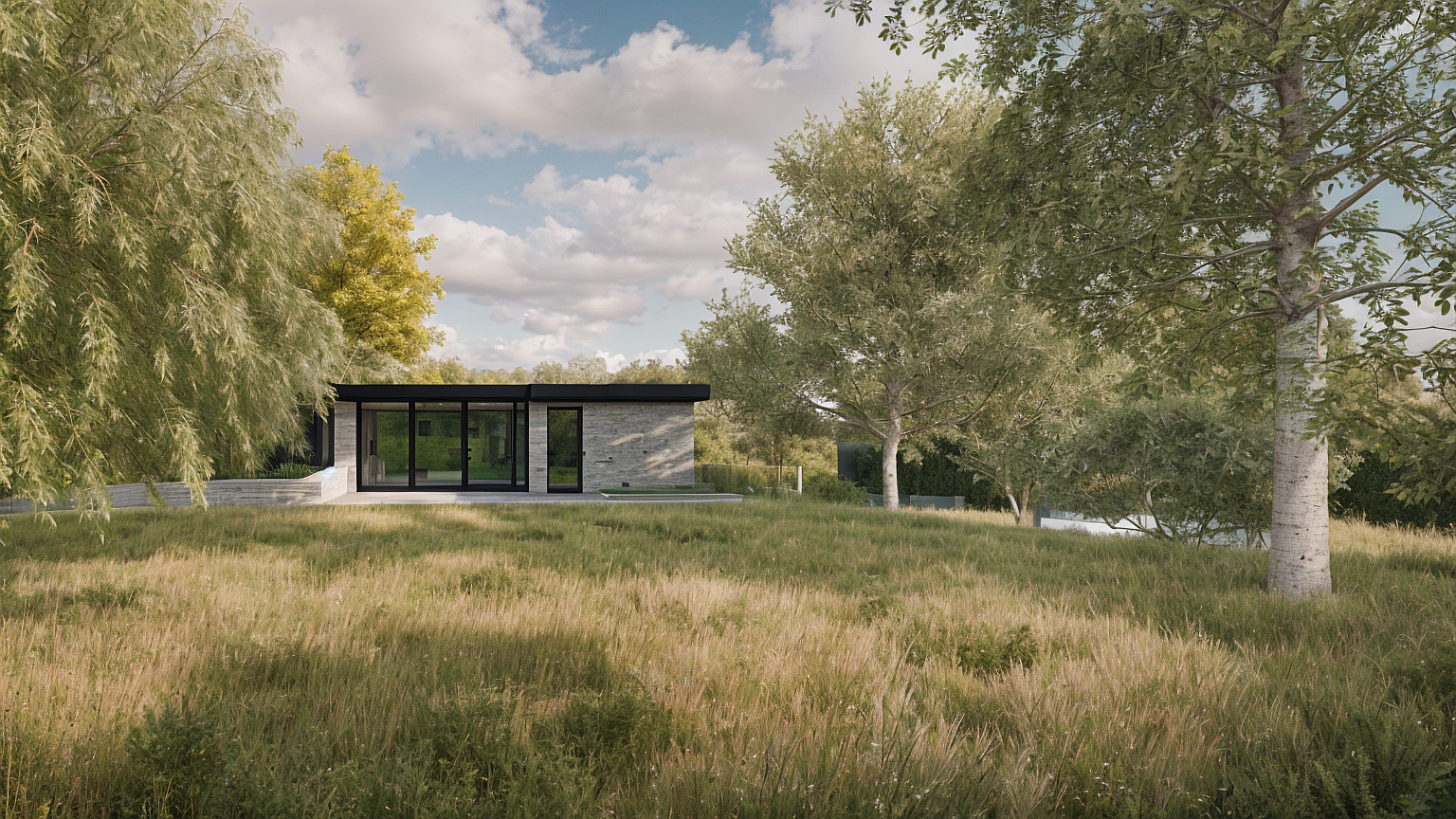 BeforeAfter
Add people & activity
 BeforeAfter
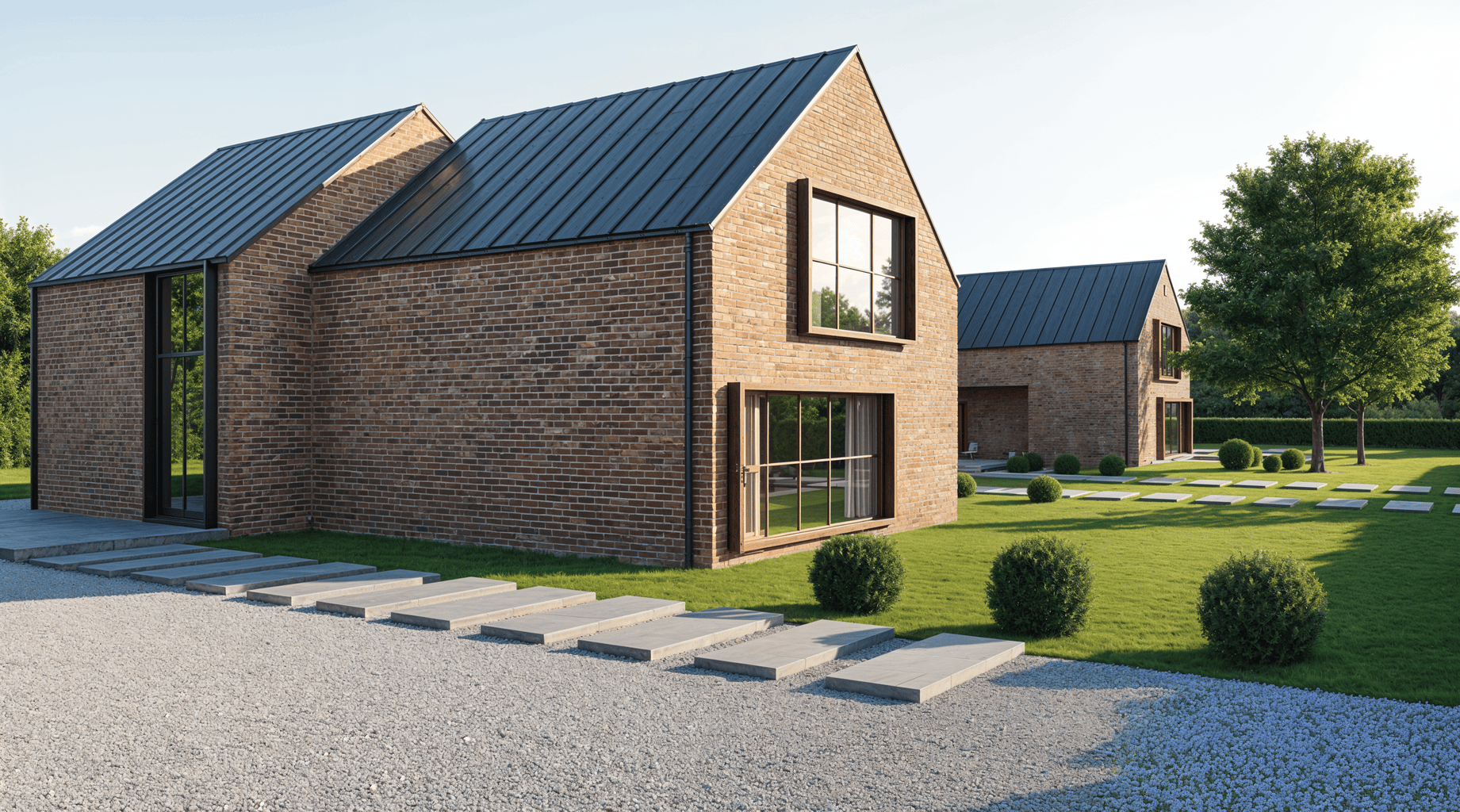
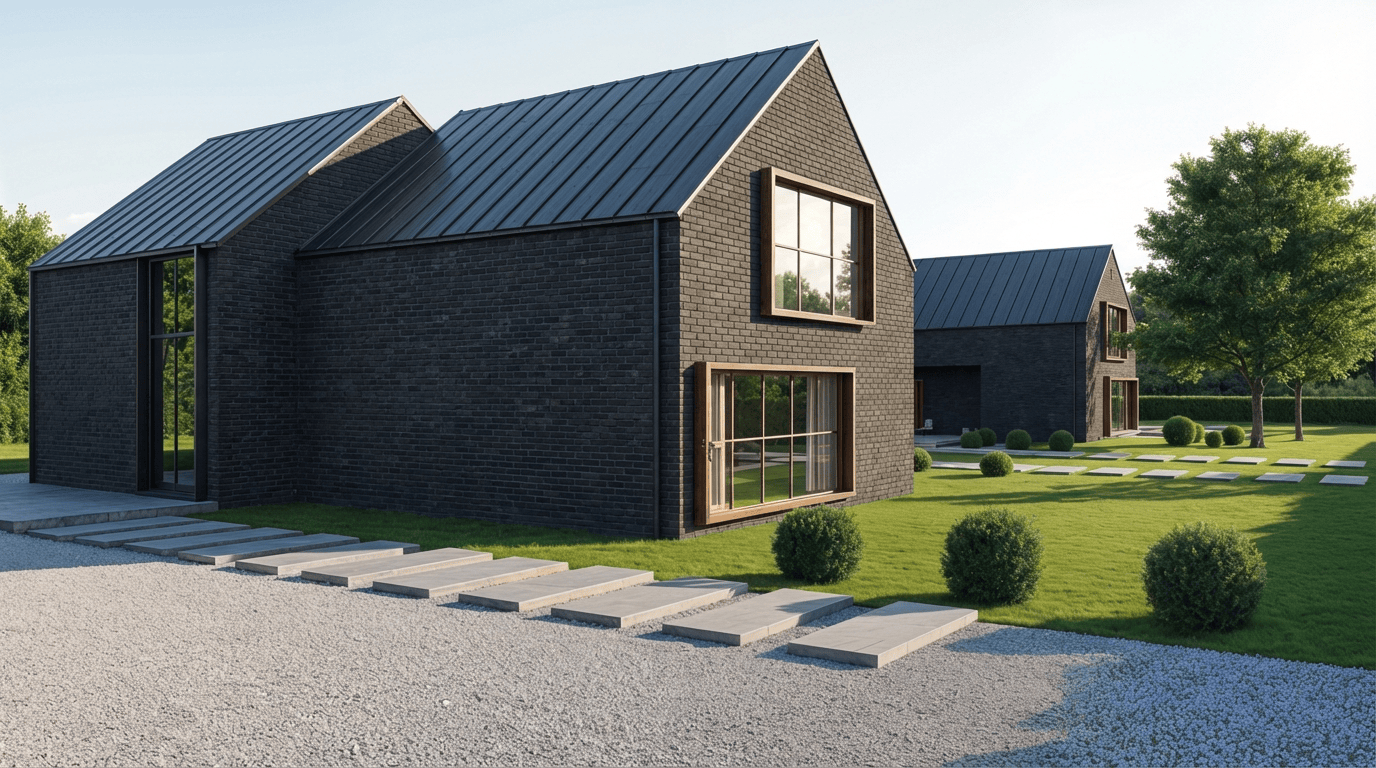
Replace materials
 BeforeAfter
Refine landscaping
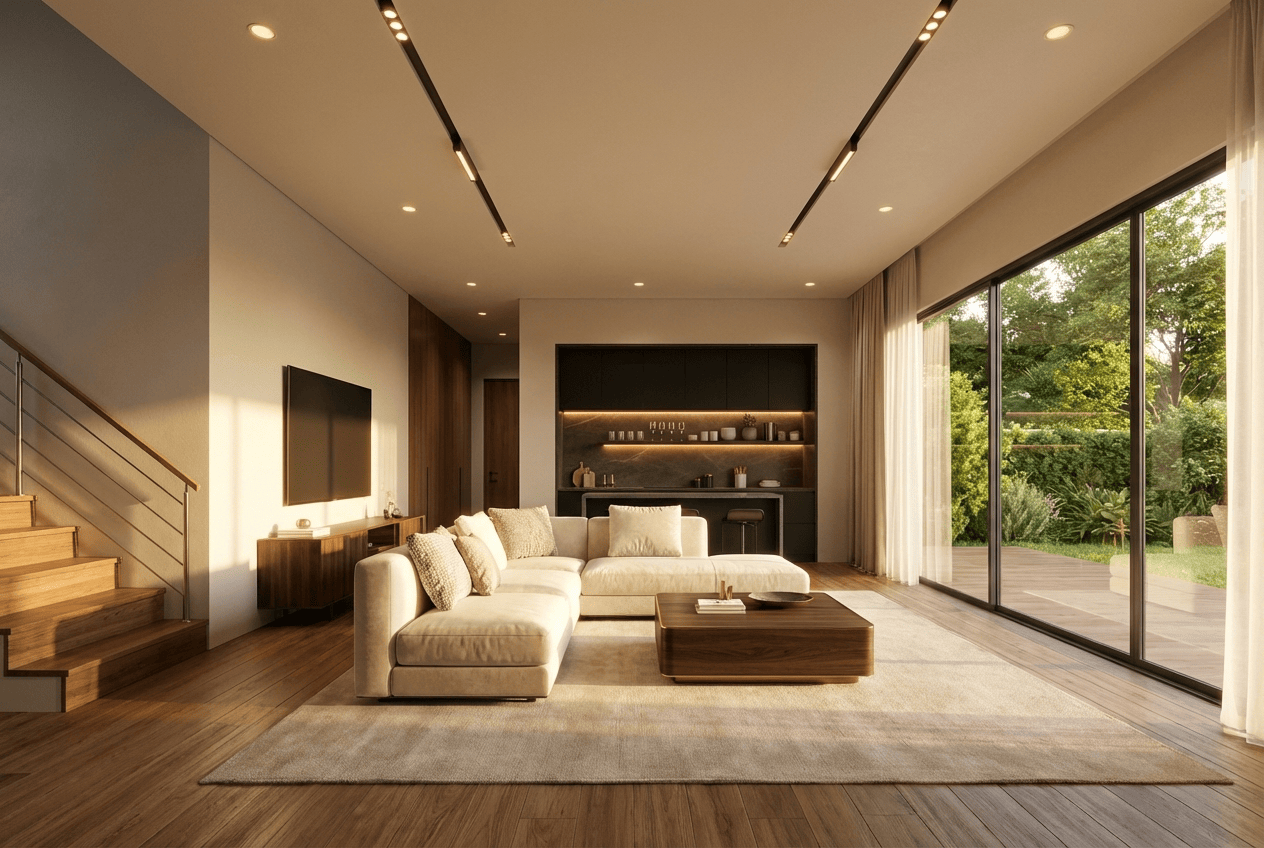
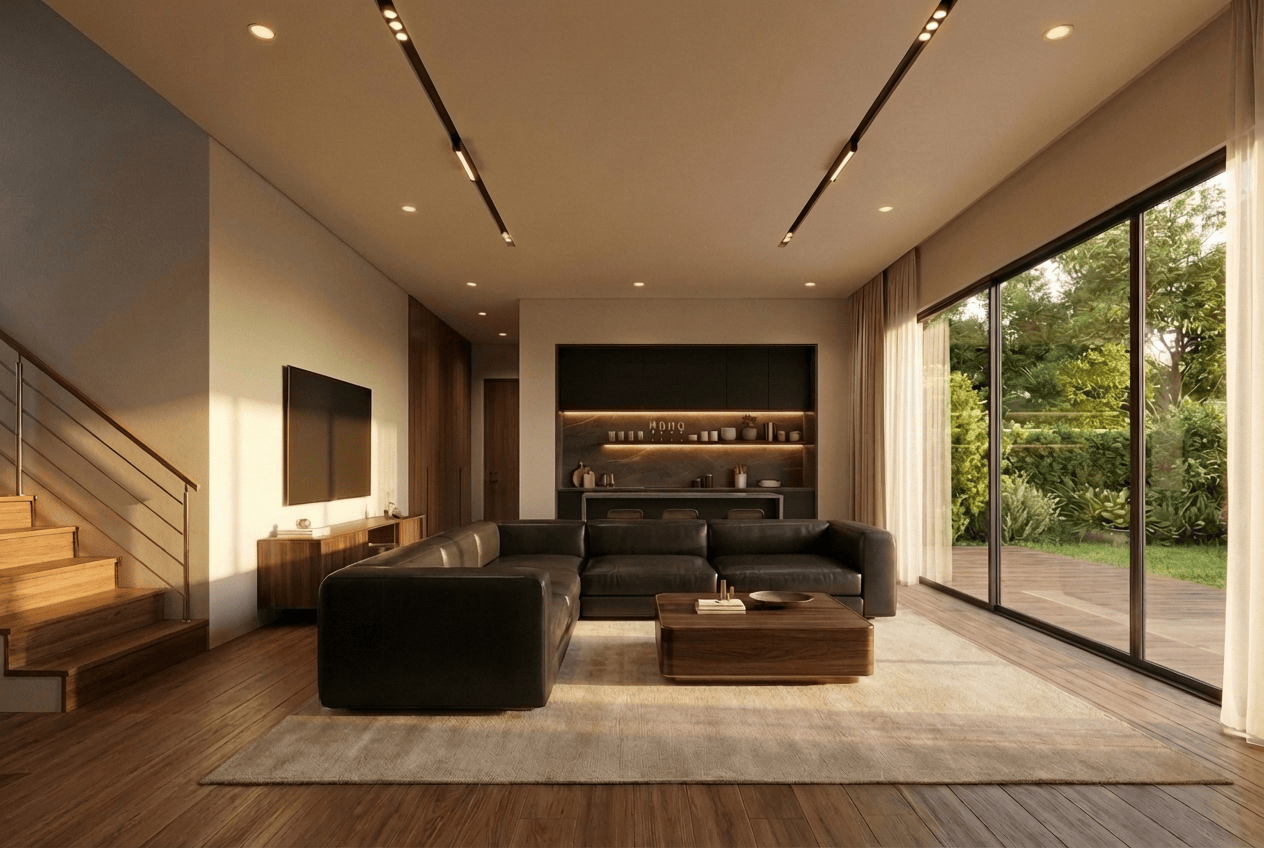 BeforeAfter
Adjust interiors
BeforeAfterRemove distractions
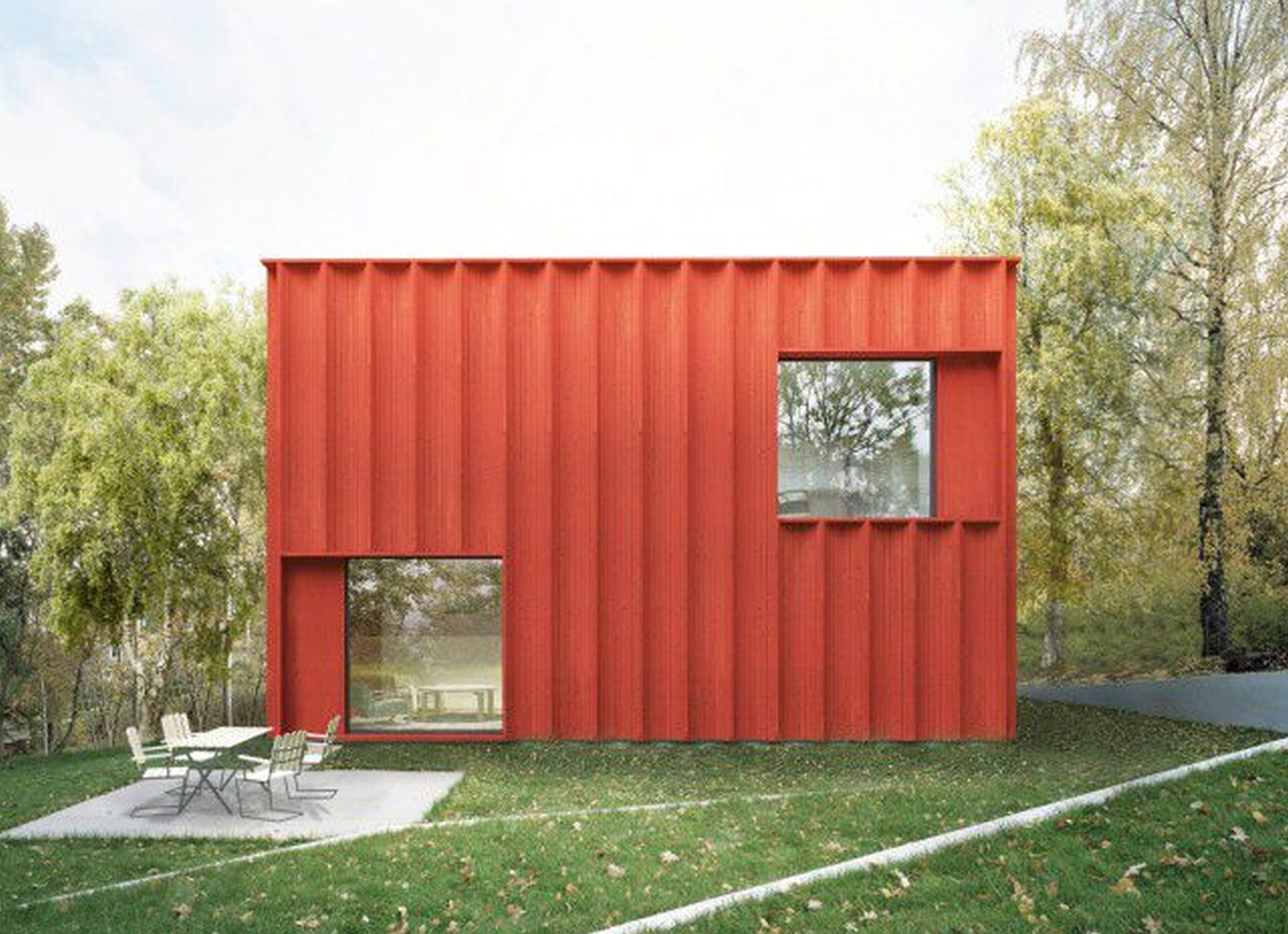
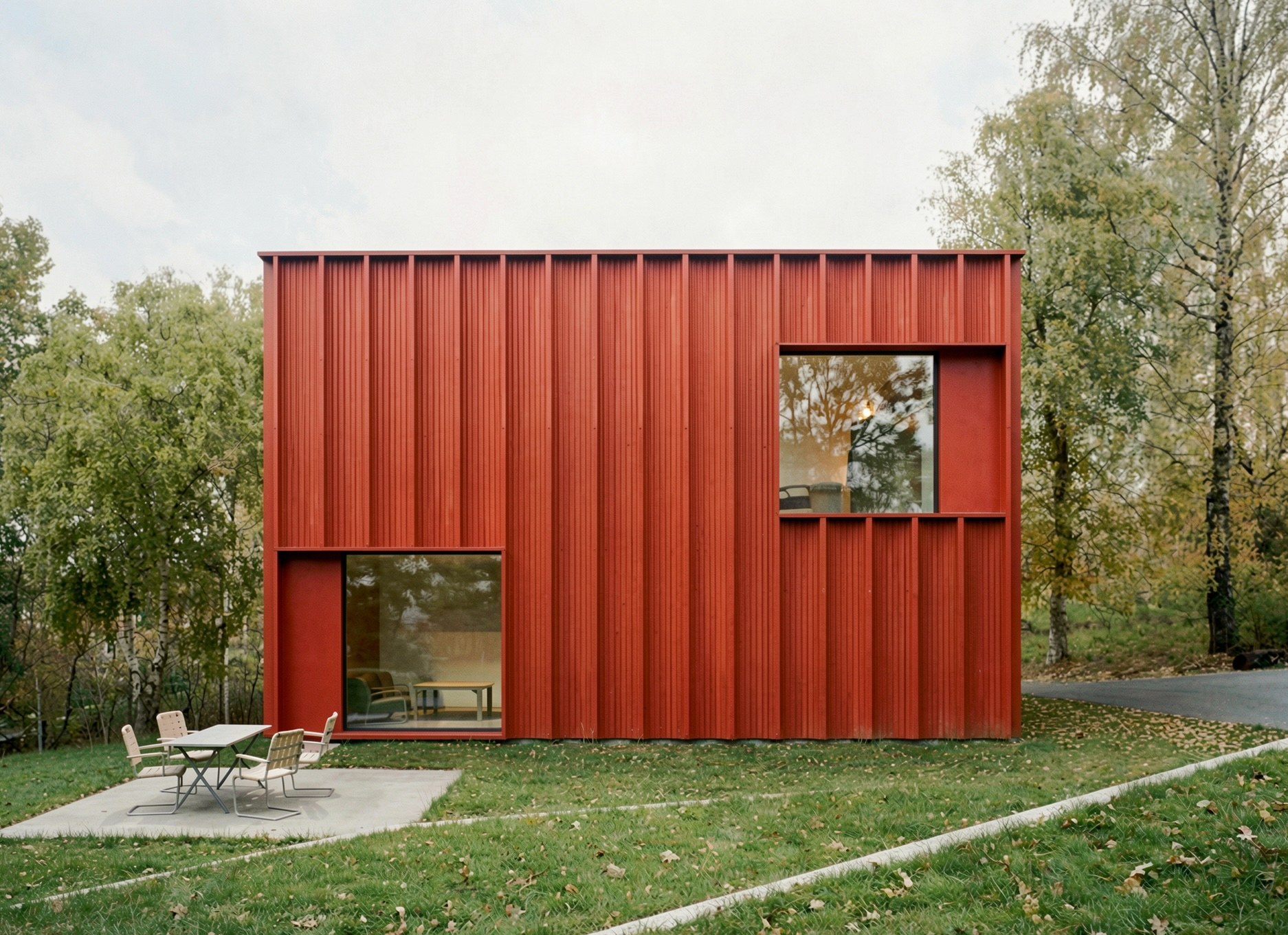 BeforeAfter
Enhance presentation visuals
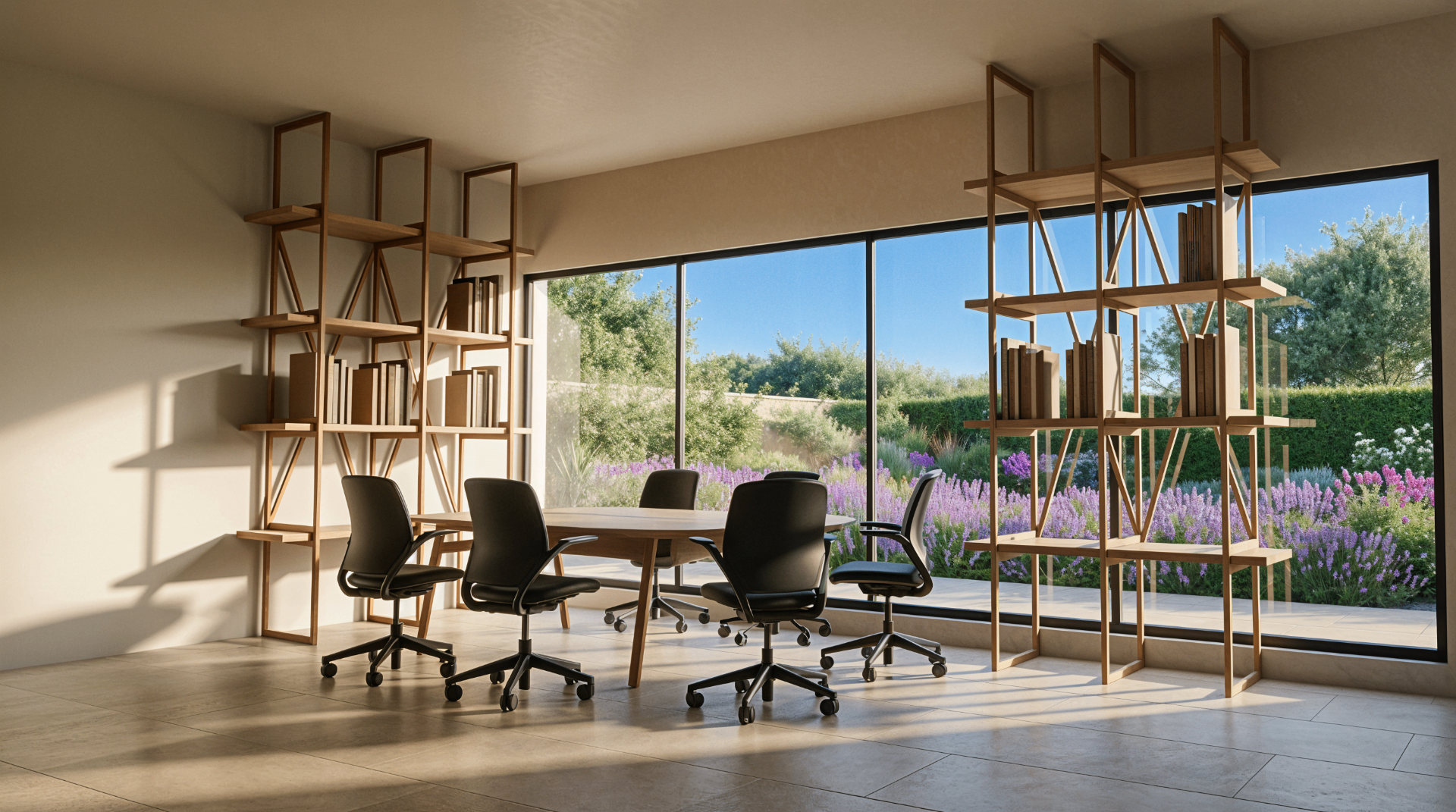
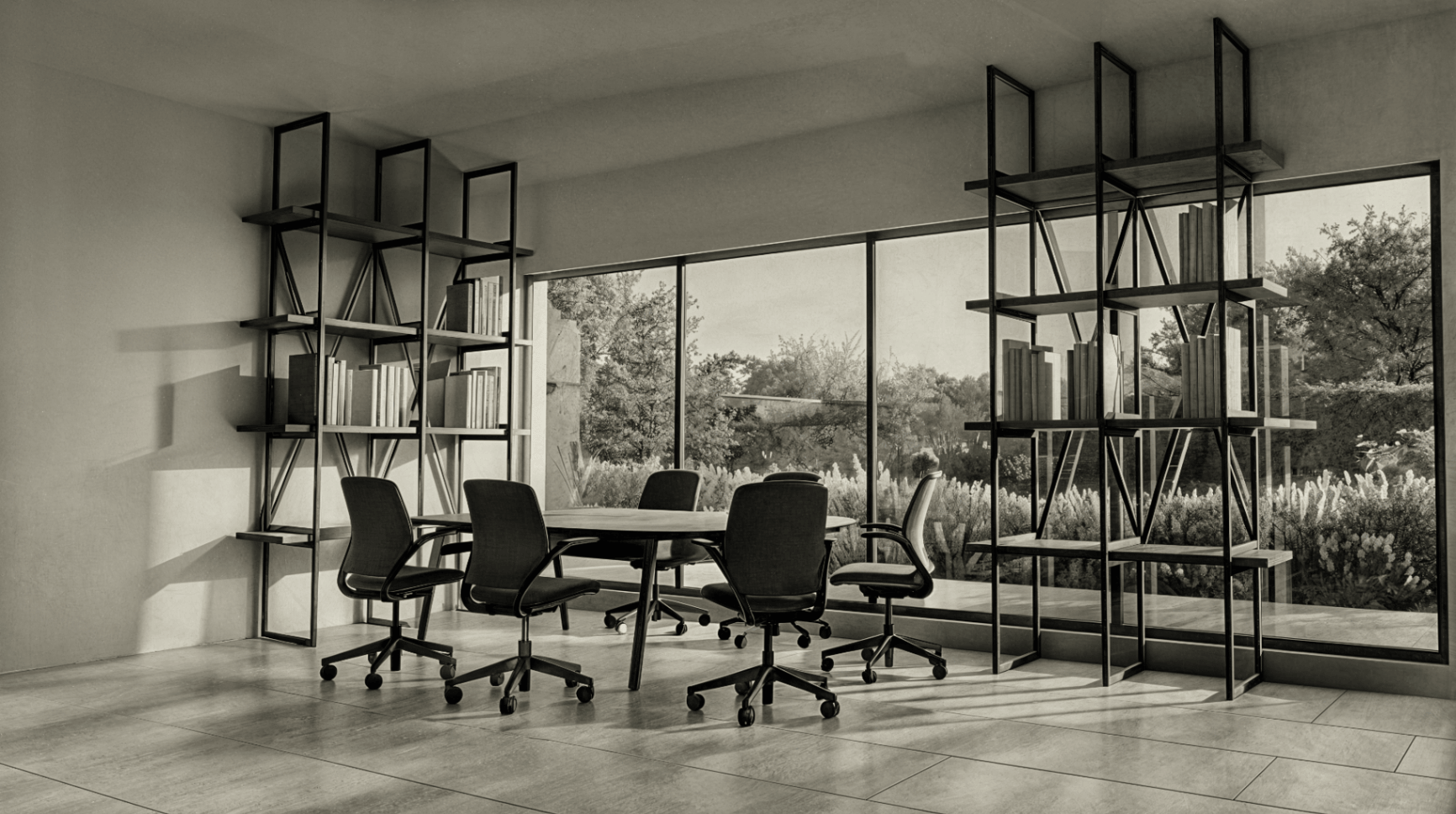 BeforeAfter
Restyle the scene
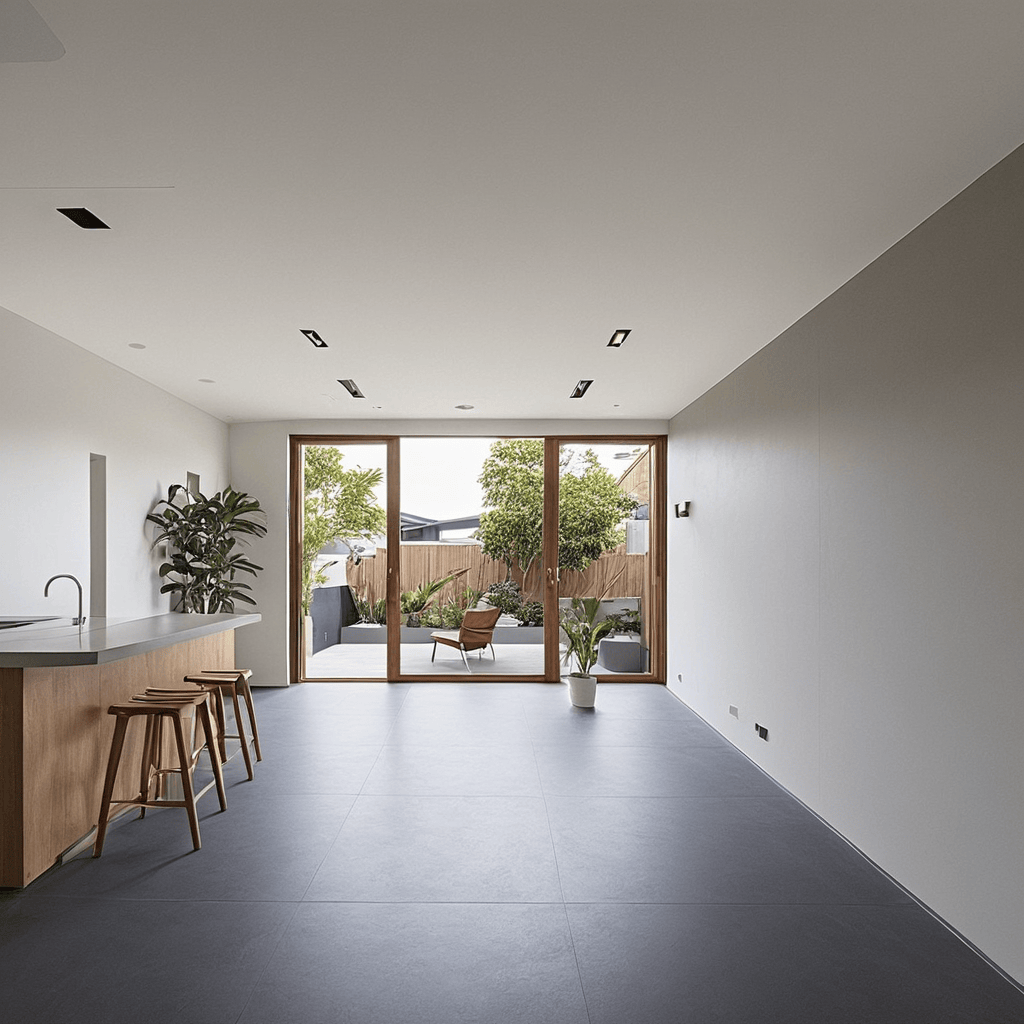
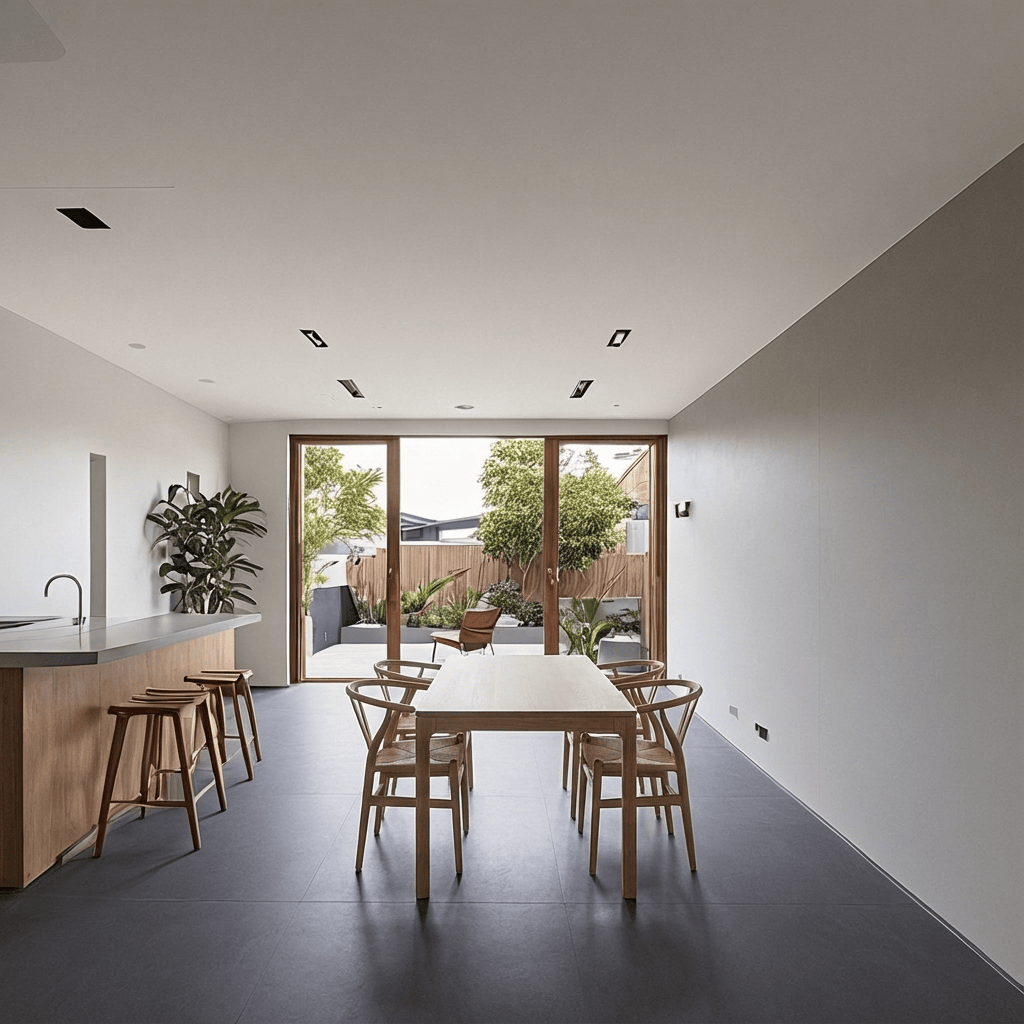 BeforeAfter
Add furniture & styling
Built for architectural workflows
| Photoshop | Generic AI | Gendo | |
|---|---|---|---|
| Fast selective edits | |||
| Preserve composition | |||
| Architectural understanding | |||
| Natural language editing | |||
| Multiple design variations | |||
| No masking expertise required |
Proof in practice
Studios shipping better work, faster
See how architecture teams use Gendo to win pitches, accelerate approvals, and deliver higher-quality visuals.

Dan Thompson
Origin Design Studio
"Gendo has completely changed how we present to clients. What took days now takes hours."
Bianca Peplar
Cascadia Architects
"We explore more options in a single session than we used to in a week."
Wayne Greenland
Habitat Studio Architects
"The speed lets us iterate with clients in real time — decisions happen in the room."
Keep your render. Change what matters.
Iterate faster, present better visuals, and avoid unnecessary re-rendering.
Free to start · No credit card · Private by default